Guides & how-tos
Does Your Website Look AI-Generated? A 4-Point Check
Run four quick checks on your homepage to see if it looks AI-generated, from copy to photos, plus a simple fix for each one so it looks like your business.
8 min read
Step-by-step guides and best practices.
Run four quick checks on your homepage to see if it looks AI-generated, from copy to photos, plus a simple fix for each one so it looks like your business.
Squarespace only exports part of your site. Here's what you can take with you and how to move step by step without losing your Google ranking.
Wix doesn't let you export your whole site. Here's what you can take with you and how to move off Wix step by step without losing your Google ranking.
Thinking of leaving WordPress? Here's how to move your website step by step without losing your Google ranking, your domain or your email.
AI websites look the same because tools share training data, component libraries, and vague prompts. Here's the five-step fix that works in any tool.
A step-by-step guide to designing website sections with AI — set your brand first, then prompt one section at a time. Includes copy-paste prompts.
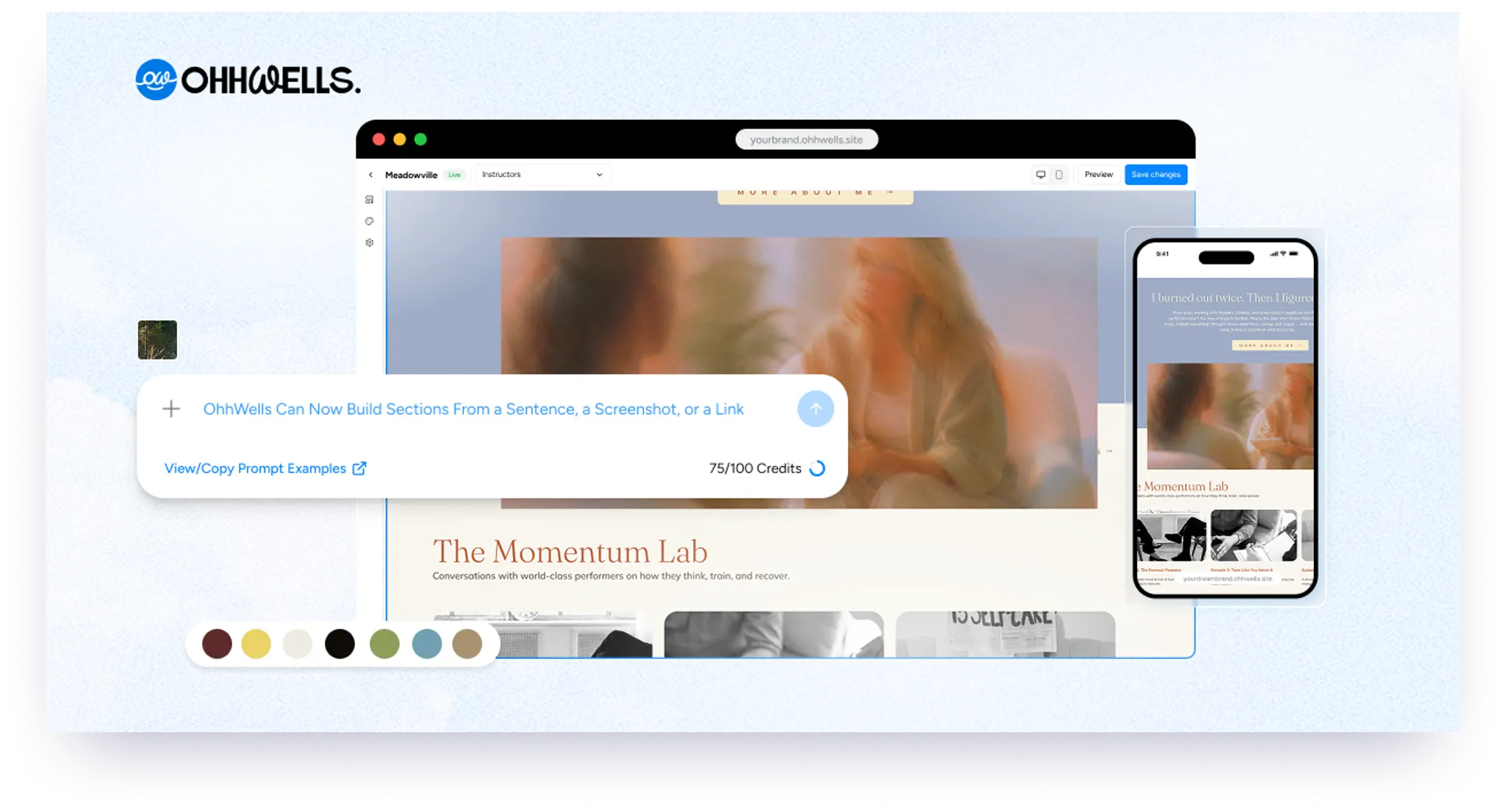
OhhWells now builds website sections from a sentence, a screenshot, or a link — styled in your site's own brand, live in the Canvas editor.
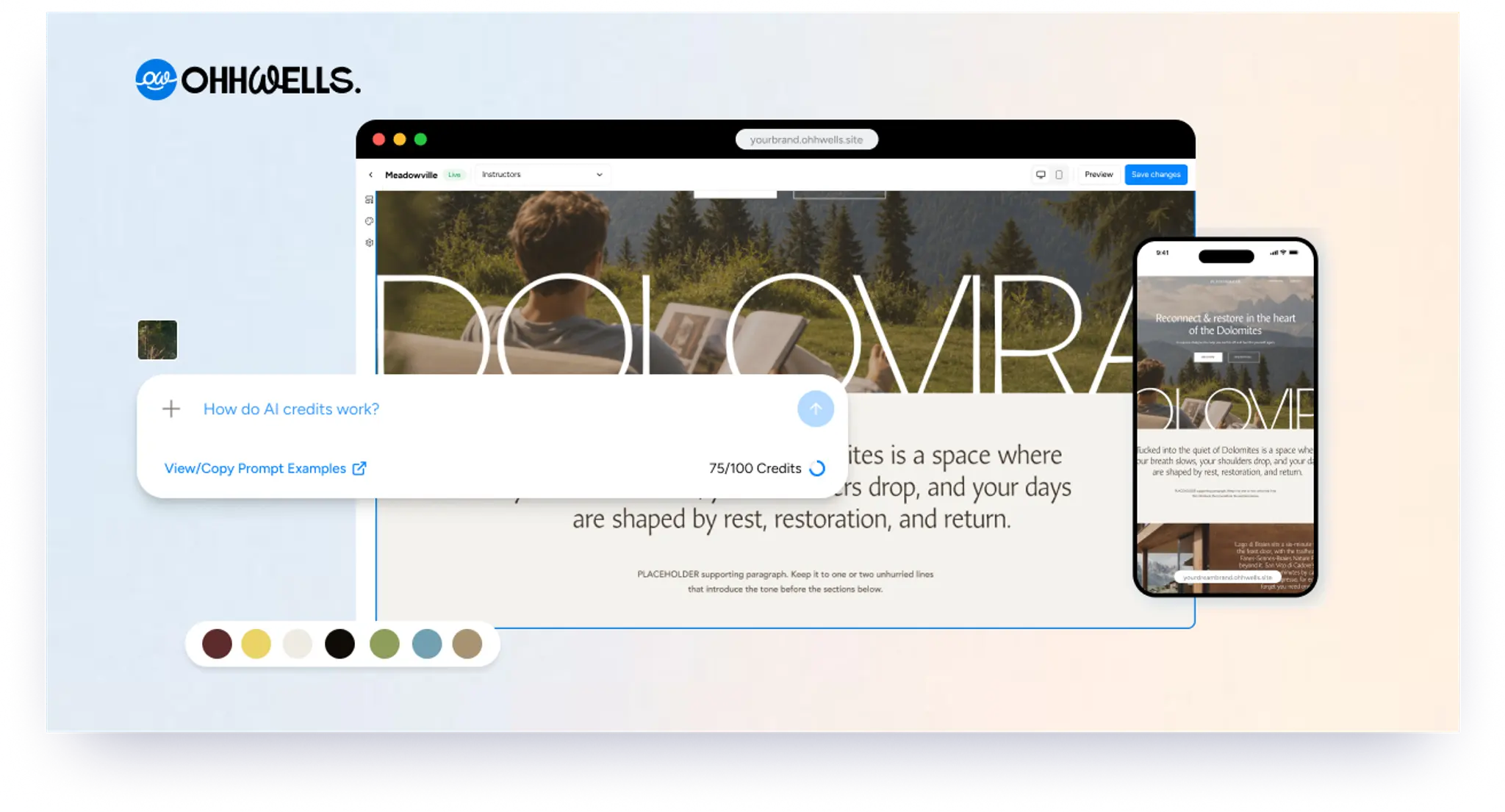
How AI credits work on OhhWells — what uses them, what doesn't, and what happens if you run out.
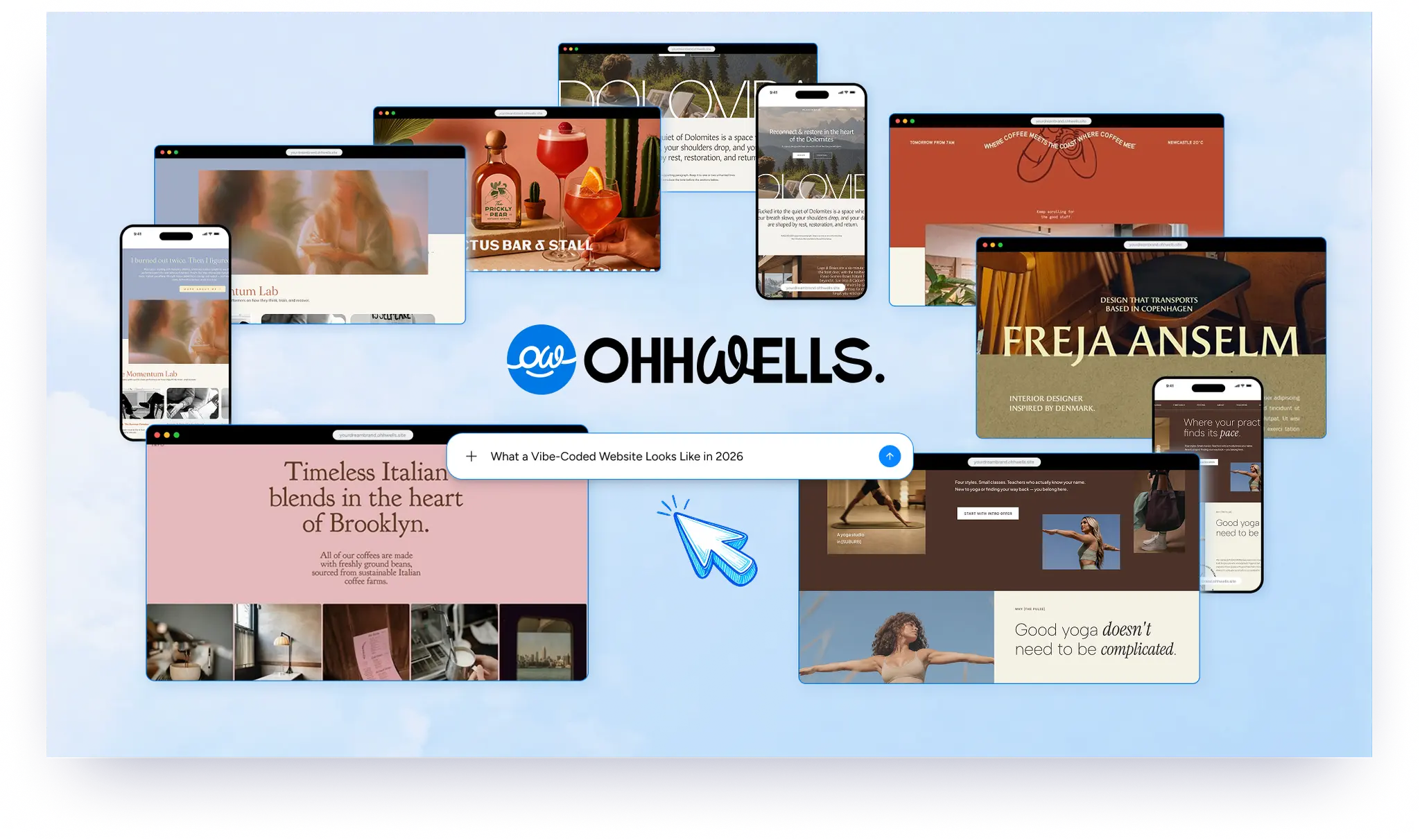
Real vibe-coded websites, screenshotted and reviewed — what works, the 7 tells that give them away, and how to fix yours.
The 4 ingredients every homepage prompt needs — your business name, what you do, who it's for, and one clear goal.
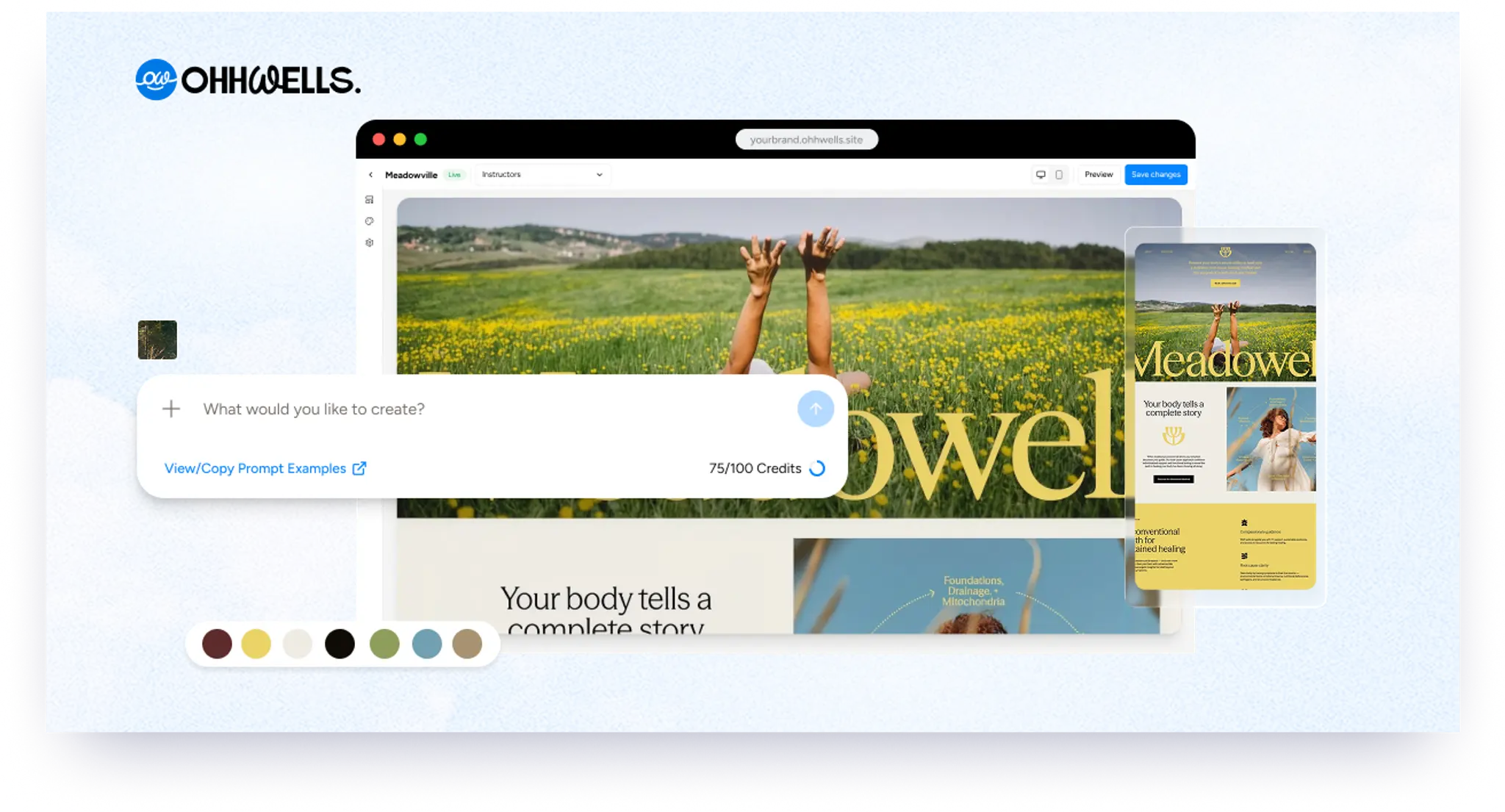
Learn the simple AI prompt formula to turn any website template into your own — lock in brand settings, prompt section by section, and keep what works.
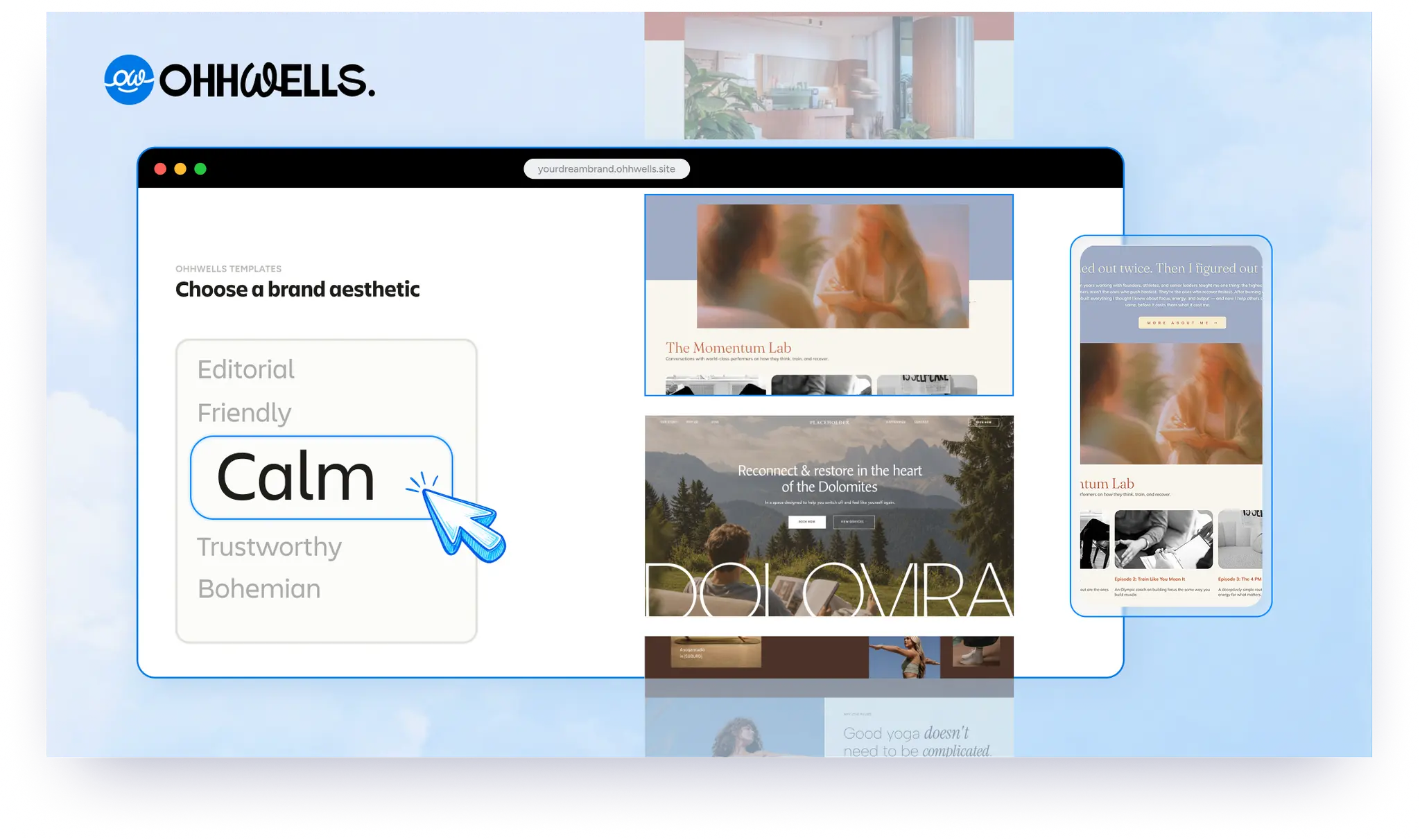
Vibe coding tools like Lovable and Bolt are fast — but most spit out the same generic site. Here's why, and what to do about it.