
Vibe Coding Tools for Small Business Websites: What They Are, What They Get Right, and Where They Leave You Stuck
Vibe coding tools like Lovable and Bolt are fast — but most spit out the same generic site. Here's why, and what to do about it.
Start for Free
In short
Vibe coding tools build websites and apps from plain-language descriptions instead of written code — describe what you want, and the tool generates working code. Coined by Andrej Karpathy in 2025, the category splits into three types: AI code editors for developers, app builders for non-technical users, and specialised generators for single tasks.
Key takeaways
- Vibe coding tools split into three types — AI code editors, app builders, specialised generators. Most small business owners belong in the app-builder category (Lovable, Bolt, Replit Agent).
- Speed is real: non-technical users have built working sites with animations and working forms in under an hour.
- Vibe-coded sites often look identical because AI models converge on the same overlapping training data, not because any one tool is worse.
- Generic-looking sites cost bookings — customers judge trustworthiness by design in seconds, before reading a word.
- Writing precise constraints ("flat neutral background, one accent colour") instead of vague prompts ("modern, clean") meaningfully changes output — before you even consider switching tools.
The three types of vibe coding tools
Most roundups list twelve tools and let you sort it out. The more useful question is which kind of tool you're looking at, because the three types fail in completely different ways.
Industry comparisons broadly agree on this split, and note that the right choice depends less on the tool's features than on who is doing the building and what has to happen after launch.
If you run a small business, you are almost certainly in row two. Rows one and three assume you can read code. Most "best vibe coding tools" lists are written for row one — which is why they feel useless when you're a salon owner trying to get a booking page live.
What vibe coding tools genuinely get right
Let's be fair, because this matters and the pushback online is often overstated.
Speed is real. One non-technical writer documented building a fully functional site with animations, custom cursor art, and a working contact button in about thirty minutes, using Lovable with no prior coding knowledge. That is not a demo. That is a person who couldn't code, shipping.
The wall came down. The gap between having an idea and having a working prototype used to mean weeks of waiting on developer time or months of learning to code. Vibe coding tools removed that barrier — you describe what you want in plain language and watch it get built in real time.
Iteration is conversational. You don't file a ticket and wait. You say "make it warmer" and it changes.
For a small business owner, this is a genuine shift. Five years ago your options were a template that looked like a template, or USD2,000 and six weeks with an agency. Now there's a third door.
Where they beat us, honestly: if what you need is a web app — a custom calculator, an internal tool, a member portal with logic we don't support — a general-purpose builder like Bolt or Lovable will do things OhhWells won't. We build websites and booking flows. We are not a general app builder, and if that's your job, use one.
The problem nobody mentions until after you've built
Open Lovable. Build a landing page. Now do the same in Bolt. Then v0.
You get the same page three times.
Different products, different teams, different prompts, different stacks — and they converge anyway. That's not a coincidence. It's structural.
Why this happens
1. The training data converges. Every code-generating model has read the same Tailwind dashboard tutorials, the same component library examples, the same deployment templates. The reference set is small and heavily overlapping. When you ask for "a clean modern site," you're asking for a weighted average of that set.
2. The models learned frequency, not taste. Vibe coding tools are trained on enormous datasets of HTML, CSS, and screenshots. They don't learn visual hierarchy or taste — only what repeats most often. If purple gradient buttons appear in a lot of examples, purple gradient buttons become the safe default. The model doesn't understand *when* to use them. It only learns that they're common.
3. Vague prompts get average output. A vague instruction like "modern, vibrant startup website" reliably produces the purple gradient soup — shadows, rainbow icons, corners that are either too sharp or too soft. A precise instruction like "minimal layout, one accent gradient on the CTA, flat neutral background" forces the model to stay inside limits.
The tell
You've seen it without naming it. The same Inter font. The same icon set. The same blue-to-purple gradient. The same rounded corners everywhere. The same "modern" layout that quietly announces it was prompted rather than designed.
The problem isn't the tools. It's that people prompt without understanding the design decisions that make an interface feel like it belongs to someone.
If your vibe-coded site already looks like every other one, here's why AI websites all look the same and how to fix it.
Why this costs a small business money
Here's the part the developer-focused articles skip entirely, because it doesn't affect them.
A developer building an internal dashboard doesn't care that it looks like every other dashboard. Nobody's deciding whether to trust them based on it.
You are in the opposite position. When someone lands on your studio's site, they're deciding — in about a second — whether you're worth booking. If your site looks like the AI made it, they conclude the business was made the same way. Generic design doesn't just look bad. It reads as unserious, and unserious loses the booking.
Your website isn't a portfolio piece. It's the moment someone decides.
What to actually do about it
None of this means don't use these tools. It means don't hand them the creative decisions.
1. Decide your brand before you prompt
Designers start by asking what personality the interface should have — playful, professional, edgy — before touching layout. Vibe coders skip straight to "build me a page." The AI produces something generic because it was never given creative constraints to work with.
Write down, before you open any tool:
- Two words for how your business should feel
- One colour that isn't blue or purple
- One typeface that isn't the default
- One thing you refuse to look like
That's five minutes and it changes the output more than any tool switch.
2. Write constraints, not vibes
Prompt templates exist because the model can't manage style consistency on its own. They're how you apply design rules — until the tools learn to do it themselves.
3. Judge the site on bookings, not looks
The trap: you'll iterate until you like it. But you're not the customer. A site can be beautiful and still not convert — no clear next step, buried contact details, a booking flow that takes six taps.
This is the check nobody's tool runs for you. Beauty and conversion are separate problems, and vibe coding tools only pretend to solve the first one.
4. Know what happens after launch
Ask before you commit:
- Can I edit this next month without re-prompting the whole thing?
- Where does it live, and do I own it?
- If it breaks, who fixes it?
- What happens to my bookings if the tool shuts down?
Free tiers are worth checking closely — most tools offer one, but few are enough for real work. Several cap free use with credits that run out quickly. Build the thing, then discover it's USD20/month to keep it online.
Comparison: choosing by what you actually need
The last row is the one small businesses land in and the one every roundup ignores.
Where OhhWells fits
We built OhhWells because of the third force in that convergence problem: the tools have no opinion about your brand, and no opinion about whether your site actually converts.
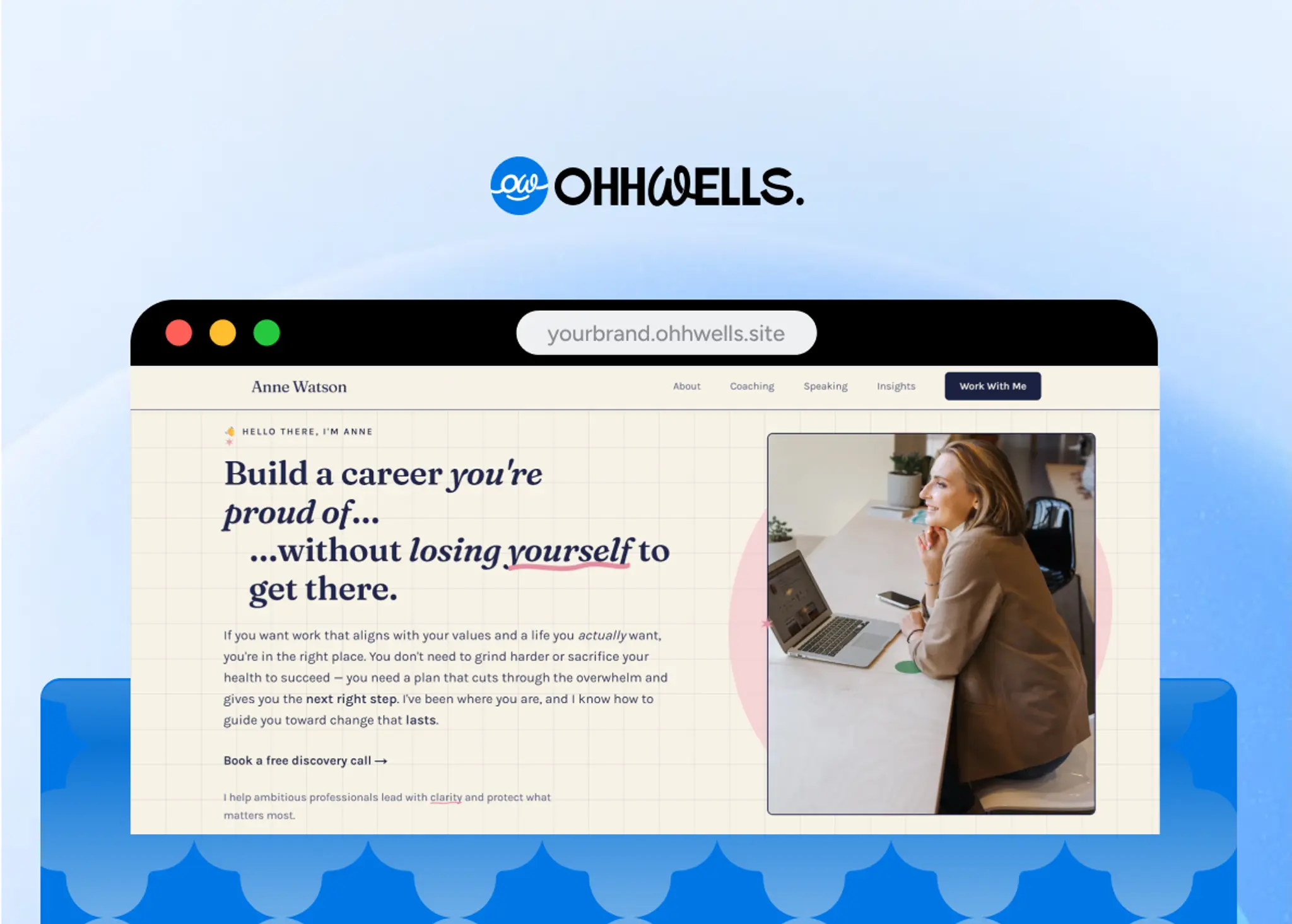
OhhWells is a brand conversion platform. Two things it does that a general vibe coding tool doesn't:
- Brand constraints are structural, not prompted. Your colours, type, and spacing are the system the site is built inside — not a suggestion the model averages away on the next generation.
- Conversion Score. 32 checks across 8 dimensions, run against your live site. Not "does this look nice" — does the booking path work, is the CTA findable, does it load.
Want the deeper mechanics of why every vibe-coded site converges on the same look — and the fix that works in any tool, not just ours? Read why AI websites all look the same.
Honest limits: we're a website and booking platform. If you need a custom web app with arbitrary logic, we're the wrong tool and Bolt or Lovable is the right one. We're also newer and smaller than the names above.
Frequently asked questions

Keep reading
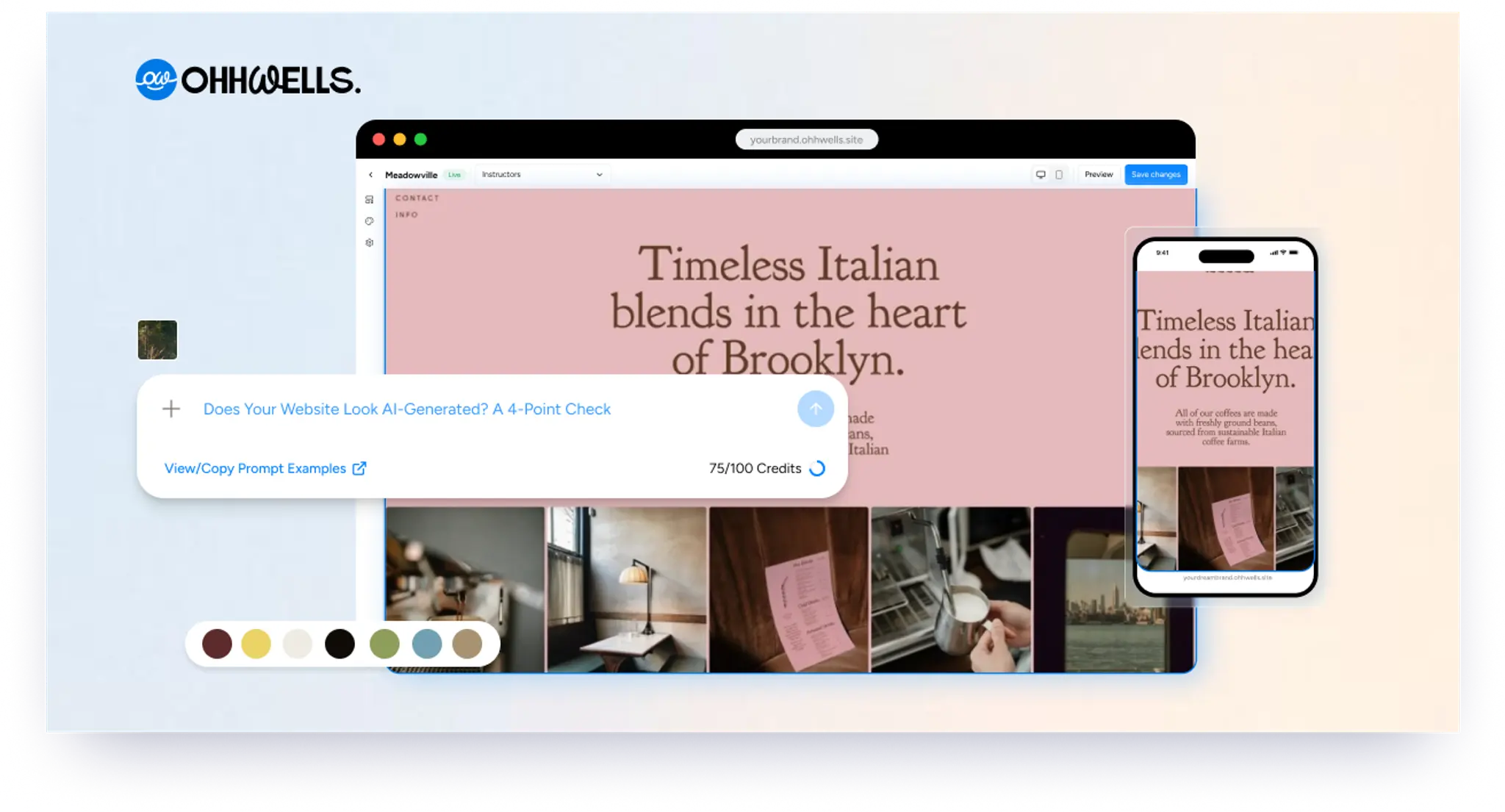
Does Your Website Look AI-Generated? A 4-Point Check
Run four quick checks on your homepage to see if it looks AI-generated, from copy to photos, plus a simple fix for each one so it looks like your business.
Leaving Squarespace? How to Move Your Website Without Losing Your Google Ranking (2026)
Squarespace only exports part of your site. Here's what you can take with you and how to move step by step without losing your Google ranking.
Leaving Wix? How to Move Your Website Without Losing Your Google Ranking (2026)
Wix doesn't let you export your whole site. Here's what you can take with you and how to move off Wix step by step without losing your Google ranking.
Leaving WordPress? How to Move Your Website Without Losing Your Google Ranking (2026)
Thinking of leaving WordPress? Here's how to move your website step by step without losing your Google ranking, your domain or your email.
Can You Build a Website with Canva? Yes — Here's What It's Good For and When You'll Outgrow It
Yes, you can build a website with Canva. Here's what it does well, where it stops for a business, and when to move to a website builder.
Best Website Builders for Event Registration (2026): Webinars, Workshops and Seminars
We compared OhhWells, Wix, Squarespace and 5 more tools for webinar, workshop and seminar registration — here's which one actually fits a small business.