
How do AI credits work?
How AI credits work on OhhWells — what uses them, what doesn't, and what happens if you run out.
Start for Free
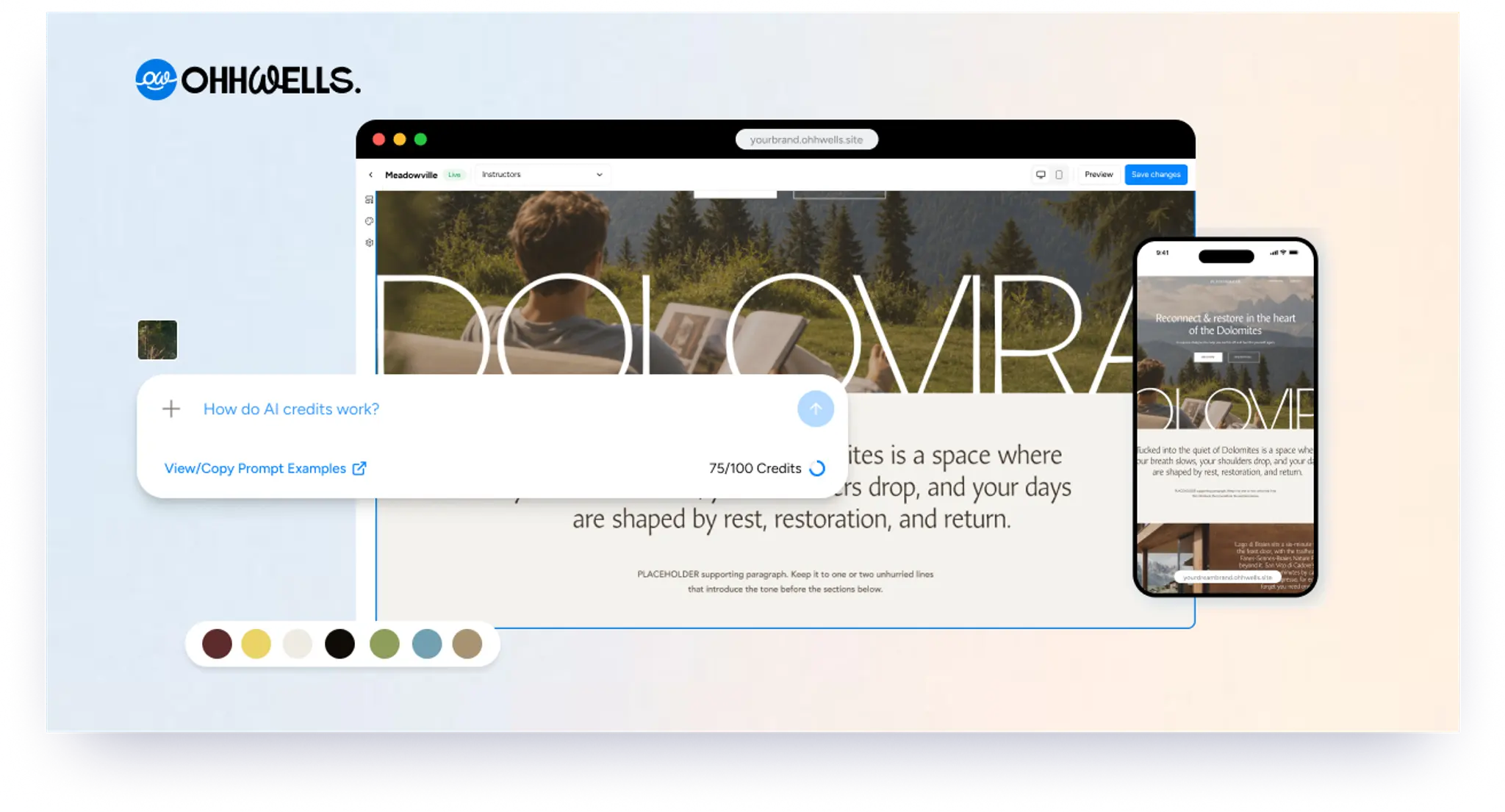
In short
AI credits are used only when you ask OhhWells' AI to generate or change something — like rewriting text or creating a new section. Every AI request costs 1 credit, regardless of size. Editing manually, publishing, and receiving bookings never use credits, so you can never be blocked from publishing your site.
Key takeaways
- Credits are only used for AI-generated actions — manual editing, publishing, and bookings are always free
- Every successful AI request costs exactly 1 credit, no matter how small or large the change
- Failed or errored AI requests never cost a credit
- Running out of credits never breaks your site — you can keep editing manually, top up for $5/30 credits, or upgrade your plan
AI credits are what you use whenever you ask OhhWells' AI to do something — like rewriting a section, restyling a page, or generating something new. Think of them like tokens at an arcade: each AI request uses one, and you can always get more.
Credits only apply to AI features. Editing your site manually, publishing, and receiving bookings never use credits. You will never be blocked from publishing your site because you ran out.
What uses credits?
Any time you ask the AI to generate or change something:
- Writing or rewriting text (headlines, descriptions, sections)
- Generating a new section, or changing a whole page
- Regenerating something you didn't like
Every AI request costs 1 credit — whether it's a small tweak to one section or a change across the whole page. One successful run, one credit. Nothing to calculate.
Your remaining balance sits next to the prompt box and ticks down after each successful run, so you always know where you stand.
What doesn't use credits?
- Editing text, images, or layout yourself
- Publishing or updating your site
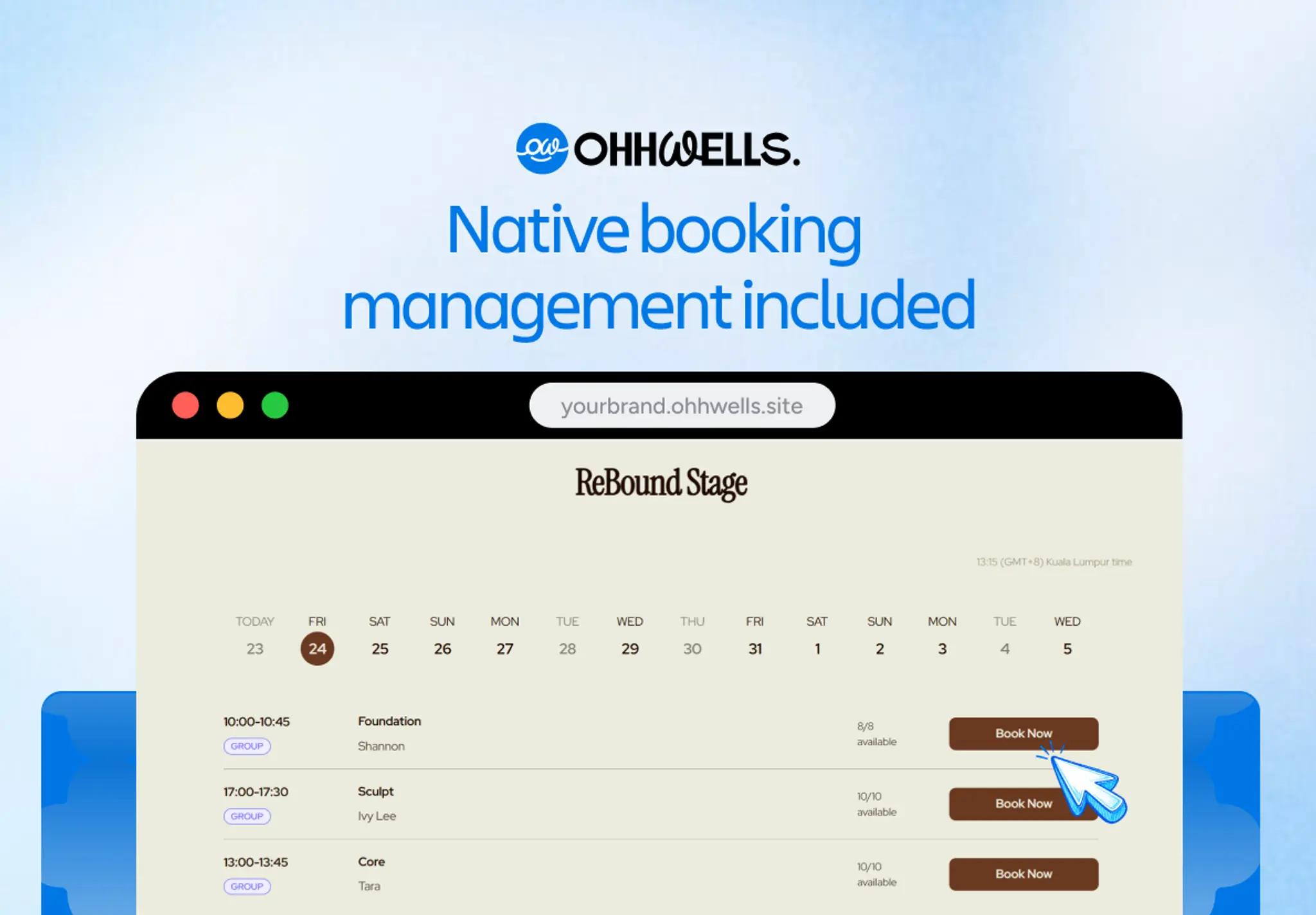
- Managing bookings
- Anything that fails on our end — if an AI request errors out or times out, you are never charged for it. Our own automatic retries are free too.
How many credits do I get?
Monthly credits refresh at the start of each billing cycle. Unused monthly credits don't carry over to the next month.
On the Agency plan, your credits are one shared pool across all your client sites, not a separate allowance per site.
What if I run out?
Nothing breaks. Your site stays live, and you can keep editing by hand. When you hit your limit, the prompt box stays where it is — you'll just be shown your options instead of the request running.
You have two:
- Top up. Buy a one-time pack of 30 credits for $5. Checkout takes a few seconds and the credits land in your balance right away — no subscription change needed.
- Upgrade your plan. If you're topping up often, a higher plan works out cheaper per credit. Upgrades are prorated, so you only pay for the rest of the current cycle.
Top-up credits never expire, and we always spend your monthly credits first — so a pack you buy today is still there next month if you don't need it.
Frequently asked questions

Keep reading
Does Your Website Look AI-Generated? A 4-Point Check
Run four quick checks on your homepage to see if it looks AI-generated, from copy to photos, plus a simple fix for each one so it looks like your business.
Leaving Squarespace? How to Move Your Website Without Losing Your Google Ranking (2026)
Squarespace only exports part of your site. Here's what you can take with you and how to move step by step without losing your Google ranking.
Leaving Wix? How to Move Your Website Without Losing Your Google Ranking (2026)
Wix doesn't let you export your whole site. Here's what you can take with you and how to move off Wix step by step without losing your Google ranking.
Leaving WordPress? How to Move Your Website Without Losing Your Google Ranking (2026)
Thinking of leaving WordPress? Here's how to move your website step by step without losing your Google ranking, your domain or your email.
Why AI Websites All Look the Same (And How to Make Yours Look Like Your Brand)
AI websites look the same because tools share training data, component libraries, and vague prompts. Here's the five-step fix that works in any tool.
How to Use AI to Design Website Sections (Step-by-Step, With Prompts That Work)
A step-by-step guide to designing website sections with AI — set your brand first, then prompt one section at a time. Includes copy-paste prompts.