
How Much Does a Small Business Website Cost in 2026? Three Ways to Pay for One
Build it yourself, hire a freelancer or use an agency? Here’s what a small business website costs in 2026, and what you’ll pay every time it needs a change.
Start for Free
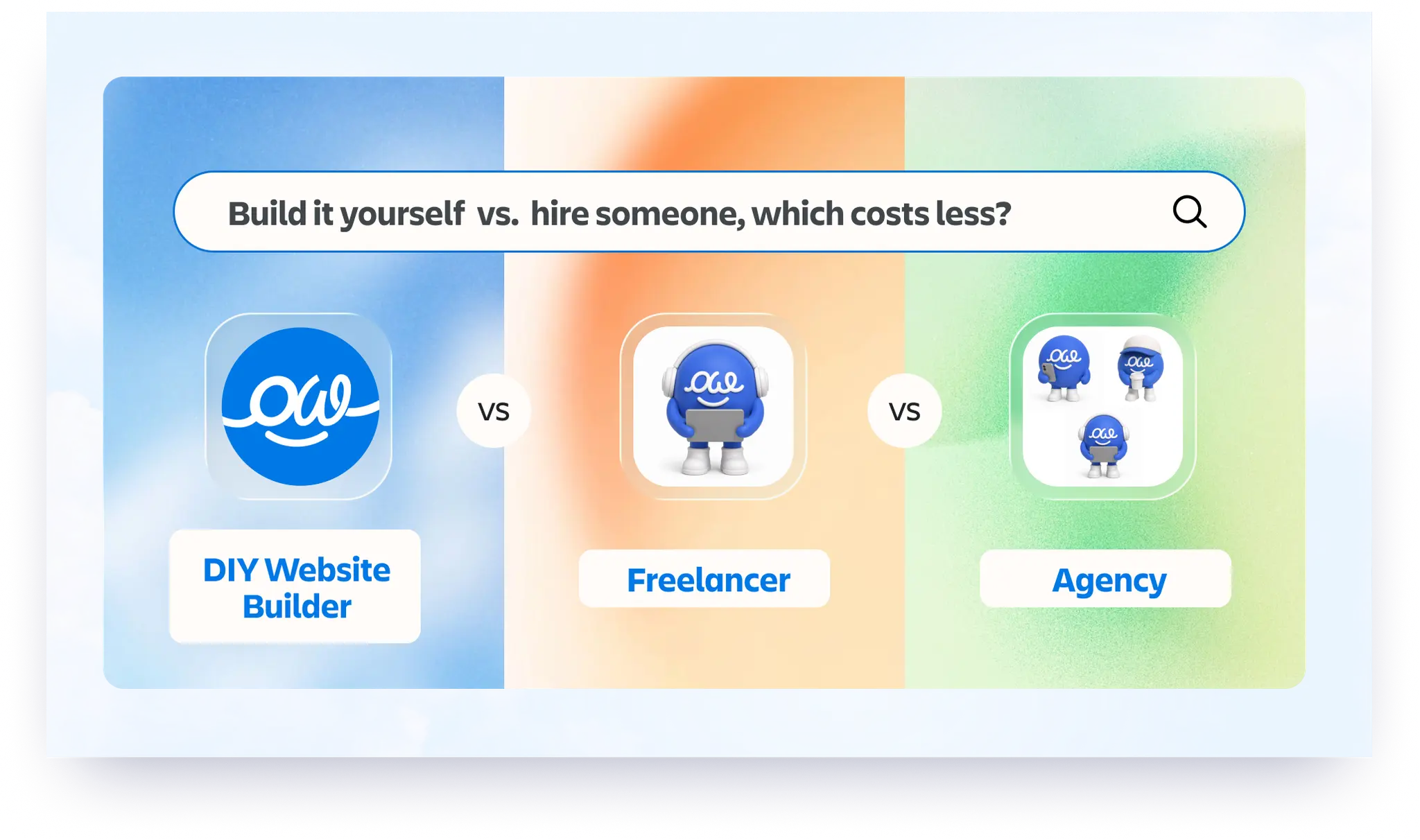
In short
A 5 to 10 page small business website costs about $130 to $310 a year if you build it yourself on a website builder, $1,500 to $5,000 with a freelancer, and $5,000 to $15,000 with an agency. The price that catches people out comes later: on a freelancer or agency site, every change is usually another invoice.
Key takeaways
- There are three routes: build it yourself, hire a freelancer, or hire an agency.
- Build cost is paid once. Change cost is paid for as long as the site is live.
- Ask one question before you sign anything: "Can I change a price or a photo myself, without calling you?"
- A domain is separate on every route, about $10 to $20 a year.
The three routes compared
Builder plan range is the $10 to $24 a month from our own-domain comparison. Freelancer, agency, hosting and domain figures are from WPZOOM's 2026 cost guide, updated 28 September 2026.
Build it yourself: about $130 to $310 a year
You describe your business, the AI drafts the site, and you edit it. On OhhWells that is free until you want your own domain, then $24 a month billed yearly.
Pick it if you have a spare weekend and want full control.
Skip it if you know you will never get round to it.
Freelancer: $1,500 to $5,000
One person designs and builds it. Quality varies a lot.
Pick it if you have seen their past work and like it.
Skip it if they build on a platform you cannot log in to.
Agency: $5,000 to $15,000
A team handles strategy, design, copy and build.
Pick it if the website is central to how you win clients and you want a long-term partner.
Skip it if you mainly need a clean site with a contact form.
The cost nobody quotes: changes
A new price, a new team photo, a holiday notice. On a site you cannot edit, each one is an email, a wait and an invoice. Before choosing a route, ask who makes changes and what each one costs.
Want to build it yourself?
Start OhhWells freeFrequently asked questions
https://www.ohhwells.com/blog/leaving-wix-how-to-move-your-website
https://www.ohhwells.com/blog/leaving-squarespace-how-to-move-your-website
https://www.ohhwells.com/blog/leaving-wordpress-how-to-move-your-website

Keep reading
Website Builder With Your Own Domain: What It Really Costs in 2026
None of the five builders here lets you use your own domain for free. Here’s what Framer, Wix, Squarespace, Durable and OhhWells cost once you do.
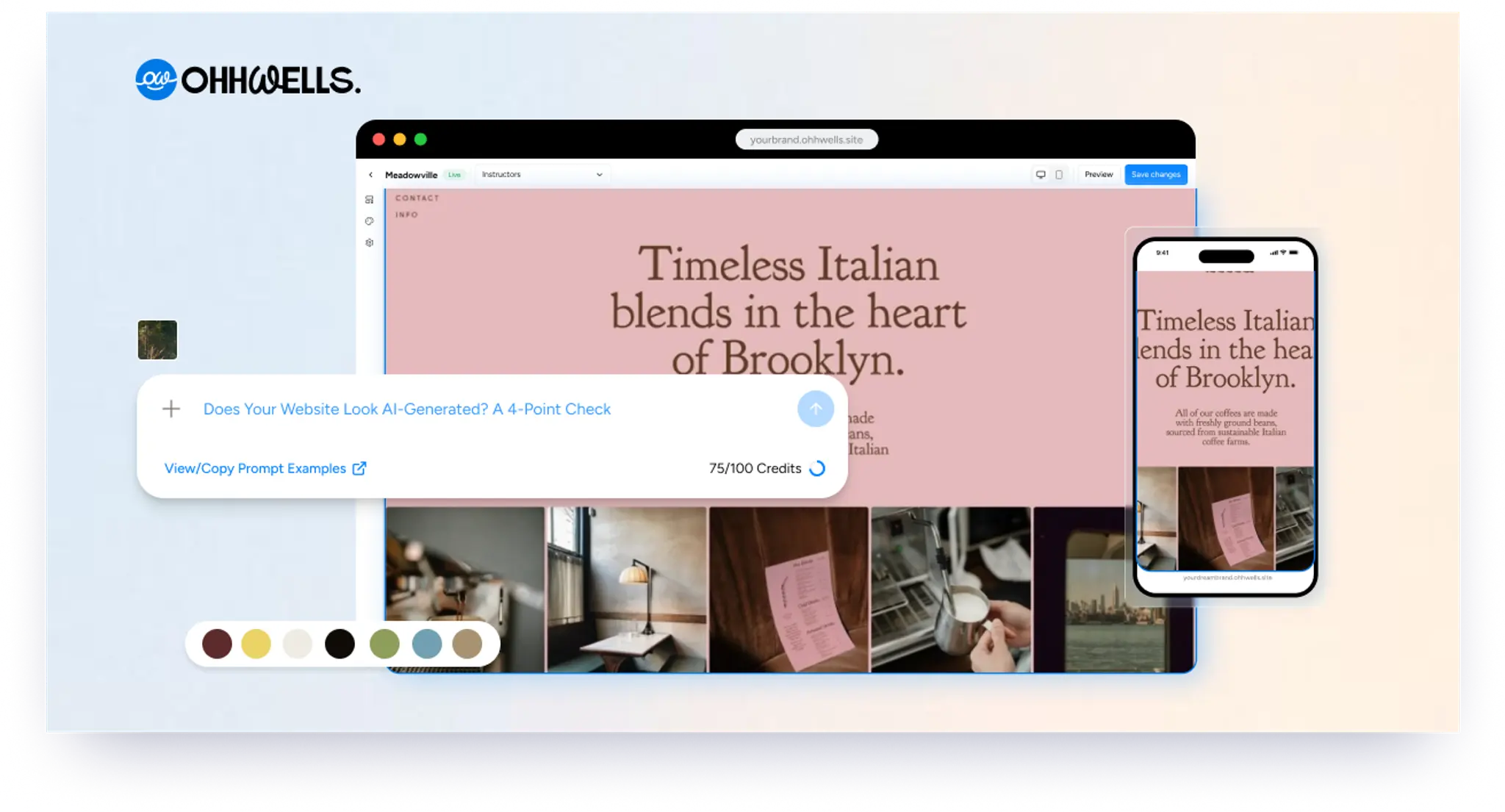
Does Your Website Look AI-Generated? A 4-Point Check
Run four quick checks on your homepage to see if it looks AI-generated, from copy to photos, plus a simple fix for each one so it looks like your business.
Leaving Squarespace? How to Move Your Website Without Losing Your Google Ranking (2026)
Squarespace only exports part of your site. Here's what you can take with you and how to move step by step without losing your Google ranking.
Leaving Wix? How to Move Your Website Without Losing Your Google Ranking (2026)
Wix doesn't let you export your whole site. Here's what you can take with you and how to move off Wix step by step without losing your Google ranking.
Leaving WordPress? How to Move Your Website Without Losing Your Google Ranking (2026)
Thinking of leaving WordPress? Here's how to move your website step by step without losing your Google ranking, your domain or your email.
Can You Build a Website with Canva? Yes — Here's What It's Good For and When You'll Outgrow It
Yes, you can build a website with Canva. Here's what it does well, where it stops for a business, and when to move to a website builder.