
Website Builder With Your Own Domain: What It Really Costs in 2026
None of the five builders here lets you use your own domain for free. Here’s what Framer, Wix, Squarespace, Durable and OhhWells cost once you do.
Start for Free
In short
None of the five builders here lets you use your own domain for free. The cheapest plans that allow it cost $10 to $24 a month billed yearly. Framer, Wix and Squarespace include a free domain for the first year; Durable includes one too. OhhWells doesn’t sell domains, so you buy one for about $10 to $20 a year.
Key takeaways
- Your own domain is the first thing every builder charges for.
- The advertised price is the yearly-billing price. Paying month to month costs more.
- A “free domain” is free for one year, then renews at the normal rate.
- The cheapest plan is not always enough. Check whether it also takes payments and bookings.
What does “your own domain” mean?
Your own domain is an address like yourbusiness.com instead of yourbusiness.wixsite.com. You rent the name from a registrar for about $10 to $20 a year, then connect it to the builder that hosts your site.
What each builder charges
Prices checked 12 October 2026 on each builder’s pricing page. They change often. For every plan, not just the cheapest one with a domain, see our AI website builder pricing guide.
What it costs over five years
A website is a five-year decision, so compare five-year totals, not the monthly sticker.
How we worked it out: every row is the cheapest setup that gives you your own domain, online bookings and online payments. Each plan is at today’s yearly-billing price, plus a domain at $15 a year. Framer, Wix and Squarespace give the domain free in year 1. Durable includes it. OhhWells does not sell domains, so $15 is added every year. Framer has no bookings or payments of its own, so we added Calendly Standard at $10 a month. Squarespace sells bookings separately as Acuity Scheduling, so we added its Starter plan at $16 a month billed yearly ($192 a year). Squarespace’s marketing email tool, Email Campaigns, is a further paid add-on and is not included in any row. Assumes no one changes their price. Checked 12 October 2026.
What you get for the money
How to read this honestly. With the same features on every row, OhhWells is in the middle: $285 less than Wix and $645 less than Squarespace with Acuity over five years, and about $200 to $250 more than Durable or a Framer and Calendly pairing. What the extra buys is one tool instead of two, unlimited pages where Framer stops at 30, and a site that stays in your brand. At $288 a year, the plan works out at 79 cents a day.
OhhWells: best if the site has to look like your brand
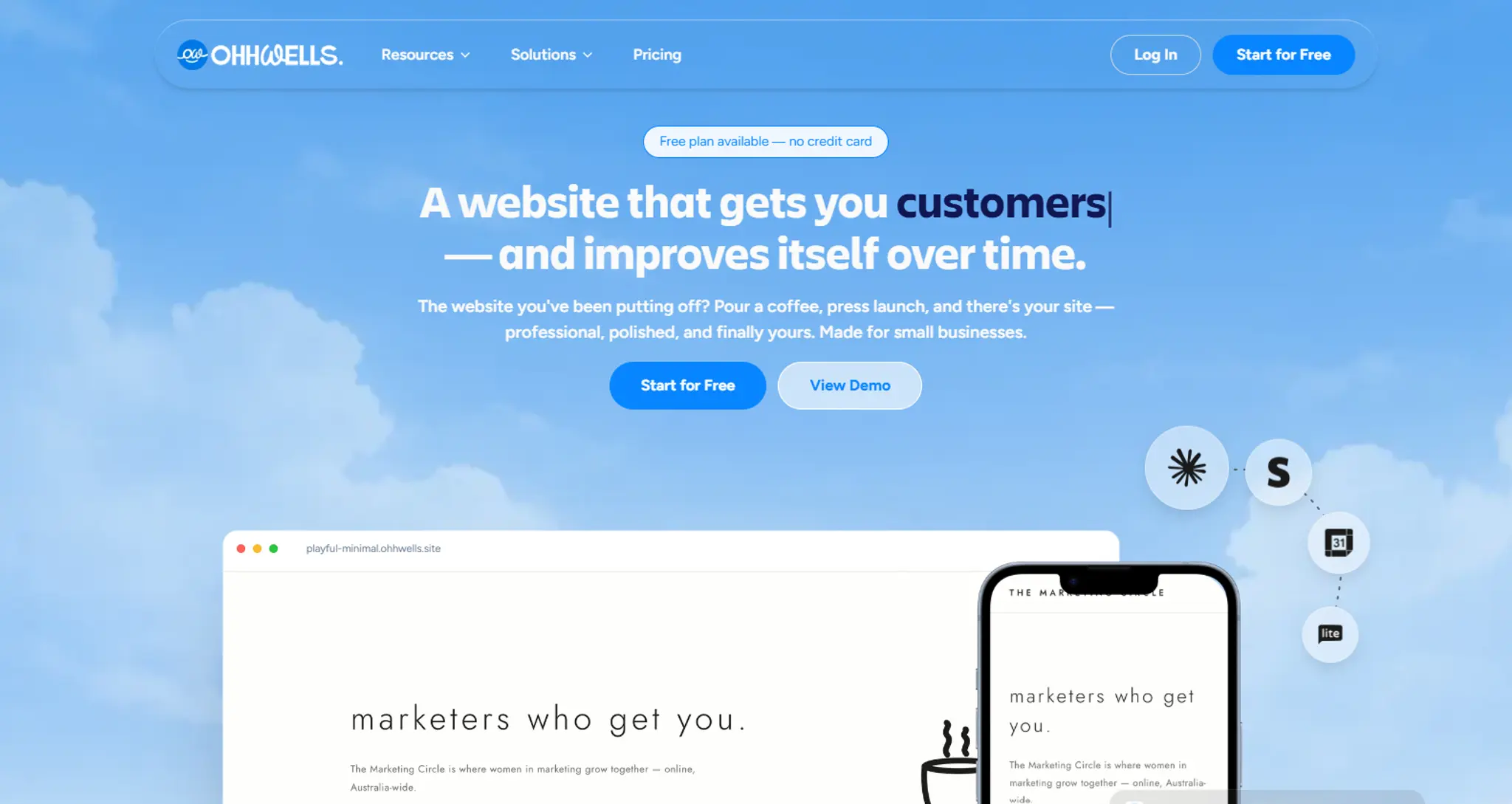
You set your colours, fonts and tone once, and every page the AI builds stays inside them. Starter is $24 a month billed yearly. It adds your own domain, 500 AI credits a month and removes the OhhWells badge. Bookings and online payments already work on the free plan.
Pick it if: you want to build and edit the site yourself and have it look like your business. Skip it if: you want the domain bundled in. You will buy it separately.
Framer: cheapest, for people comfortable in a design tool
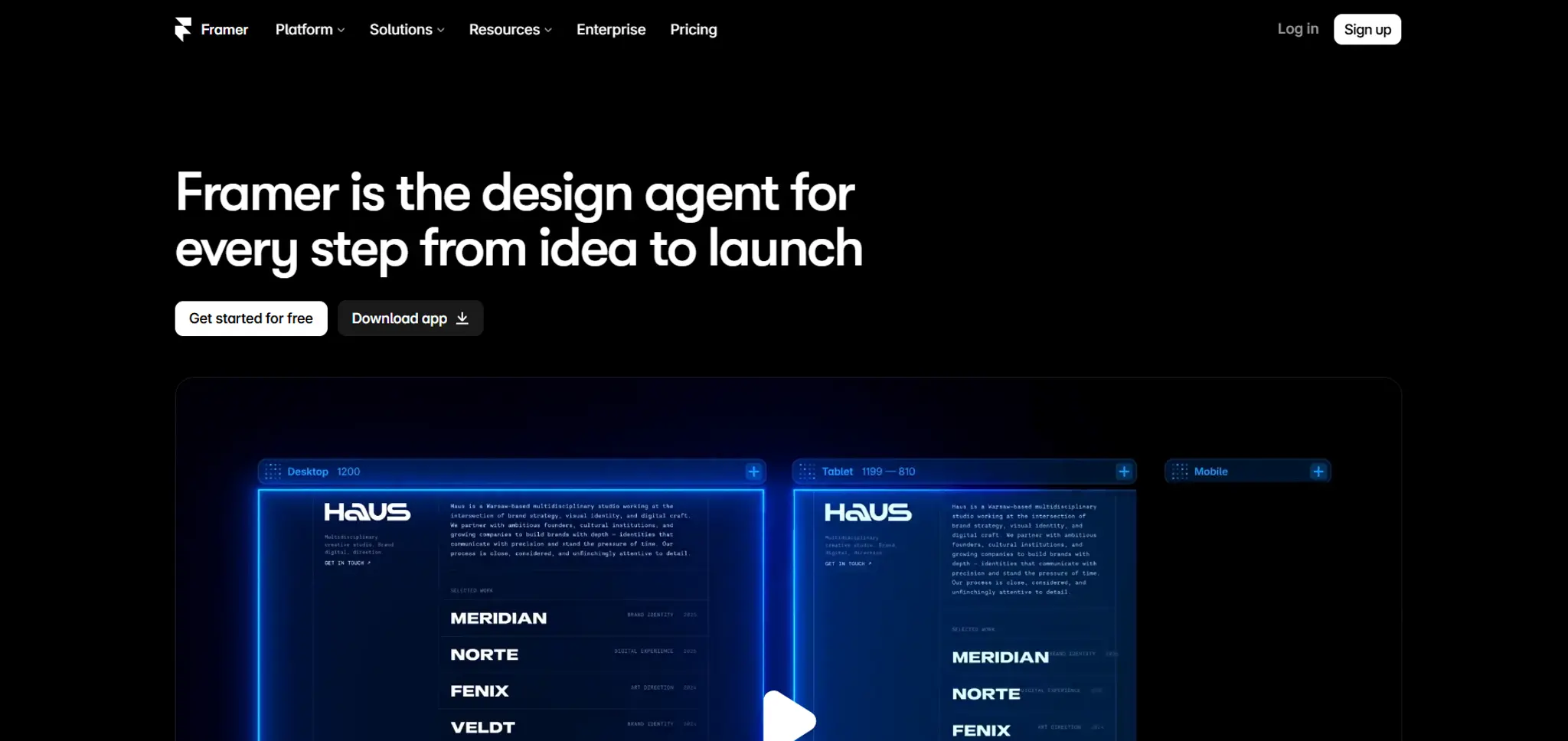
$10 a month billed yearly, with your domain free for the first year.
Pick it if design control matters most. Skip it if you need to take bookings or payments on the site.
Wix: most features, but check the plan
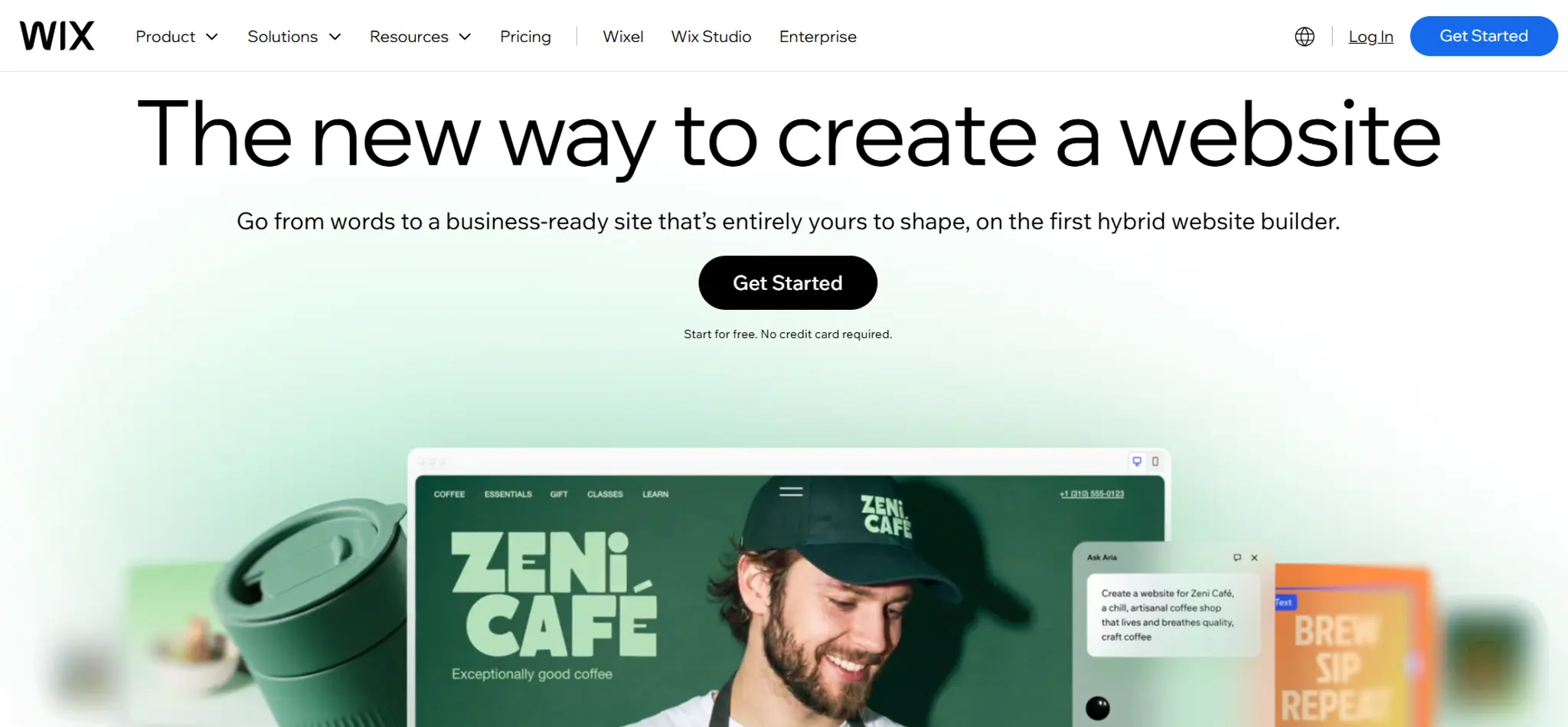
Light is $17 a month. Payments and scheduling start on Core at $29.
Pick it if you want everything in one place. Skip it if you are choosing on the headline price, because a service business will need Core.
Squarespace: no free plan, strong templates
$19 a month after a 14-day trial, with invoicing included.
Pick it if you like its templates. Skip it if you want to test for free for longer than two weeks.
Durable: fastest to launch
$22 a month with unlimited bookings and a domain.
Pick it if speed matters most. Skip it if you want fine control over how the site looks.
Frequently asked questions

Keep reading
Does Your Website Look AI-Generated? A 4-Point Check
Run four quick checks on your homepage to see if it looks AI-generated, from copy to photos, plus a simple fix for each one so it looks like your business.
Leaving Squarespace? How to Move Your Website Without Losing Your Google Ranking (2026)
Squarespace only exports part of your site. Here's what you can take with you and how to move step by step without losing your Google ranking.
Leaving Wix? How to Move Your Website Without Losing Your Google Ranking (2026)
Wix doesn't let you export your whole site. Here's what you can take with you and how to move off Wix step by step without losing your Google ranking.
Leaving WordPress? How to Move Your Website Without Losing Your Google Ranking (2026)
Thinking of leaving WordPress? Here's how to move your website step by step without losing your Google ranking, your domain or your email.
Can You Build a Website with Canva? Yes — Here's What It's Good For and When You'll Outgrow It
Yes, you can build a website with Canva. Here's what it does well, where it stops for a business, and when to move to a website builder.
Best Website Builders for Event Registration (2026): Webinars, Workshops and Seminars
We compared OhhWells, Wix, Squarespace and 5 more tools for webinar, workshop and seminar registration — here's which one actually fits a small business.