
Can You Build a Website with Canva? Yes — Here's What It's Good For and When You'll Outgrow It
Yes, you can build a website with Canva. Here's what it does well, where it stops for a business, and when to move to a website builder.
Start for Free
In short
Yes. Canva Websites lets you design and publish a website with your own domain. It suits portfolios, event pages and simple sites. It stops when the website has to do business work: stay on-brand as it grows, manage leads, take bookings or take payments. That's when most people keep Canva for design and move the site to a website builder.
Key takeaways
- Yes, Canva Websites can publish a real multipage site, free on a my.canva.site address or on your own domain.
- It suits portfolios, event pages, menus and simple first sites, especially if your brand already lives in Canva.
- There are no built-in bookings or payments, and its forms collect messages rather than manage leads.
- Free sites show a "Designed with Canva" footer, even on a custom domain. A paid plan removes it.
- On paid plans, Brand Kit keeps your colours and fonts to hand, but you still apply them page by page.
- Keep using Canva for flyers and social posts. Move the website to a builder once it needs to bring in customers.
What can you actually build with Canva Websites?
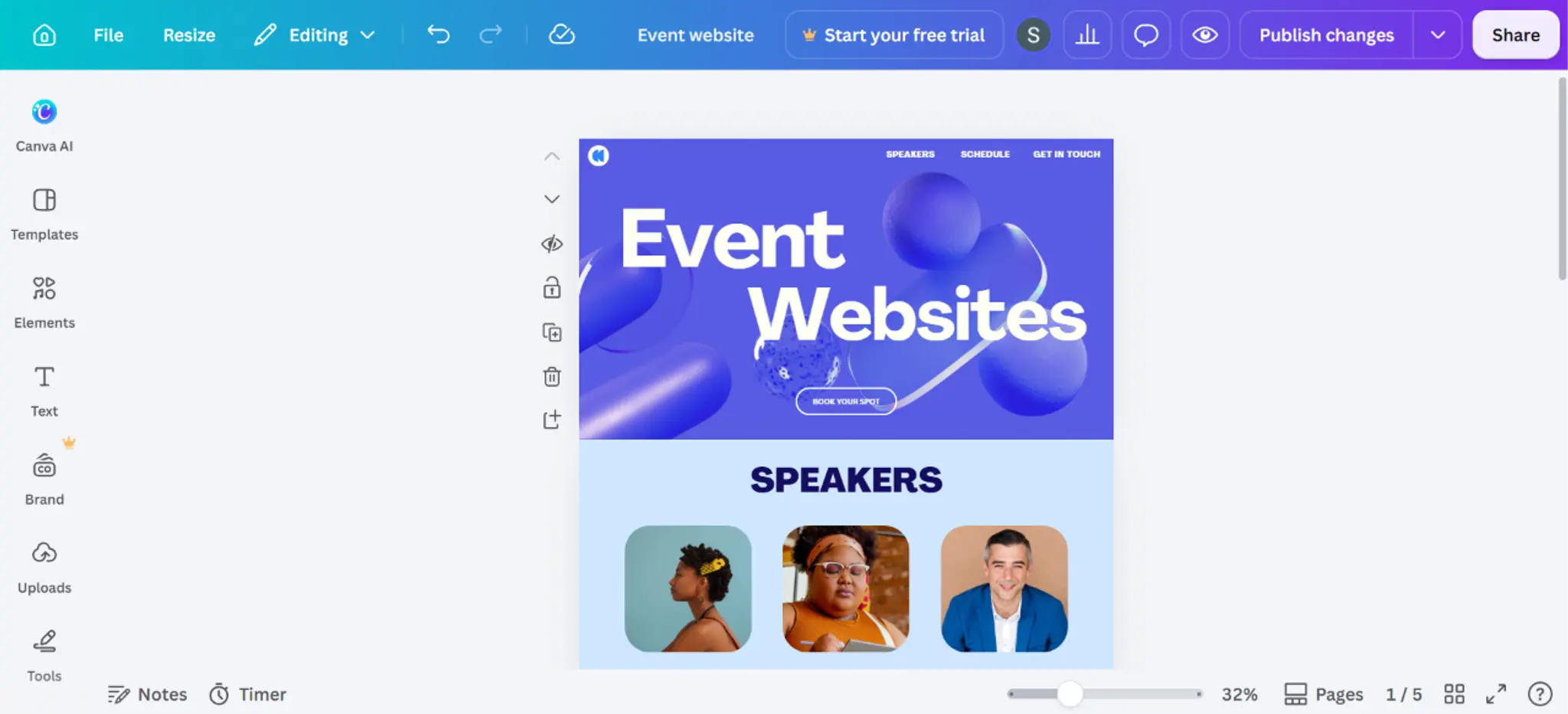
Canva Websites lets you design a one-page or multipage site in the same editor you use for your social posts, publish it to a free my.canva.site address, and connect your own domain on a paid plan. You get templates, drag-and-drop editing, simple forms and analytics, plus a separate Canva Code option that builds a site from a prompt. For a portfolio, event page, menu, link-in-bio or a first brochure site, it's more than enough.
What's included, as of September 2026:
- One-page and multipage sites built from templates or from a prompt
- Free publishing to a my.canva.site address; up to five sites on the free plan. Free sites show a "Designed with Canva" footer, even on a custom domain, and a paid plan removes it
- Your own domain, bought through Canva or connected from elsewhere, on Canva Pro or Teams
- Simple forms for RSVPs, enquiries and feedback
- Website Insights: basic visits and engagement on the free plan, with more detailed metrics on paid plans
- SSL, password protection and mobile-responsive layouts
- Basic SEO: a page title, description and custom URL for each page, plus search engine visibility and social share preview settings
The honest strength: if your brand already lives in Canva (your logo, colours, fonts, all your flyers), the website will match those assets on day one, and you won't have to learn a new tool. That's a real advantage over starting from scratch in a builder you've never opened.
Where Canva Websites stops being enough
Canva Websites runs out when the website has to do a job beyond looking good: stay on-brand as you add pages, bring in enquiries, take bookings, or take money. It's a design tool that publishes web pages, not a system built around getting you customers. Four places you'll feel it.
1. Your brand is applied by hand, not held by the system. On paid plans, Canva's Brand Kit keeps your colours, fonts and logos one click away. But you're still the one applying them: each new page or section starts from whatever you drop in, and keeping it on-brand is a check you run yourself. Over a year of adding pages, offers and updates, small differences creep in, and that drift is one of the most common reasons small business sites end up looking cheaper than the business. The fix is the one we cover in why AI websites all look the same: set your brand rules once and let every page inherit them.
2. Forms collect messages; they don't manage leads. Canva's forms are built for RSVPs and feedback. There's no lead list you can work from, no automatic reply, no way to see who came from where. For a business, the form is the start of a sale, and Canva treats it as the end of a design.
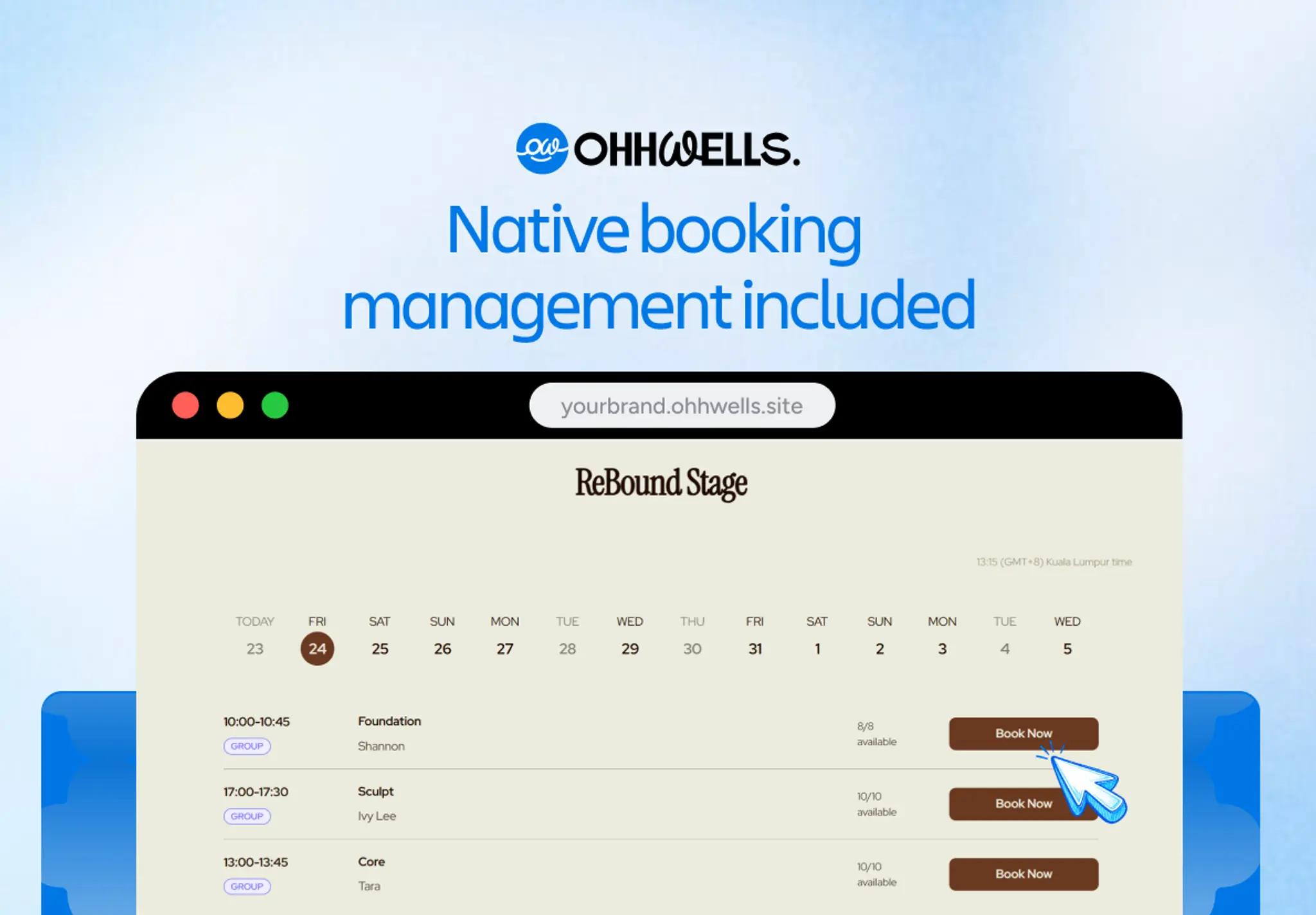
3. No bookings. If customers need to pick a time (classes, appointments, consultations, tables), Canva has nothing built in. You'll embed a third-party booking widget, which means another subscription, another login, and a booking page that doesn't match your site.
4. No payments. Canva Websites has no native checkout. You can link out to an external payment page or embed a payment form from another tool, but you can't sell, take a deposit or charge for a booking on the site itself. For anyone who needs the website to make money, that's the deal-breaker.
Smaller things that add up: a "Designed with Canva" footer unless you pay, a limit of 10 sections per page on the free plan, and no redirects, no Google tags, no structured data for search and no custom code.
None of this is a criticism of Canva. It's a superb design tool, and the right place to make your logo, flyers and social posts. But a website that has to bring in customers is an operations job, not a design job: it needs to stay on-brand without you checking, capture every enquiry, take bookings and take payment. Canva was never built for that. Keep designing in Canva. Run your website somewhere built to run a business.
Should you build your website with Canva? A 30-second decision
Stay on Canva if all of these are true:
- You need one to five pages and don't expect that to change
- The site's job is to show, not sell: portfolio, event, menu, résumé, link-in-bio
- Enquiries are rare enough that a form emailing you is fine
- You never need someone to book a time or pay on the site
Move to a website builder if any of these are true:
- Customers should book, sign up or pay without messaging you first
- You'll keep adding pages and want them to match without checking
- You want to know where enquiries come from and follow them up
- The website is meant to bring in customers, not just describe you
A useful test: open your Canva site and your last three flyers side by side. If they already look like three different businesses, the problem isn't Canva; it's that nothing is holding the brand together, and a website builder that stores your brand rules will fix that. If they match perfectly and the site does everything you need, stay. There's no prize for switching.
Canva Websites vs Wix vs Squarespace vs OhhWells
All four will get a small business online without code. The difference is what each one is built around.
Last checked: September 2026
Weighing Wix or Squarespace specifically? See how OhhWells compares as a Wix alternative and a Squarespace alternative.
If you've outgrown Canva
Keep Canva. Bring the logo, colours and fonts you already use there, describe your business, and OhhWells builds a site that stays on-brand on every page and does the business work: capturing leads, taking bookings and taking payments. Fine-tune anything by hand, no code.
See your business as a website in minutes
Start for free →Not sure yet? Run the free Conversion Score audit on your current Canva site. It checks brand consistency, mobile layout and lead capture, and tells you what to fix first.
One CTA to signup, one softer option to the audit. Don't add a third.
Frequently asked questions
Keep reading
Leaving WordPress? How to Move Your Website Without Losing Your Google Ranking (2026)
Thinking of leaving WordPress? Here's how to move your website step by step without losing your Google ranking, your domain or your email.
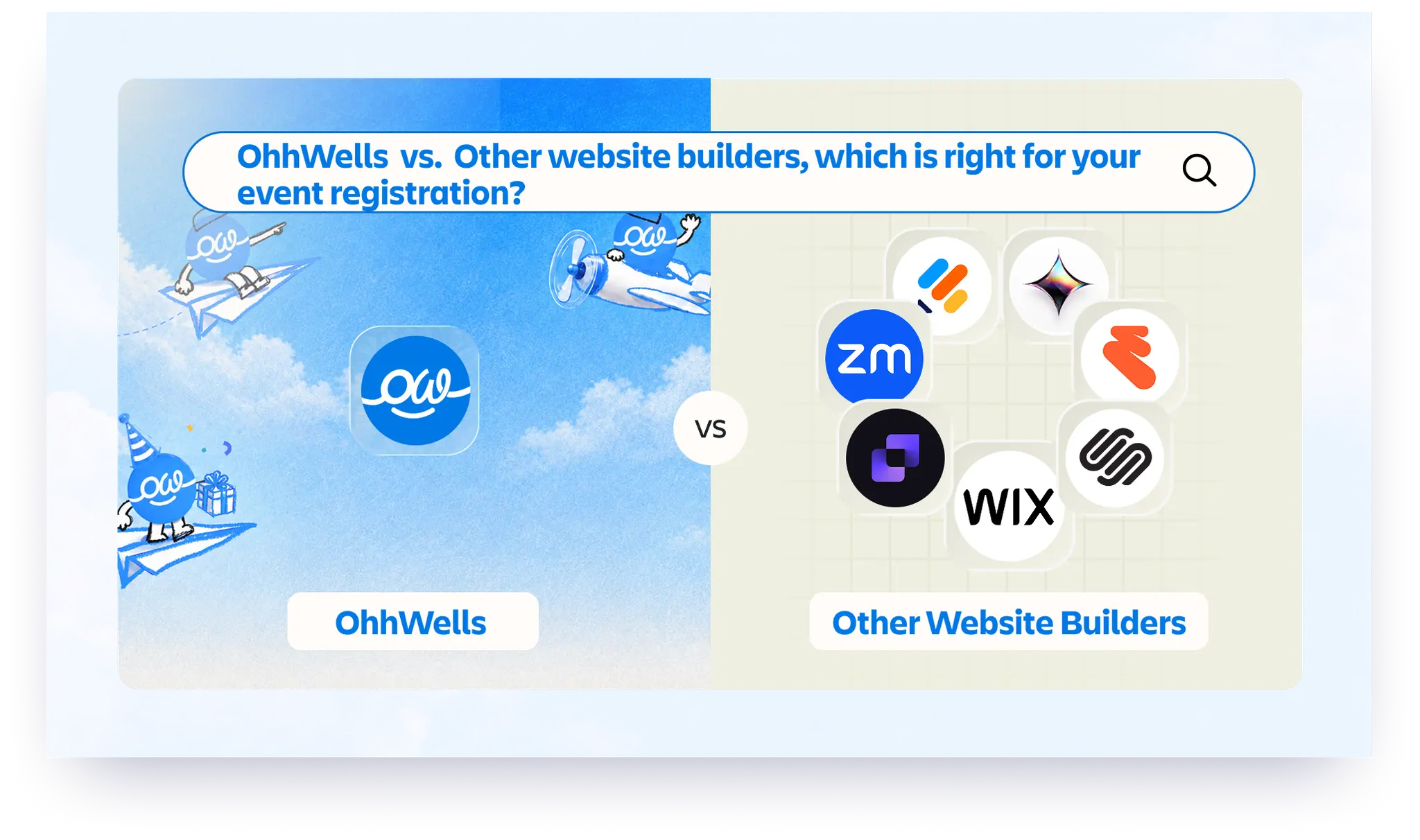
Best Website Builders for Event Registration (2026): Webinars, Workshops and Seminars
We compared OhhWells, Wix, Squarespace and 5 more tools for webinar, workshop and seminar registration — here's which one actually fits a small business.
Best Free AI Website Builders in 2026 (and What "Free" Actually Gets You)
Five free AI website builders compared on what matters: can you publish, use your own domain, and what happens when credits run out.
The State of Small Business Websites in Southeast Asia 2026
67% of small businesses we met have no website. The 33% that do score 37/100. Here's how to do better either way.
OhhWells vs. The Field: Agency Website Platform Price & Value Comparison
How OhhWells compares on price and value against GoHighLevel, Webflow, WordPress, Wix Studio, and Brizy — one table, every platform.
Lovable vs Bolt: Which AI App Builder Should You Actually Use?
Lovable vs Bolt, compared honestly: how their pricing actually differs, where each wins, and the team-pricing gap most comparisons miss.