
Best Website Builders for Event Registration (2026): Webinars, Workshops and Seminars
We compared OhhWells, Wix, Squarespace and 5 more tools for webinar, workshop and seminar registration — here's which one actually fits a small business.
Start for Free
In short
Use a website builder like OhhWells, Wix or Squarespace if you run webinars, workshops or seminars often and want registrations on your branded site. For a one-off free event, Eventbrite or Luma get a page live faster, but registrations stay on their platform instead of yours.
Key takeaways
- If you run webinars, workshops or seminars regularly, a website builder like OhhWells, Wix or Squarespace keeps registration, branding and payment on your own site.
- For a one-off or free event, Eventbrite or Luma get a registration page live faster, but attendees register on their platform, not yours.
- Payment methods vary — Wix and Squarespace offer a built-in processor, while OhhWells, Luma and Zoom require connecting your own Stripe or PayPal account.
- Zoom's free plan has no registration feature; collecting registrations needs Zoom Pro or higher, and paid ticketing needs the separate Events/Webinars Plus add-on.
- Jotform can be paired with Zoom to collect payment through 30+ gateways and automatically add paid registrants to the webinar.
The best way to take event registrations depends on one question: do you want people to register on your own website, or on an event platform's page? Event tools like Eventbrite and Luma are fastest for a one-off event. Website builders like OhhWells, Wix and Squarespace keep registrations, branding and payments on your own site, which is better if you run webinars, workshops or seminars regularly and want every visitor to learn about your business.
We run seminars and webinars at OhhWells .ach one we host pulls in anywhere from 30 to 60–80 attendees. Every registration page for these events is built on our own website builder. This guide compares the options we tested and considered.
Quick answer: which should you use?
- You run events often and want registrations on your own site: a website builder with forms and payments (OhhWells, Wix, Squarespace).
- One-off free event, and you need it live in 10 minutes: Luma or Eventbrite.
- You have a marketing team that A/B tests every page: Leadpages.
- You already host on Zoom and just need a form: Zoom registration or Jotform.
Comparison table
Website builder vs event tool: what's the real difference?
An event tool hosts your registration page on its own site; a website builder hosts it on yours. Event tools are quicker for single events and usually include reminders and check-in. A website builder keeps visitors on your brand, so people who register also see your services, reviews and other offers. For businesses running repeat events, that extra exposure adds up.
Even Squarespace notes that Eventbrite isn't an event website builder but can complement one, which is why many small businesses end up juggling two tools.
The 8 best options, reviewed
1. OhhWells: best for small businesses running regular events
OhhWells is an AI website builder that lets anyone describe their business and get a custom, on-brand website, including event registration pages with lead capture and payments through your own Stripe account. It's built for non-technical owners who want event pages that look like their brand, not a generic template.
Good: looks custom without a designer; registration form and payment on your own domain; SEO and AI-search structure handled for you; free plan to start.
Watch out: OhhWells doesn't send automatic event reminder emails or Zoom links yet. Pair it with your webinar or email tool for those.
2. Wix: best for a large feature menu
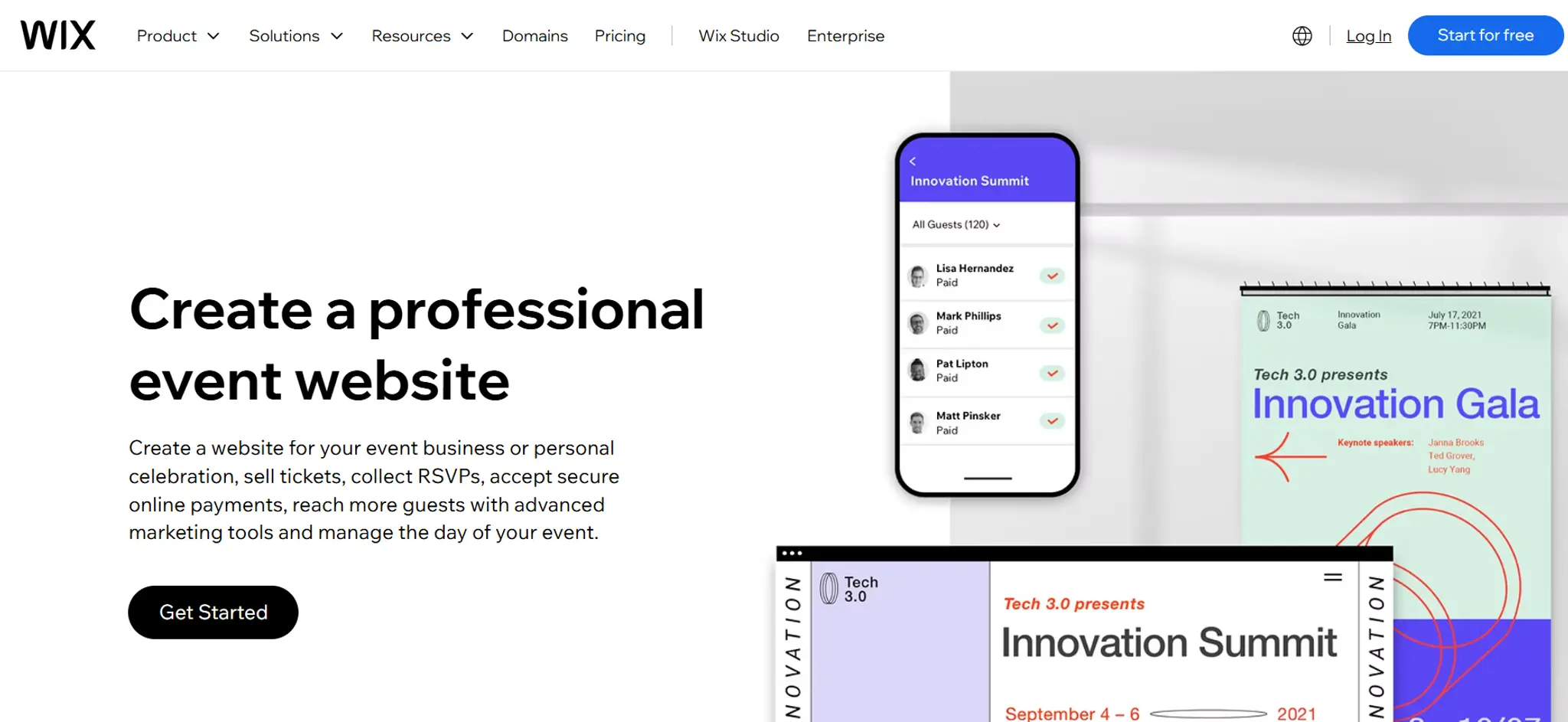
Wix Events lets organisers add registrations, ticket sales, invitations, seating plans and attendee tracking.
Good: lots of built-in event features.
Watch out: the free plan only builds the event page and collects RSVPs — selling tickets needs a paid plan, plus a 2.5% ticket fee.
3. Squarespace: best for design-led brands
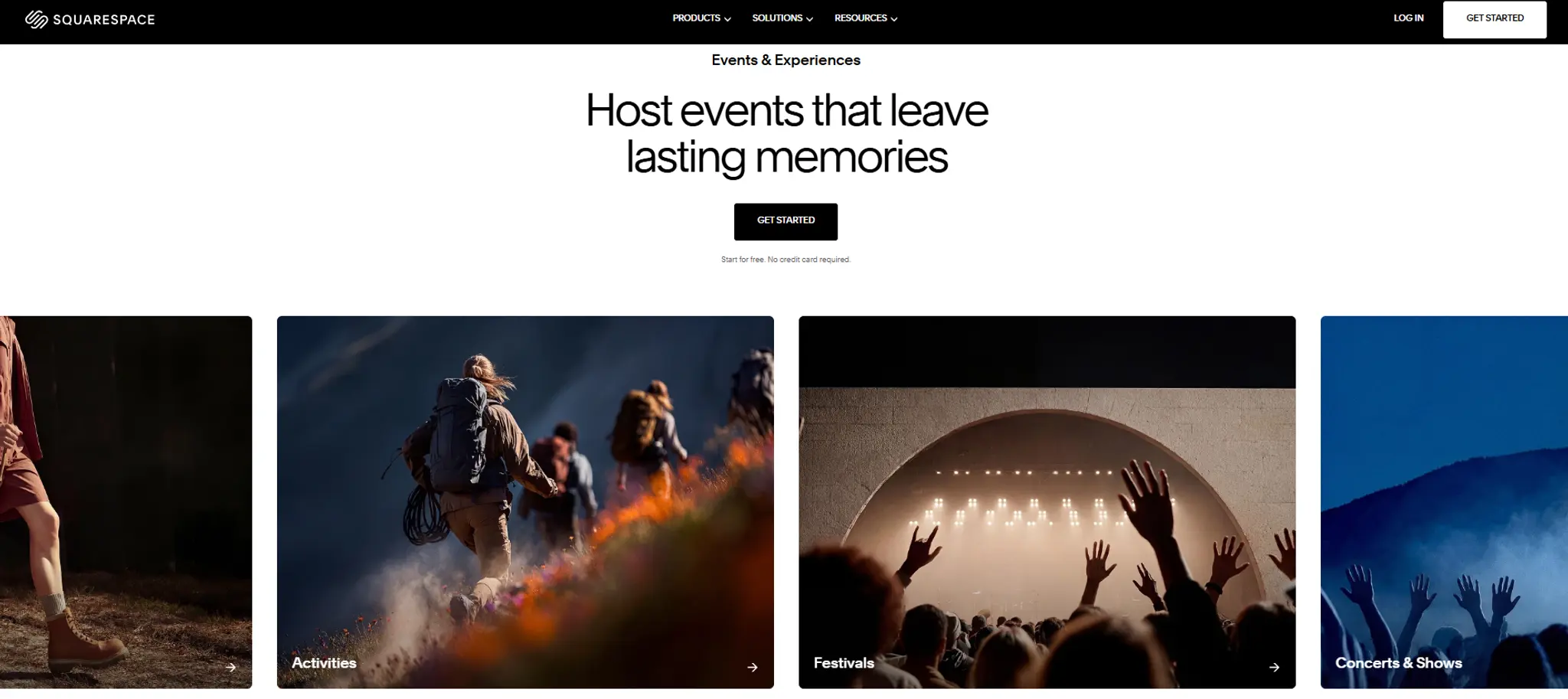
Squarespace offers custom forms for collecting sign-up and attendee details, plus scheduling tools for group bookings.
Good: polished templates.
Watch out: ticketing often relies on an add-on or integration.
4. Leadpages: best for marketers who want conversion-optimized pages
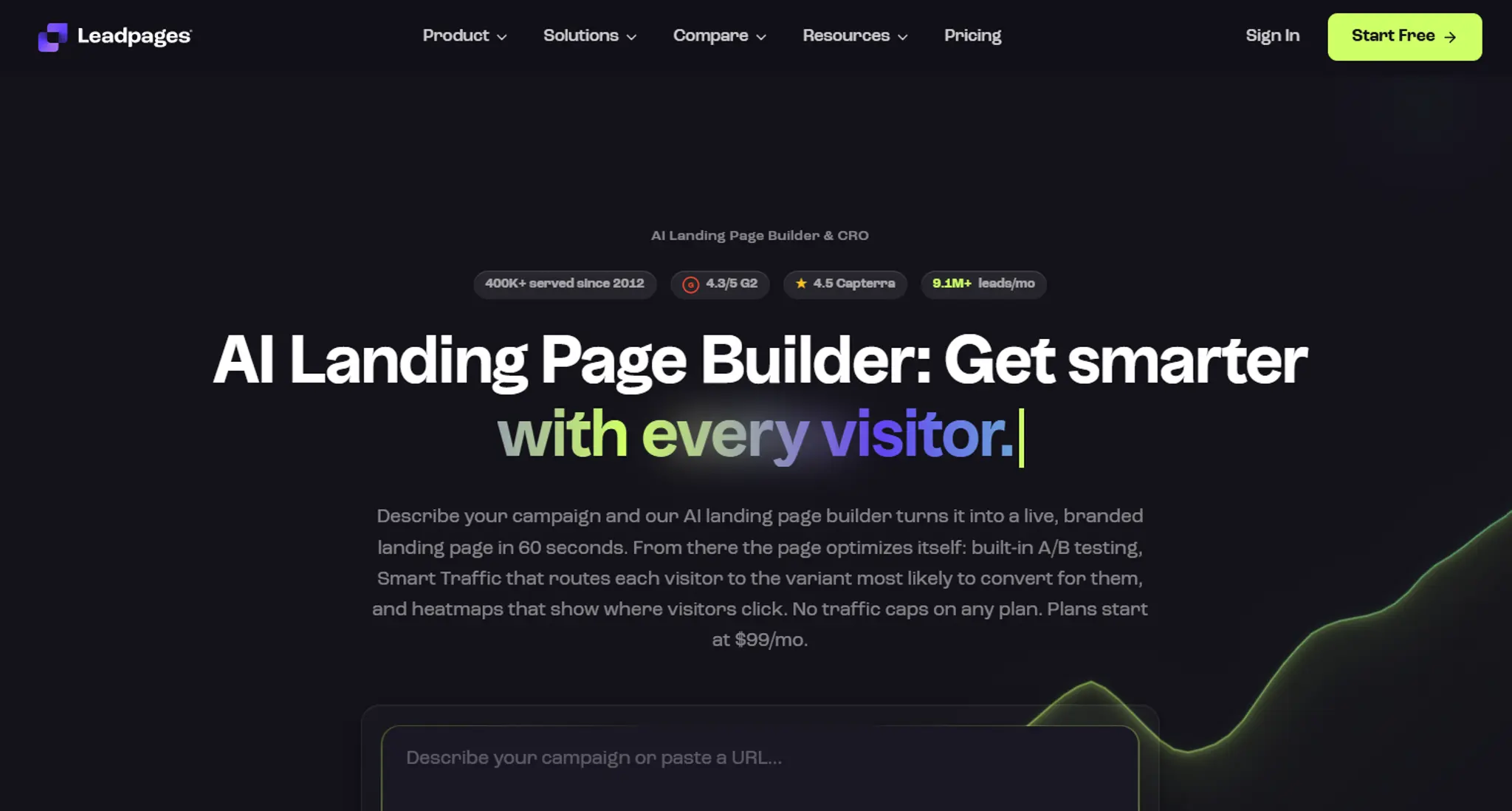
Leadpages now builds full multi-page websites, not just landing pages, with strong A/B testing and no traffic caps.
Good: conversion-focused, unlimited traffic, easy testing.
Watch out: no dedicated event or ticketing features — you're building a registration page, not running an event.
5. Eventbrite: best for public events that want discovery
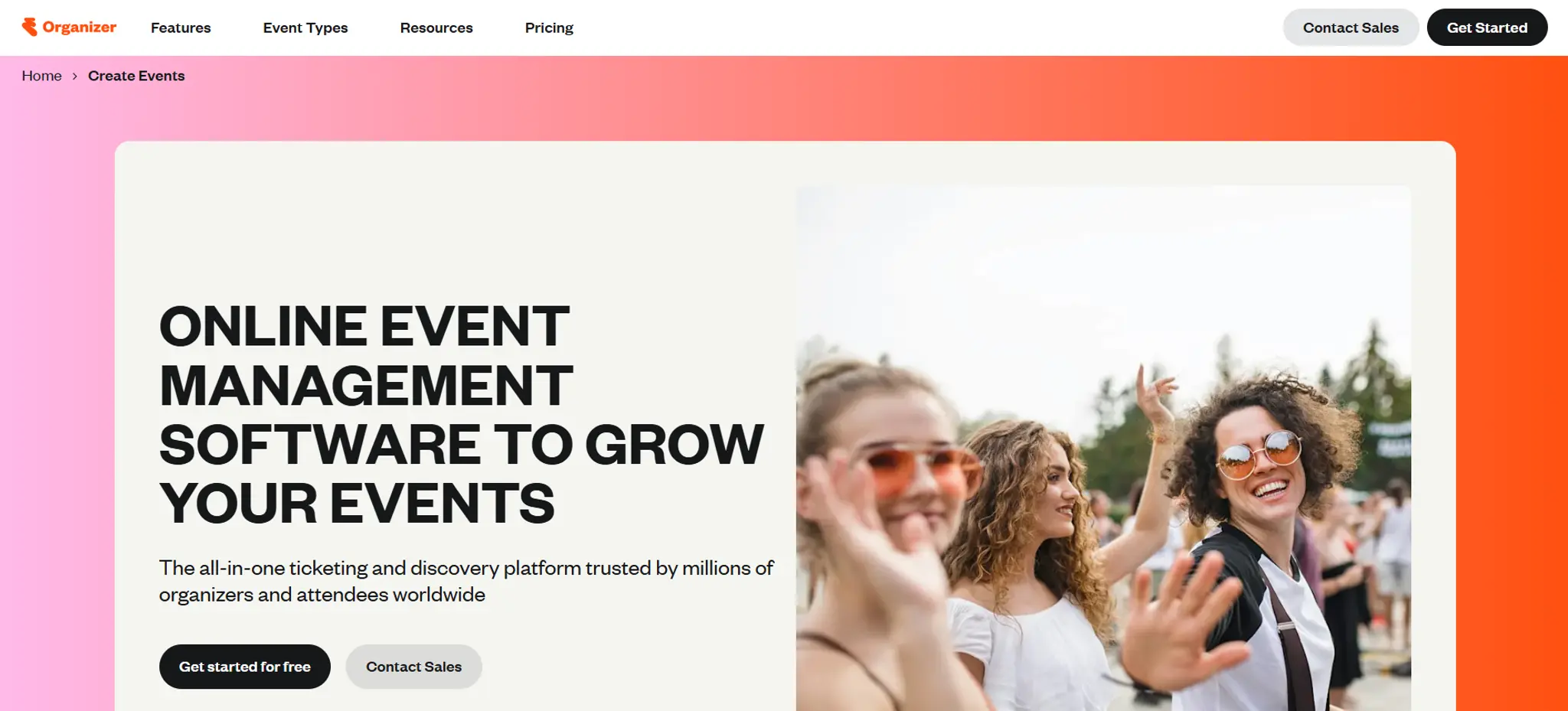
Eventbrite is free to use for free events and only charges when you sell paid tickets.
Good: people can discover your event on Eventbrite.
Watch out: the page carries Eventbrite's branding, and attendees can see other organisers' events.
6. Luma: best for quick community events
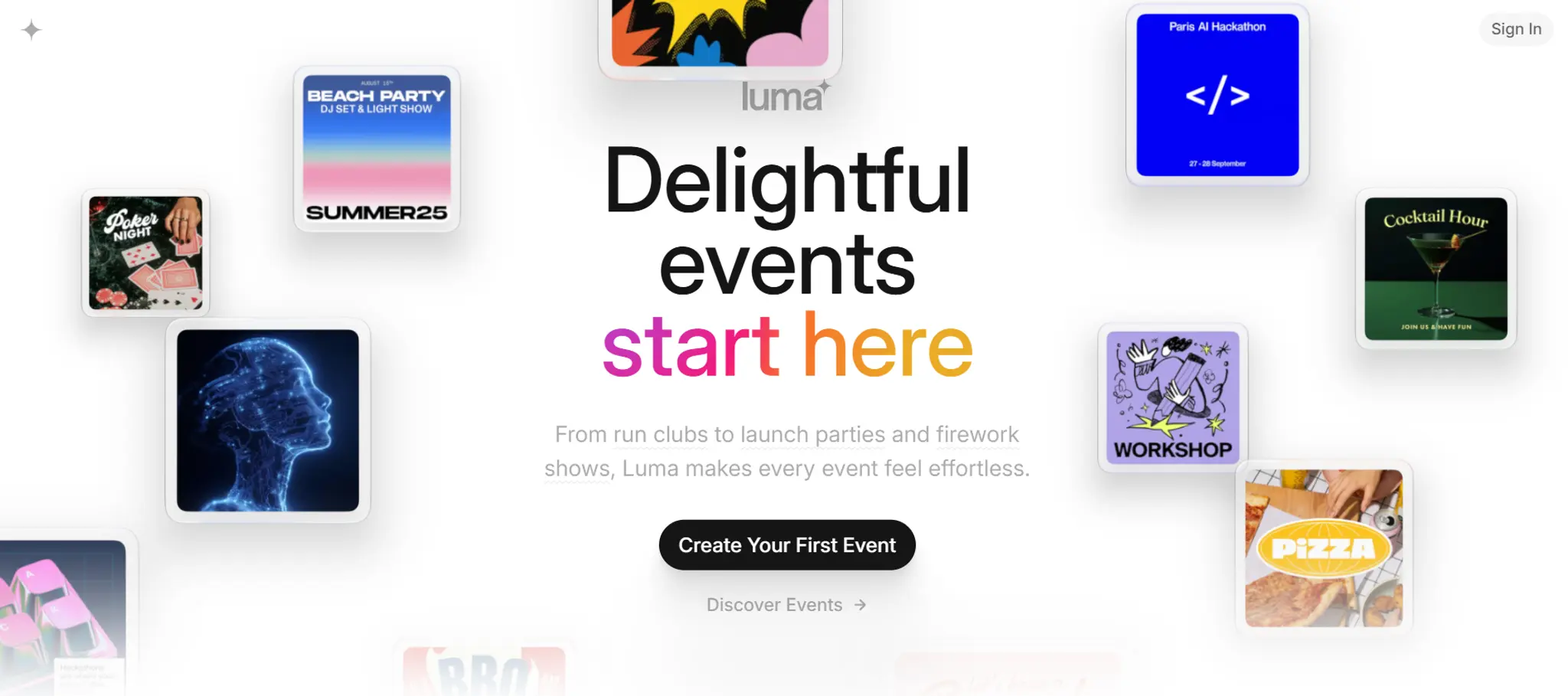
Luma is free to create events on, with clean event pages and fast setup.
Good: fast setup, and you can embed checkout on your own site instead of sending people away entirely.
Watch out: registrations live on Luma, not your website.
7. Jotform: best for a registration form you pair with another platform
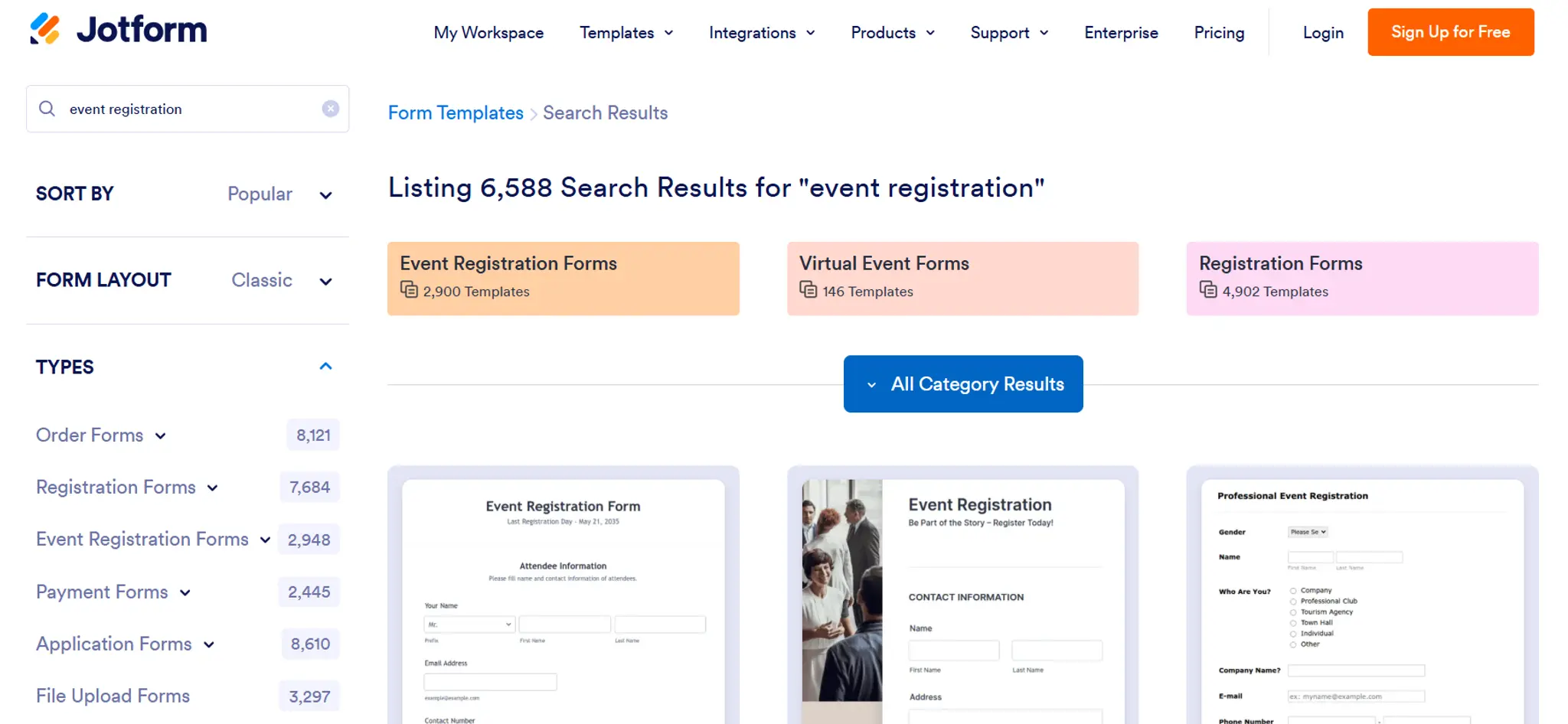
Jotform lets you collect registrations and payments without adding its own transaction fees.
Good: cheap and flexible.
Watch out: a form isn't a page. You still need somewhere good-looking to send people.
8. Zoom: best for teams already running webinars on Zoom
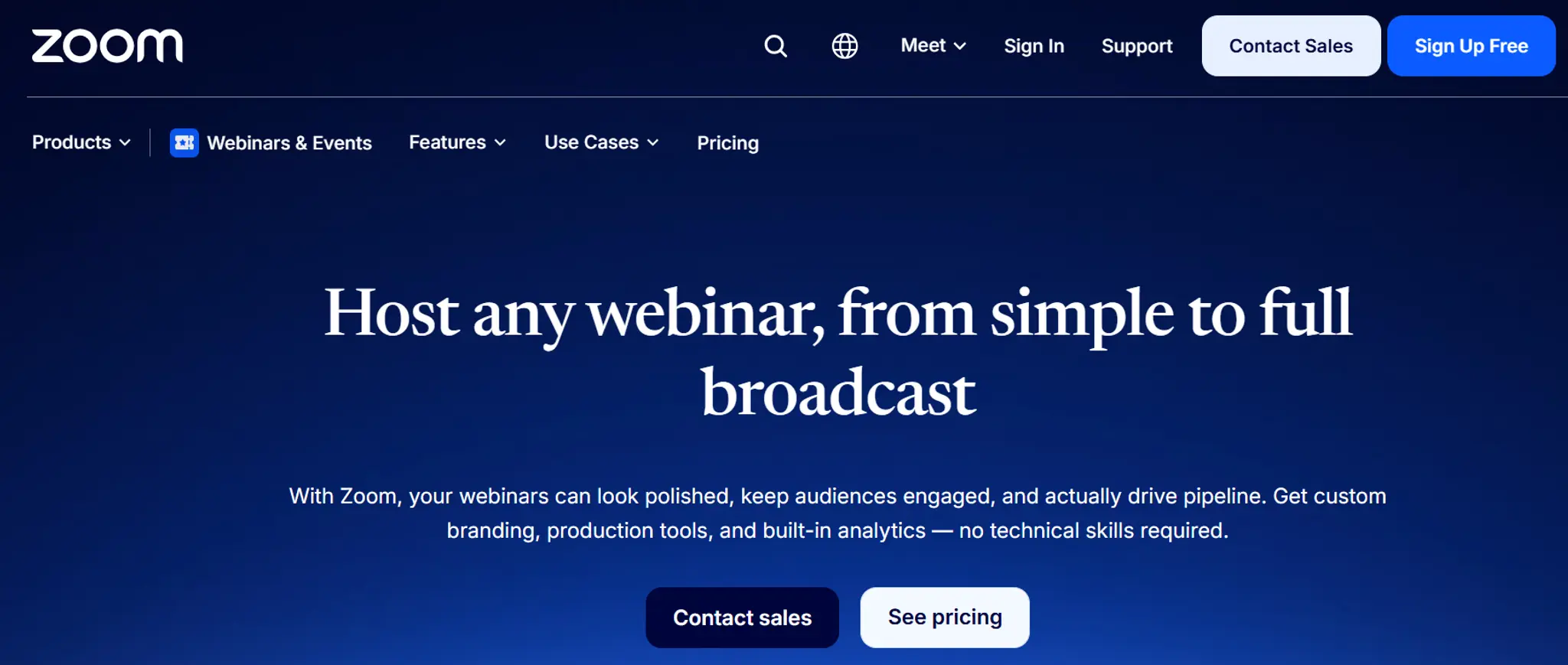
Zoom has built-out registration, but it needs a Pro plan or higher. Paid ticketing needs the separate Events/Webinars Plus tier ($89–149/mo), with payment via your own Stripe or PayPal account.
Good: registration and video in one platform.
Watch out: adds real monthly cost on top of your existing Zoom plan, and registration lives on Zoom, not your site.
What a high-converting event registration page needs
A good registration page answers five things in the first screen: what the event is, who it's for, when it happens (with time zone), what attendees will walk away with, and how to register. Put the register button above the fold, keep the form to name and email, and show the price clearly for paid workshops and seminars.
Checklist:
- A clear headline that states the outcome
- Date, time and time zone (or venue for in-person workshops)
- Who it's for, and who it's not for
- Three things attendees will learn or get
- Host photo and a one-line bio
- A short form (name + email)
- Payment on the same page for paid events
- A thank-you page with "add to calendar"
As a benchmark, Leadpages reports that webinar registration pages typically convert 20–40% of visitors, depending on where the traffic comes from. If yours is well below that, run it through our free website audit to spot what's holding it back.
The bottom line
If you run one event, use an event tool. If events are part of how you grow your business, put the registration page on your own website so every signup also builds your brand.
Build your event registration page free with OhhWells
Describe your event, and your on-brand registration page is ready in minutes.
Start for freeFrequently asked questions

Keep reading
Best Free AI Website Builders in 2026 (and What "Free" Actually Gets You)
Five free AI website builders compared on what matters: can you publish, use your own domain, and what happens when credits run out.
Why AI Websites All Look the Same (And How to Make Yours Look Like Your Brand)
AI websites look the same because tools share training data, component libraries, and vague prompts. Here's the five-step fix that works in any tool.
The State of Small Business Websites in Southeast Asia 2026
67% of small businesses we met have no website. The 33% that do score 37/100. Here's how to do better either way.
OhhWells vs. The Field: Agency Website Platform Price & Value Comparison
How OhhWells compares on price and value against GoHighLevel, Webflow, WordPress, Wix Studio, and Brizy — one table, every platform.
Lovable vs Bolt: Which AI App Builder Should You Actually Use?
Lovable vs Bolt, compared honestly: how their pricing actually differs, where each wins, and the team-pricing gap most comparisons miss.
Best AI for Web Design (2026): 7 Tools + What They All Miss
A plain-English comparison of the best AI website design tools in 2026 — what each is good at, and why looking good isn't the same as converting.