
Best Free AI Website Builders in 2026 (and What "Free" Actually Gets You)
Five free AI website builders compared on what matters: can you publish, use your own domain, and what happens when credits run out.
Start for Free
In short
A free AI website builder lets you describe your business and get a working website at no cost. Wix, Durable, Framer, Canva, and OhhWells all offer free plans with no card required. Every free plan puts your site on their subdomain or rations the AI — no builder gives you a custom domain for free.
Key takeaways
- Free AI website builders fall into two groups: ones that let you publish a live site for free (with limits), and ones that only let you preview what the AI built.
- No free plan includes a custom domain. That's where every builder starts charging, usually $10 to $25 a month.
- AI generation is rationed on most free plans through credits or page limits, so check how many you get and whether they renew.
- The best free plan is the one on the builder you'd be happy to pay for later. Rebuilding on a different tool costs more than any subscription.
- OhhWells' free plan gives you 30 AI credits on signup, then 5 a day, and is built so the site looks like your brand rather than a template.
What is a free AI website builder?
A free AI website builder is a tool that generates a website from a short description of your business at no cost. You type what you do and who it's for, and the AI produces pages, layout, copy and images. The free plan lets you build and usually publish; you pay when you want your own domain, no platform branding, or more AI usage.
Three questions tell you whether a "free" plan is real:
- Can you publish? Some builders let you generate a site but not put it live without paying.
- Can you use your own domain? In 2026 the answer is no on every free plan; the difference is how much the upgrade costs.
- What happens when the AI credits run out? Most free plans limit generations. Some renew daily, some never do.
The 5 best free AI website builders compared
Not on the list: Hostinger shows up in every "free" search but has no free plan, only a trial and a money-back guarantee. Squarespace lets you use its AI to draft a site free but you can't publish without a paid plan after the 14-day trial. 10Web's AI builds a preview, but publishing requires a hosting plan from day one — same category as the two above. All three are decent paid options; they just don't belong in a free comparison.
Free plan details checked September 2026. These change often; confirm on each builder's pricing page before you commit.
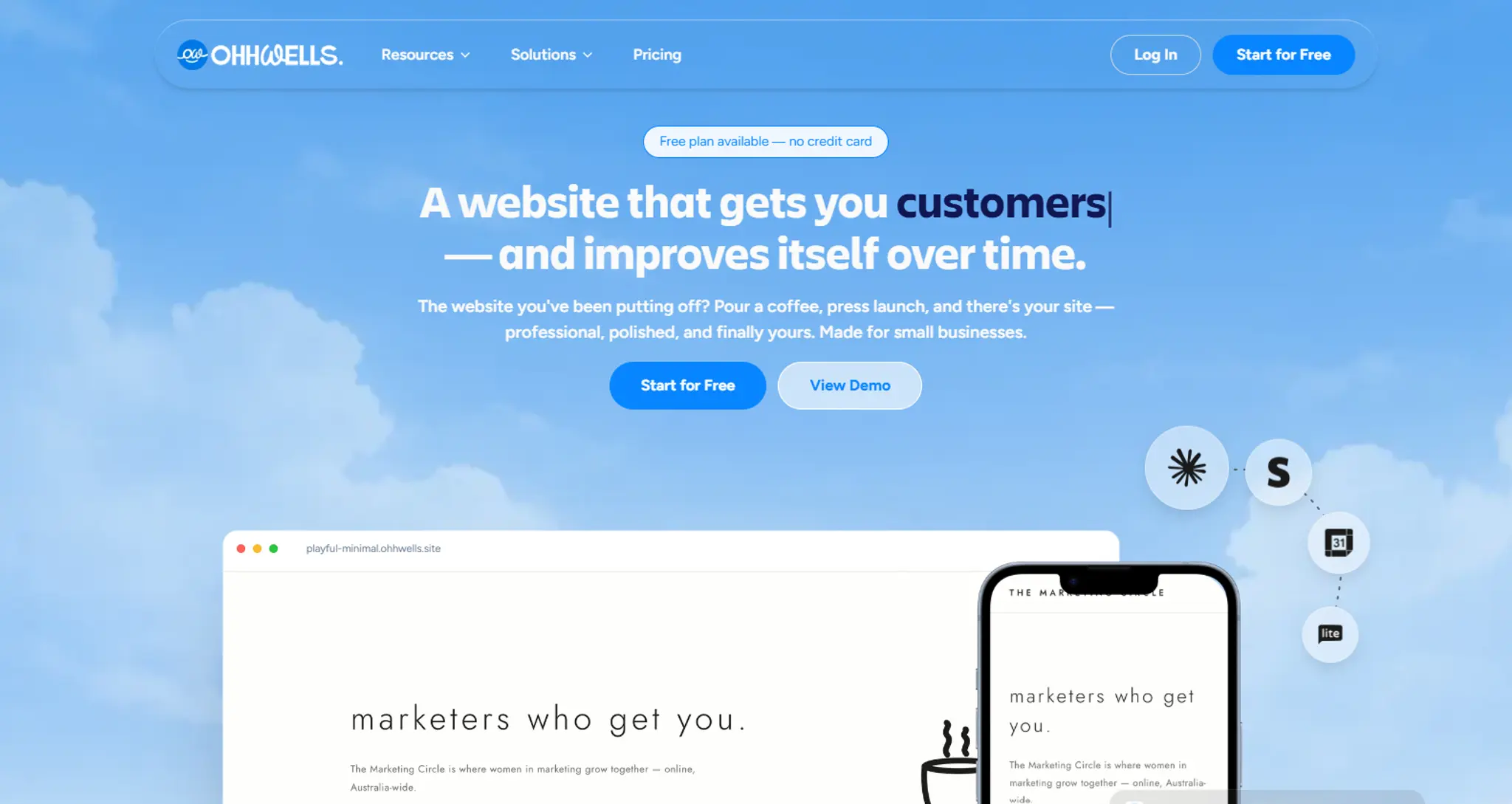
OhhWells: best for a free site that looks like your brand
OhhWells is built for people who already know what their website should look like and want to make it themselves. You set up your brand kit once (colours, fonts, tone), and every AI generation works inside it, so you don't get the same template as every other business in your category.
The free plan publishes live on your OhhWells subdomain — up to 20 bookings a month, with online payments included from day one. You get 30 AI credits when you sign up and 5 more every day after that; the 30 signup credits expire if you don't publish, which is the nudge to actually finish. You pay when you're ready to move the site to your own domain.
Pick it if: you want the free version to already look like your business, not a draft you'll restyle later. Skip it if: you're selling physical products at scale; a store-first builder will serve you better.
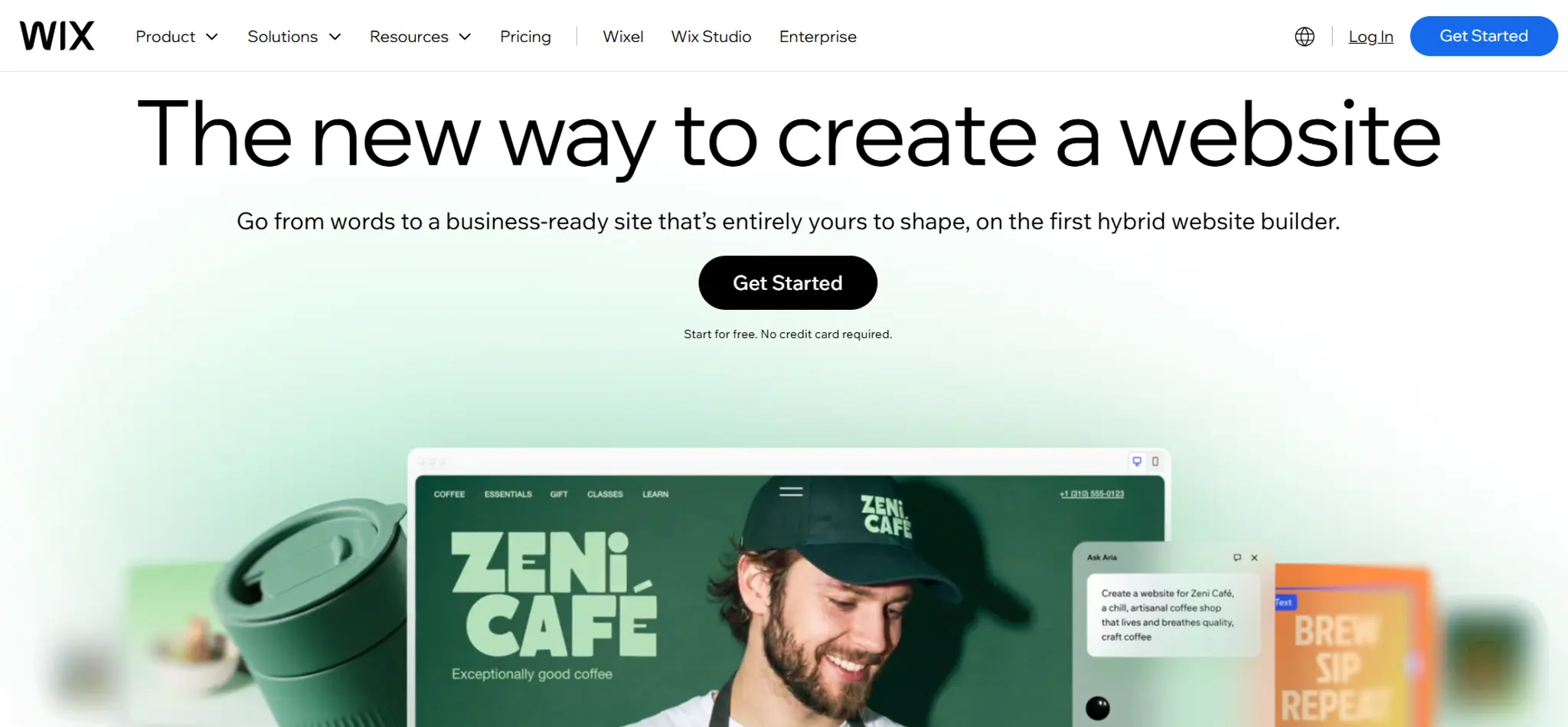
Wix: the most features for free
Wix's free plan has no cap on AI generation and includes the full editor, hosting and a large template library. The price you pay is Wix ads on your site and a wixsite.com address, which makes it hard to send customers to.
Pick it if: you want to test everything before paying. Skip it if: you'll show the site to customers before upgrading; the ads undermine trust.
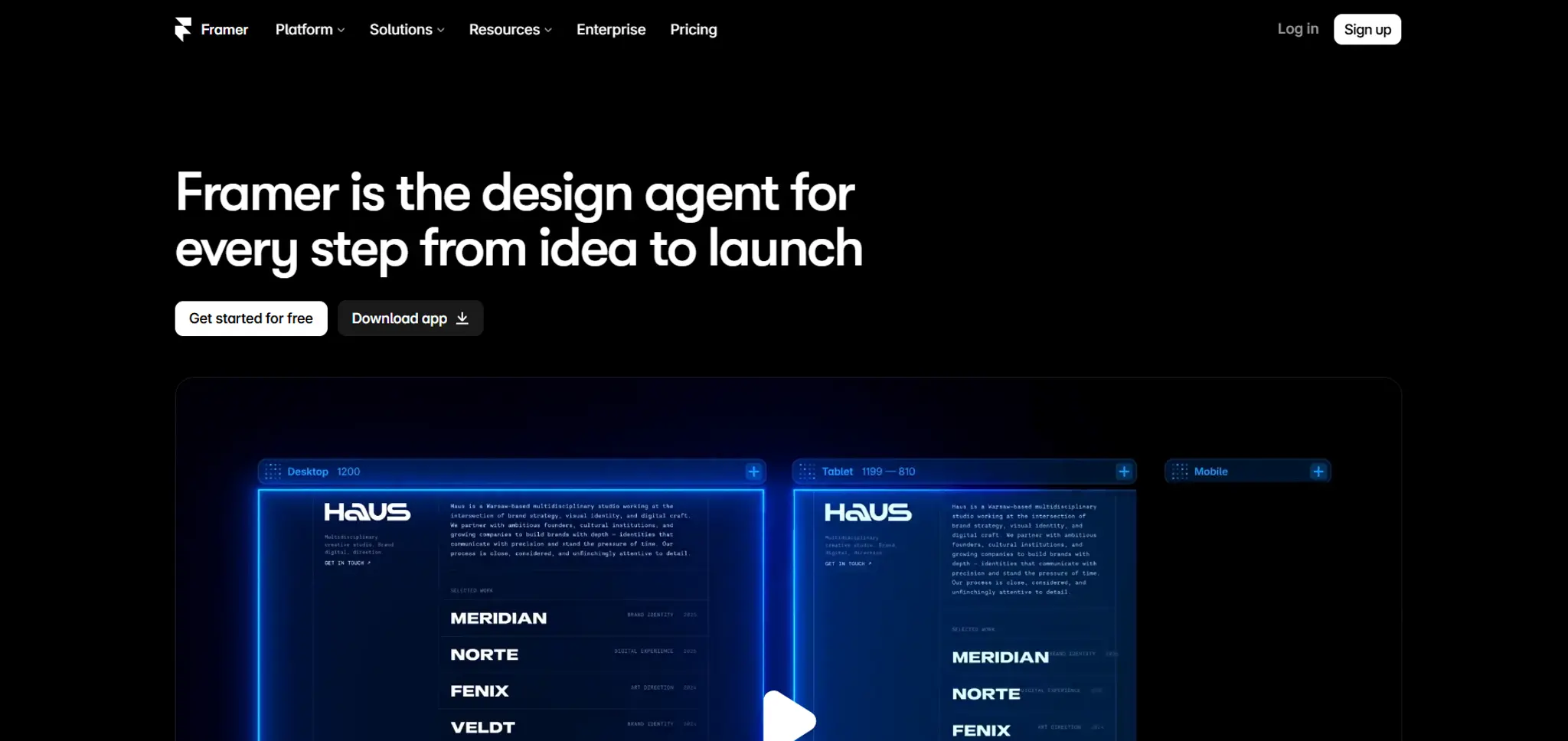
Framer: the most generous free AI allowance
Framer gives 500 AI credits a day on a free workspace, a Framer subdomain and 1 GB of bandwidth. The AI works inside the design canvas, so it's the strongest free option if you have design taste and the time to use it.
Pick it if: you care about design and are comfortable in a design tool. Skip it if: you want a site you can edit in five minutes without learning anything.
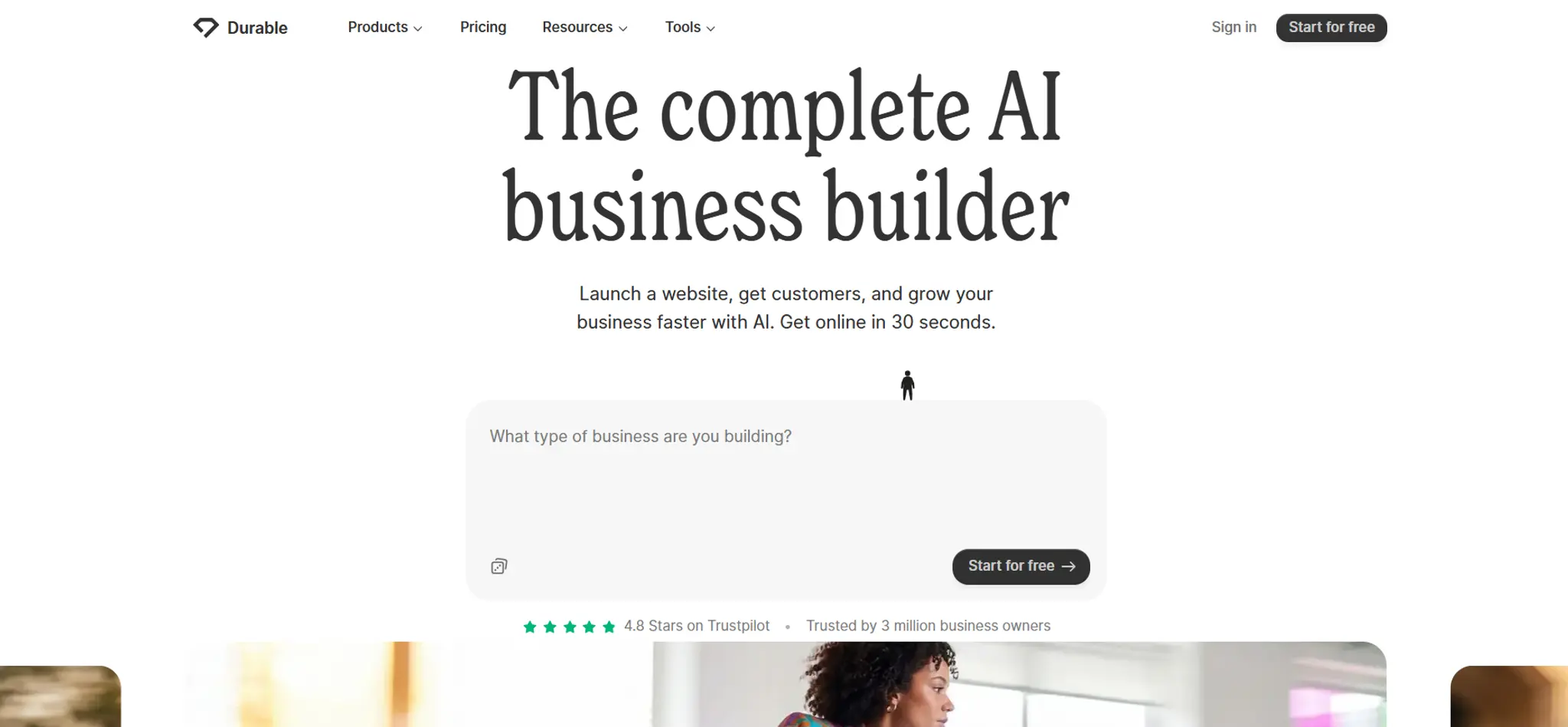
Durable: the fastest free site
Durable generates a site in under a minute and publishes it free on a .durable.site address with Durable branding. The free plan is capped at three pages and rations the AI features. Good for testing whether you like the tool; not enough for a real business site.
Pick it if: you want to see a draft in 60 seconds. Skip it if: you need more than three pages.
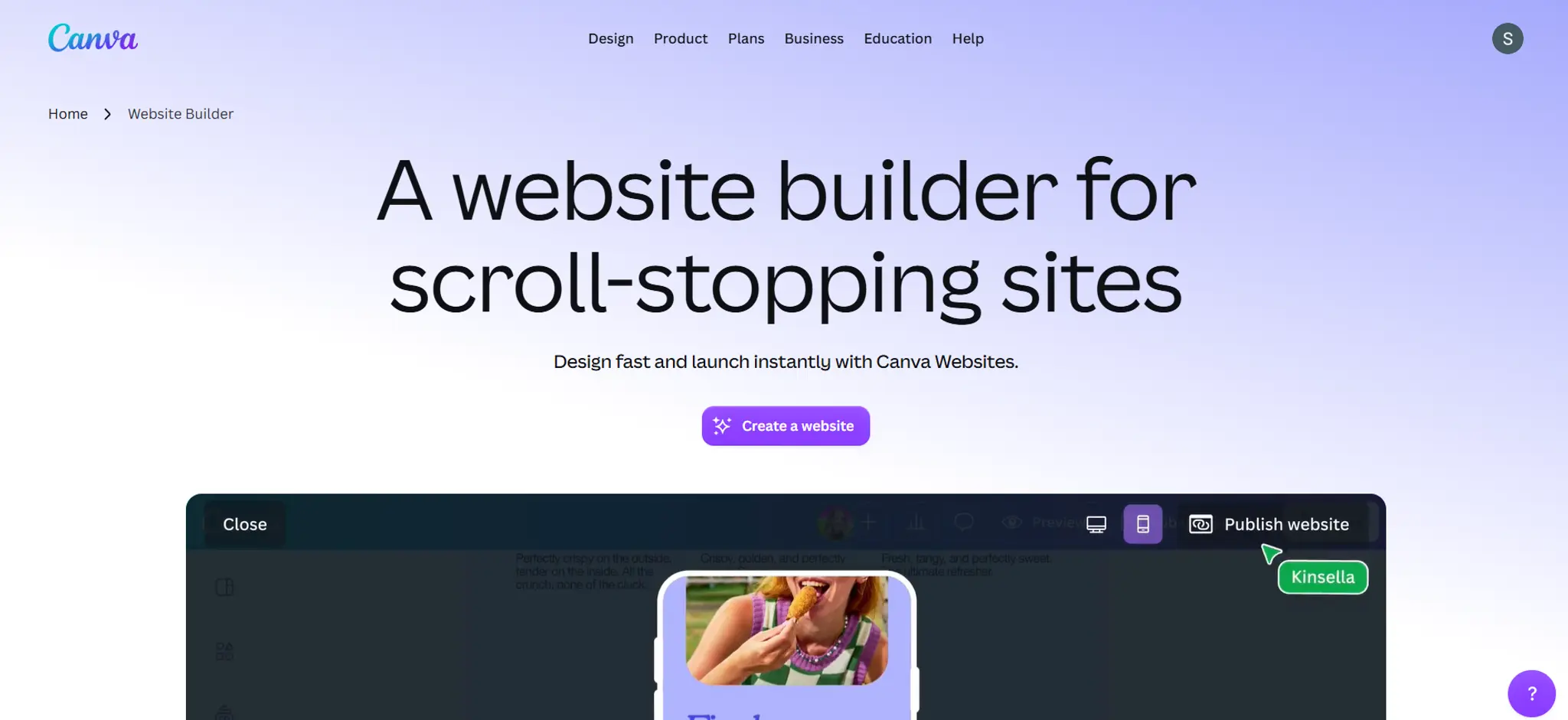
Canva: free one-pagers if you already use Canva
Canva Free lets you publish up to five websites on a Canva subdomain. They're really single-page designs rather than full sites, but if your business already lives in Canva it's the lowest-effort path to something live.
Pick it if: you need a simple landing page and already use Canva. Skip it if: you need multiple pages, forms or bookings.
Free AI website maker vs free AI website generator: is there a difference?
No. "Website builder", "website maker", "website creator" and "website generator" describe the same kind of tool, and the same products show up under all four names. The only distinction worth knowing is between tools that give you an editable site (builders like Wix, Framer and OhhWells) and tools that hand you code to maintain (Lovable, Bolt, v0). The second group is powerful but a trap for anyone who doesn't want to become their own developer. We've compared two of them in Lovable vs Bolt.
What free plans hide
Four things sit behind the paywall on almost every builder:
- Your own domain. yourbusiness.com instead of yourbusiness.wixsite.com. This is the first thing you'll pay for and the one that matters most to customers.
- Platform branding. "Made with X" badges or ads on your pages. Free plans keep them; paid plans remove them.
- AI usage. Credits, page caps, or a limited number of AI images. Check whether the allowance renews or is a one-off.
- The business layer. Bookings, payments, forms that go somewhere. Usually paid, and often an extra add-on on top of the base plan.
For what each builder charges once you upgrade, see AI website builder pricing: what 9 platforms actually charge after the free tier.
When free is enough, and when it isn't
Free is enough when you're testing an idea, building a portfolio, or want to see what the AI produces before choosing a tool. Nobody needs to pay to find out whether they like a builder.
Free stops being enough the moment a customer needs to find you. A subdomain with someone else's branding on it tells people your business is temporary. At that point the question isn't whether to pay but which builder to pay, and the cheapest answer is usually the one you built on, because moving a site between builders means starting over.
So pick your free plan the way you'd pick a paid one: on whether the result looks like your business and whether you can edit it yourself. Speed and feature count matter less than they look; every tool on this list is fast, and you'll use a fraction of the features.
If you want to see what the free draft looks like in practice, here's how to use AI to design website sections, step by step.
Start free, publish when it's yours
OhhWells is free to start with no card. Set up your brand, generate your pages, and edit anything you like. You pay only when you're ready to publish it on your own domain.
Start OhhWells for free
Join OhhWellsFrequently asked questions

Keep reading
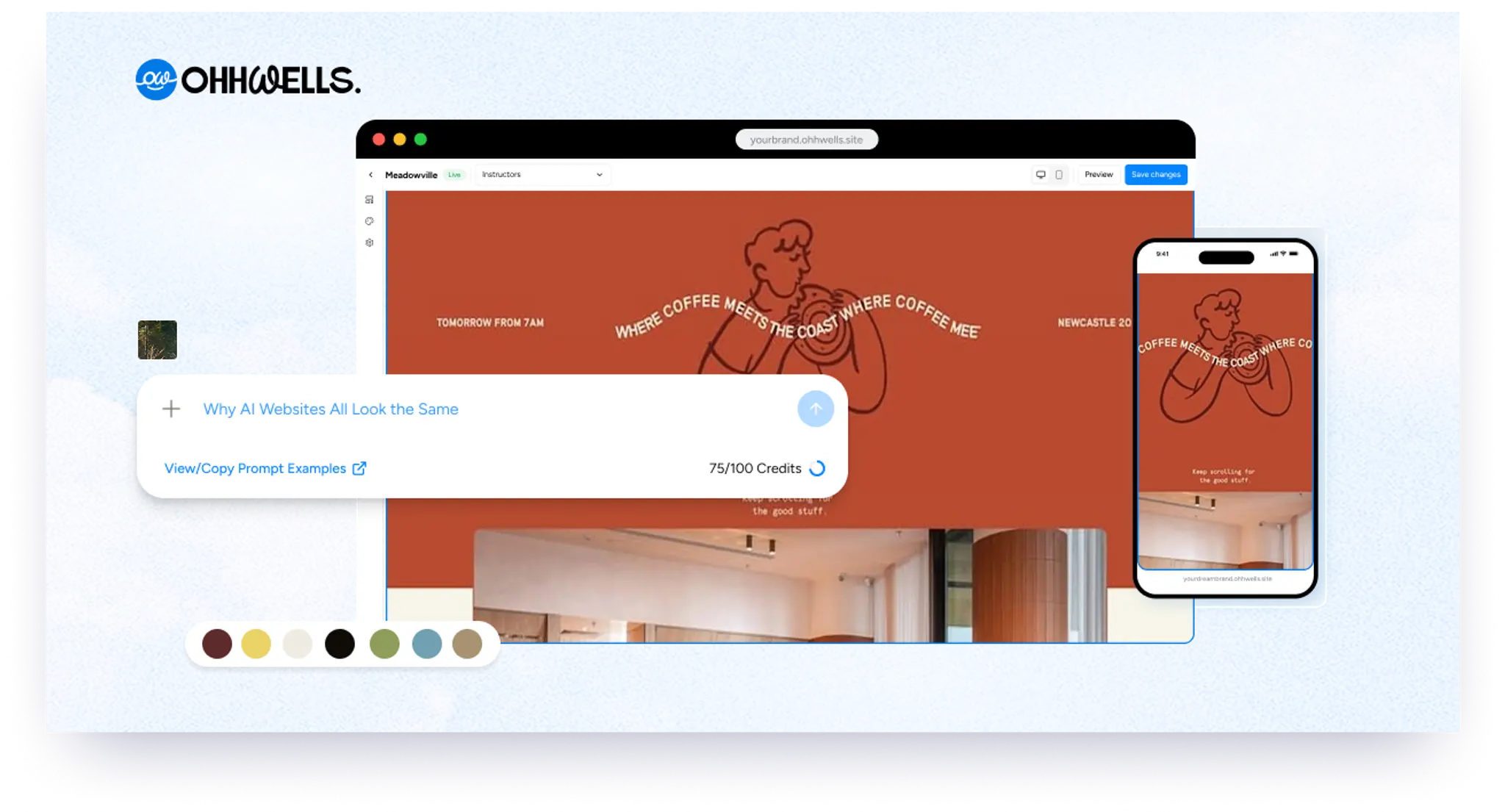
Why AI Websites All Look the Same (And How to Make Yours Look Like Your Brand)
AI websites look the same because tools share training data, component libraries, and vague prompts. Here's the five-step fix that works in any tool.
The State of Small Business Websites in Southeast Asia 2026
67% of small businesses we met have no website. The 33% that do score 37/100. Here's how to do better either way.
OhhWells vs. The Field: Agency Website Platform Price & Value Comparison
How OhhWells compares on price and value against GoHighLevel, Webflow, WordPress, Wix Studio, and Brizy — one table, every platform.
Lovable vs Bolt: Which AI App Builder Should You Actually Use?
Lovable vs Bolt, compared honestly: how their pricing actually differs, where each wins, and the team-pricing gap most comparisons miss.
Best AI for Website Design (2026): 7 Tools Compared Honestly
A plain-English comparison of the best AI website design tools in 2026 — what each is good at, and why looking good isn't the same as converting.
AI Website Builder Pricing: What 9 Platforms Actually Charge After the Free Tier (2026)
AI website builders are free to build, paid to publish. Here's what nine builders actually charge for domains, payments, and bookings — and how to pick.