
Key takeaways
- Local SEO is essential for home services. Use location-based keywords, clear page titles, and image alt text so customers searching "near me" can find you fast.
- An online scheduling tool such as OhhWell's scheduler removes friction and converts visitors into appointments without requiring a phone call.
- Prominently featuring Google reviews, licenses, and before-and-after photos gives new customers the confidence to hire you.
- List every service you offer with a short description of how you solve the customer's problem, so visitors can quickly confirm you're the right fit.
Why your home services business needs a website
A local service business needs a website because 97% of consumers search online before hiring someone nearby. Without one, your business is invisible to most potential customers. Even referrals will usually Google your name first. If they find nothing, they choose a competitor who does have a site.
Essential features to include in a good home services website
1. Optimize for SEO
Customers should be able to quickly confirm that you offer the service they need in their specific location. For example, Google Trends data from the past year shows that for the keyword “HVAC service,” local intent searches like “HVAC near me” and “HVAC services near me” consistently rank within the top five Google search results. This highlights the importance of optimizing your website for location-based keywords.

How to get started
- Include local keywords naturally in headings and body copy (New York HVAC service)
- Write concise page titles and meta descriptions
- Use one clear H1 per page
- Add alt text to images
2. Clearly state your service offerings
Prominently list all services offered and how your business solves the customer’s problem.
How to get started
- List every core service (ex. heating/cooling company should include repair, installation, maintenance)
- Create a short paragraph for each service and how you solve the customer problem
3. Set up online scheduling or contact forms
Integrate an online scheduling or inquiry system so visitors can request service appointments directly on the site. Booking widgets (e.g. Acuity, Calendly) allow customers to see available time slots and book a technician or consultation without calling.
How to get started
- Integrate a booking tool (ex. Calendly, Acuity, OhhWell’s scheduler)
- Show available time slots clearly
- Send automatic confirmation emails
4. Add social proof
Feature real customer testimonials, star ratings or Google review embeds prominently on the site. New customers are more likely to hire a service professional if they see others’ positive experiences.
How to get started
- Embed Google reviews on your homepage
- Embed Instagram feed to showcase before-and-after photos of real projects
- Display licenses and certifications clearly
Home services website template with optimized SEO and AEO
If you are considering website templates that are optimized for local SEO, consider the following:
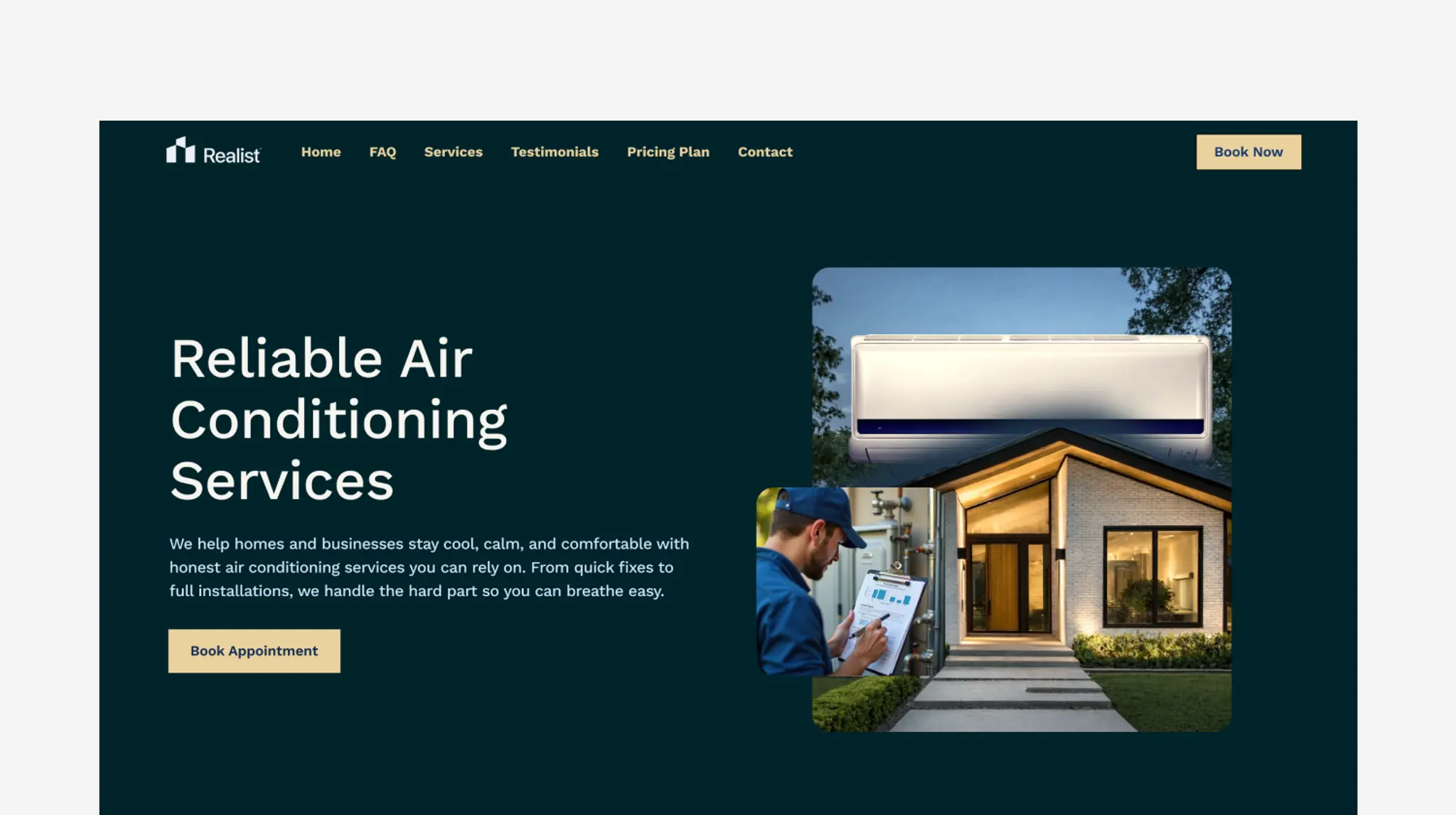
HVAC template
HVAC is a modern HVAC website template designed for local installation and repair experts. Highlight your services with clear service layouts, simple contact forms, and real customer reviews.
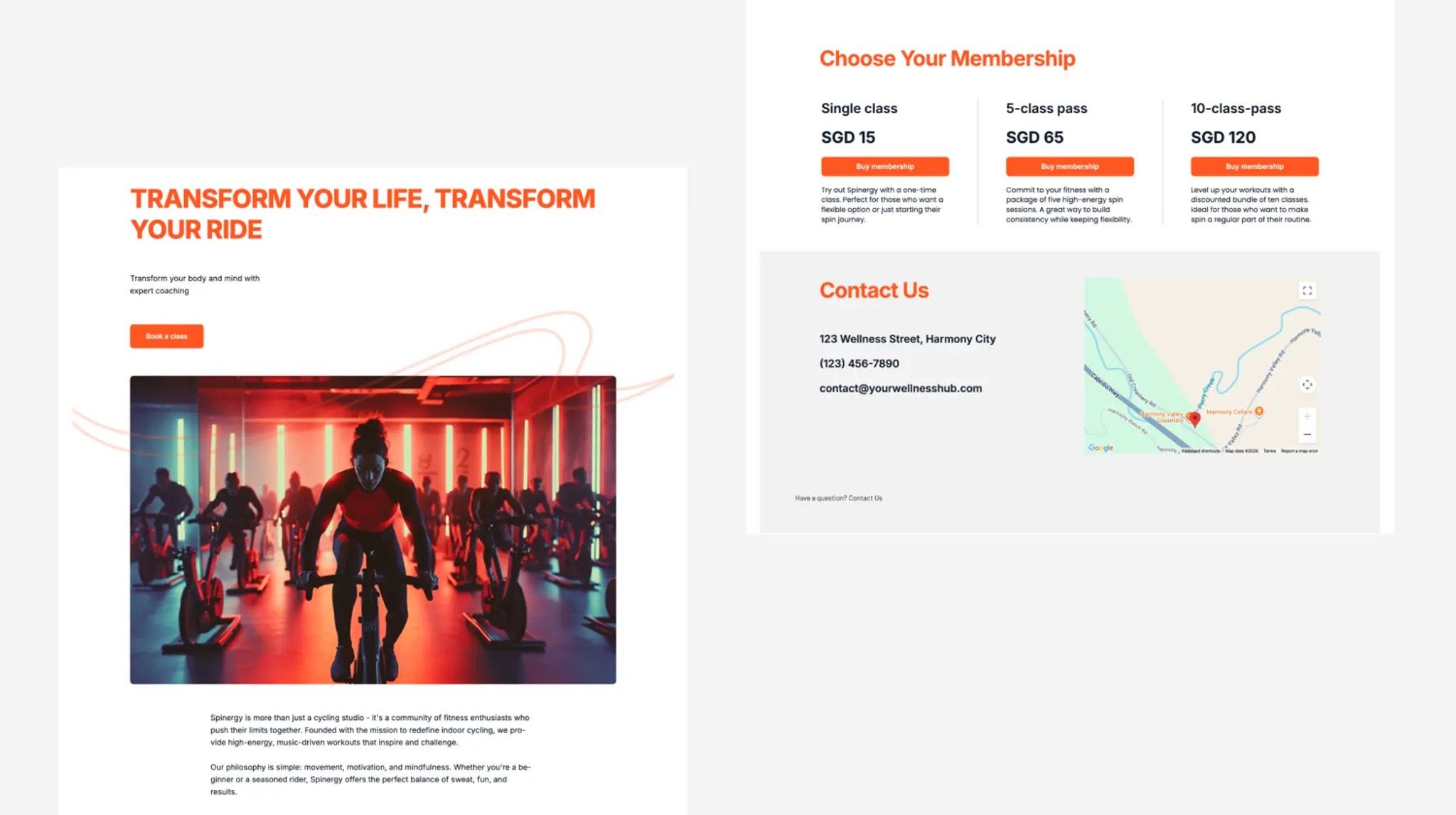
Spinery template
Spinery is a simple website template designed for local businesses including home services. Highlight your services with scheduling software, simple contact forms, and Google Maps integration.

Keep reading
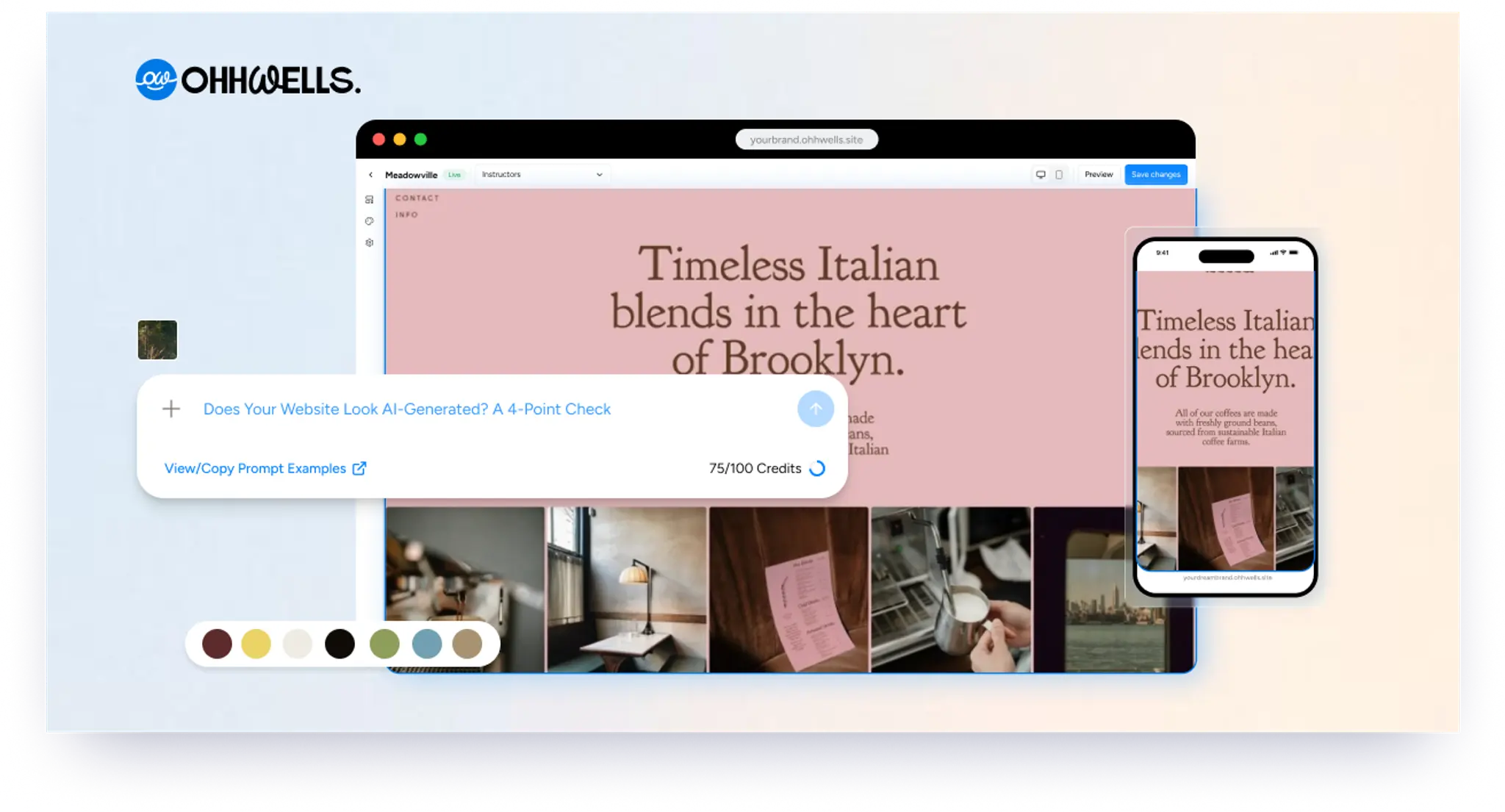
Does Your Website Look AI-Generated? A 4-Point Check
Run four quick checks on your homepage to see if it looks AI-generated, from copy to photos, plus a simple fix for each one so it looks like your business.
Leaving Squarespace? How to Move Your Website Without Losing Your Google Ranking (2026)
Squarespace only exports part of your site. Here's what you can take with you and how to move step by step without losing your Google ranking.
Leaving Wix? How to Move Your Website Without Losing Your Google Ranking (2026)
Wix doesn't let you export your whole site. Here's what you can take with you and how to move off Wix step by step without losing your Google ranking.
Leaving WordPress? How to Move Your Website Without Losing Your Google Ranking (2026)
Thinking of leaving WordPress? Here's how to move your website step by step without losing your Google ranking, your domain or your email.
Why AI Websites All Look the Same (And How to Make Yours Look Like Your Brand)
AI websites look the same because tools share training data, component libraries, and vague prompts. Here's the five-step fix that works in any tool.
How to Use AI to Design Website Sections (Step-by-Step, With Prompts That Work)
A step-by-step guide to designing website sections with AI — set your brand first, then prompt one section at a time. Includes copy-paste prompts.