
Claude Website Builder: Build, Publish & Edit a Site (2026)
Yes, Claude can build your website. Learn how to build one with Claude Code, publish it on your own domain and keep editing it without code.
Start for Free
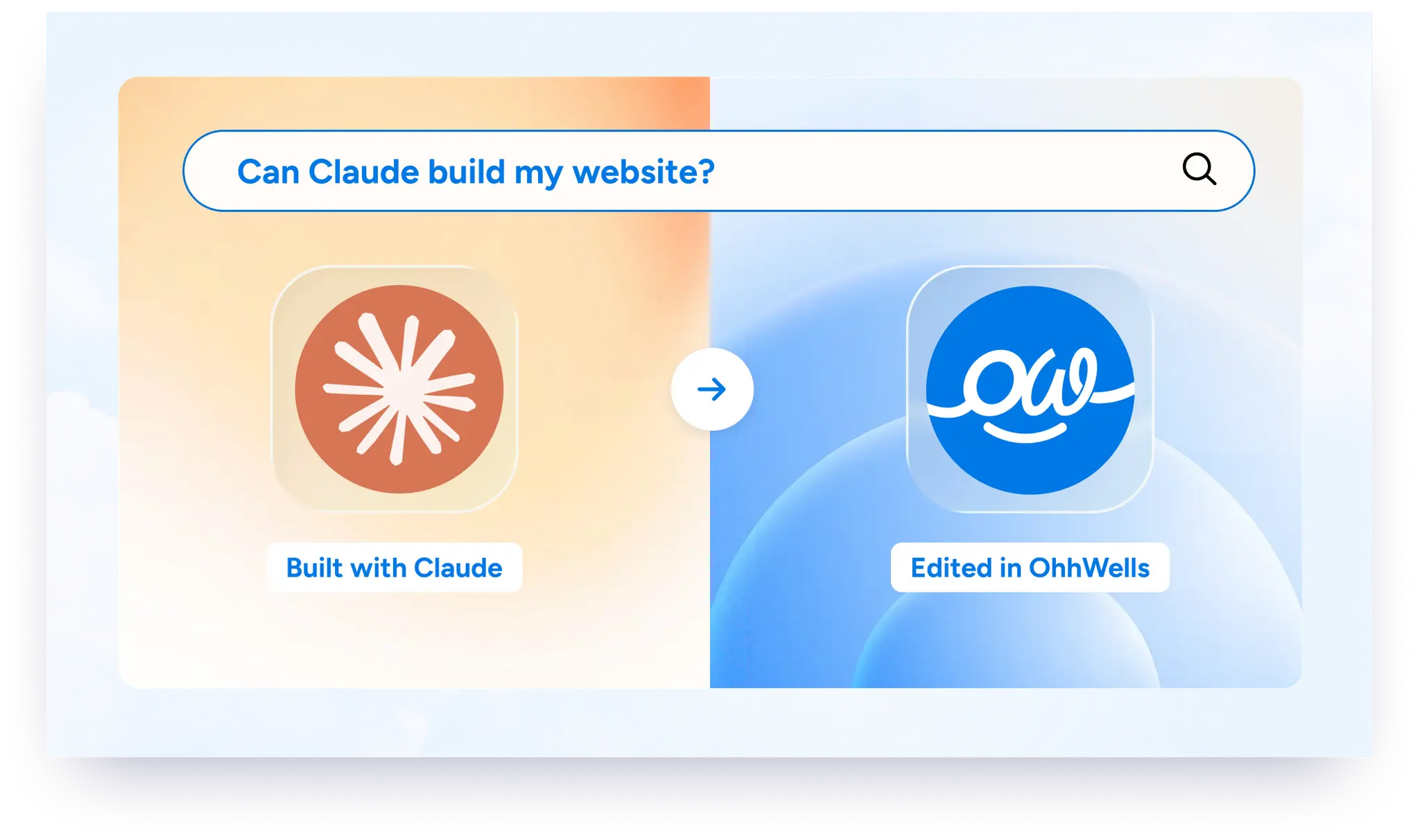
In short
Claude isn’t a website builder on its own. It’s an AI that writes your website’s code: one page in Claude chat, or a full multi-page site with Claude Code. You still need hosting, a domain and an easy way to edit it. OhhWells is an AI website builder that keeps every page of your site on-brand.
Key takeaways
- Claude writes your website’s code, but it isn’t a full website builder. It doesn’t include hosting on your own domain, a forms inbox or a visual editor.
- Use Claude chat for a quick one-page draft. Use Claude Code, which needs a paid Claude plan, for a full multi-page site.
- Most Claude-built sites get stuck after launch: every small change needs code, they’re hard to hand over, and they drift off-brand.
- Push a Claude Code site to OhhWells to publish it on your own domain and edit it by clicking or prompting, with no code.
- If you’d rather not code at all, OhhWells builds an on-brand site from a one-sentence description of your business.
Already built a site with Claude? Push it to OhhWells and edit every word, image and section in a visual editor, no code needed. Start free →
Can Claude build a website?
Yes. Claude can write the HTML, CSS and JavaScript for a complete website from a plain-English description. With Claude Code, it can also create a multi-page project, set up the files and fix its own errors. What Claude does not give you out of the box is hosting on your own domain, a form inbox that actually works (collecting emails, enquiries and sign-ups in one place), or a way for a non-coder to change the site later.
Two ways to build a website with Claude
Before you pick: Claude Code needs a paid Claude plan. On the free plan, you can only use Claude chat. If you go with Claude Code, set up a free GitHub account first. Your site's code lives there, which keeps your work safe and makes publishing it later much smoother.
The short version: Claude is great at building. It is not built for the months after launch, when you want to change a price, swap a photo or add a new section on a Tuesday afternoon.
How to build a website with Claude Code, step by step
- Write a one-sentence brief. Who you help, what you offer, and the one action you want visitors to take. Example: "A pilates studio in Sydney for busy professionals; visitors should book a first class."
- Ask Claude Code to build it. Use the prompt below. Ask for a Next.js (App Router) site so you have more options for publishing later.
- Make the content editable. Add the open-source OhhWells library and CLI from github.com/ohhwells. It restructures your site so a visual editor can find every headline, paragraph and image.
- Push it to OhhWells. Create a free account, generate an API key, and push your site with the CLI.
- Publish and connect your domain. Publish from the OhhWells app, then connect a domain you already own.
- Edit like a normal website builder. Change text and images by clicking on them, or describe the change to OhhMate, the built-in AI assistant. Bigger rebuilds can still happen in Claude Code; just push again when you are done.
Starter prompt for Claude Code (copy and paste):
- Build a 4-page website (Home, About, Services, Contact) in Next.js App Router for [business name], a [what you do] for [who you help] in [city].
- The main goal is for visitors to [book / enquire / buy].
- Brand: primary colour [hex], background [hex], heading font [font], body font [font]. Store all colours and fonts as CSS variables in one file.

Write clear, specific copy (no lorem ipsum). Make it fully responsive on mobile.
Turn your Claude-built site into one anyone can edit. Free account, push in minutes, edit without code. Push your site to OhhWells →
Where Claude-built websites get stuck
- Every small change means going back to the code. Fixing a typo becomes a prompt, a review and a redeploy.
- They are hard to hand over. A client, co-founder or team member who does not code cannot update the site themselves.
- They drift off-brand. Each new prompt can bring slightly different colours, spacing or fonts, so the site starts to look like every other AI build.
- The business side is missing. Contact forms need somewhere to send leads. Pages need SEO and AEO structure so Google and AI engines can find them.
- Keeping the AI consistent is a job in itself. The same prompt can give different results each time, so staying on-brand turns into a late-night re-prompting loop.
Using OhhWells as your Claude website builder
OhhWells is an AI website builder that keeps your pages consistently on-brand by combining AI prompting with the quick edits of a no-code tool. For people building with Claude, it is the place your site lives after Claude builds it.
- Visual editor for your Claude-built site. Click any text or image to change it. No terminal.
- OhhMate, the built-in AI assistant. Describe a change ("add a pricing section with three plans") and it builds it in your brand.
- Holds your brand across pages. New sections and pages use your colours, fonts and buttons automatically.
- Leads emailed to you. Form enquiries land in your inbox on every plan, including Free.
- Mobile and SEO/AEO structure built in. Responsive layouts and the structure search and AI engines read are part of every site.
What OhhWells does not do for imported sites: cart checkout, payment pages, membership logins, or complex filtering (like a marketplace). OhhWells focuses on easy editing and upkeep of your pages. If your Claude-built site depends on those, keep that part in your own code.
Good to know about domains: publishing to OhhWells does not break a site already live elsewhere. A domain can only point to one project at a time, so when you are ready, remove it from your current host first. OhhWells takes over once the certificate is issued, usually after a short gap.
Claude, a website builder, or both?
Rather not touch code at all?
You do not need Claude Code to get a custom-looking site. In OhhWells, describe your business in one sentence and watch a site appear, or pick a template if you are short on time. Either way, you can fine-tune by hand or by prompt.
Start free
30 AI credits to build your first site, then 5 free credits every day.
Build your site with OhhWells →Frequently asked questions
Keep reading
How to Start a Coffee Roasting Business (Starting Small)
Turn your roasting hobby into a business. 8 beginner-friendly steps on roasting space, green beans, permits, packaging and finding your first customers.
How to Start a Mobile Coffee Cart Business (Step-by-Step)
Start a coffee cart without a lease. Follow 8 plain-English steps on setup, equipment, permits, pricing and getting booked for markets and events.
How to Start a Home Bakery: 6 Steps to Your First Orders
Want to sell your bakes from home? Follow 6 simple steps: check local food rules, pick a small menu, price properly, and take your first orders online.
How to Start a Coffee Shop: 10 Steps for First-Time Owners
Starting a coffee shop? Follow 10 plain-English steps, from picking your concept and budget to permits, suppliers, staff and finding customers before day one.
Best Time to Post on Instagram for Small Businesses (2026 Guide)
The best times to post on Instagram in 2026, day by day, plus a 2-week test to find your own best slots and how often a small business should post.
OhhWells October 2026 updates
In October we fixed the three moments people got stuck: a first site that didn’t sound like you, long requests rejected, and one wrong click feeling risky.