
Best Time to Post on Instagram for Small Businesses (2026 Guide)
The best times to post on Instagram in 2026, day by day, plus a 2-week test to find your own best slots and how often a small business should post.
Start for Free
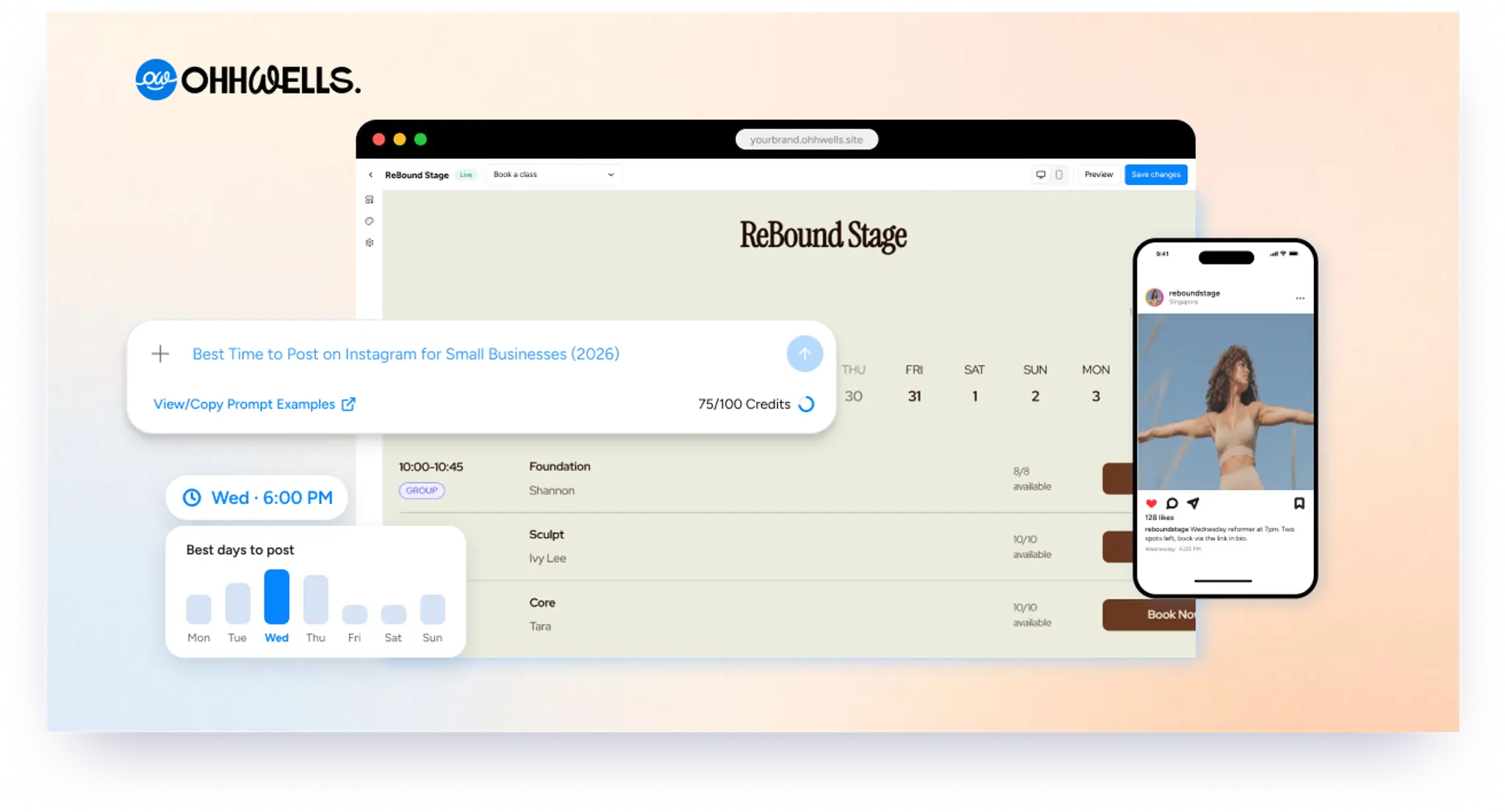
In short
The best time to post on Instagram in 2026 is a weekday evening between 6 p.m. and 9 p.m., with Wednesday the strongest day. Buffer’s study of 9.6 million posts ranks Thursday 9 a.m., Wednesday 12 p.m. and Wednesday 6 p.m. highest, in your audience’s local time. Avoid 1 a.m. to 5 a.m.
Key takeaways
- Weekday evenings from 6 p.m. to 9 p.m. are the safest time to post, and Wednesday is the strongest day of the week.
- Post in your customers’ time zone, not yours, and avoid 1 a.m. to 5 a.m.
- Instagram’s free “Most active times” report and a 2-week test show your own best slots better than any study.
- Posting 3 to 5 feed posts a week more than doubles follower growth compared with posting once or twice.
- Shares in DMs, Reels and replies in the first hour help a post reach more people after it goes live.
If you run a small business, you don't have time to test every hour of the week. So here is the short version, then a simple way to find the slots that work for your own followers.
Source: Buffer, 9.6M Instagram posts, Jan 2024–Dec 2025.
Times to avoid: 1 a.m. to 5 a.m. on any day. Your followers are asleep, so your post gets few early likes and Instagram shows it to fewer people.
Other studies agree on evenings. Metricool looked at over 24 million posts and found 8 p.m. to 9 p.m. is the busiest hour on most days (Metricool 2026 study).
Why your best time depends on your business
The times above are averages across millions of accounts. Your followers are not average. They have their own jobs, routines and time zones.
Three things move your best time the most:
- Where your customers live. Post for their time zone, not yours. A Singapore studio with mostly local clients posts on Singapore time, even if the owner is travelling.
- When your customers are free. Office workers scroll at lunch and after dinner. Parents often scroll after the kids are in bed.
- When they decide to buy. Post a little before people make plans, not while they are busy doing the thing.
Here is how that plays out for a few common small businesses. Treat these as starting points to test, not rules.
These are our suggestions based on the general patterns above, so check them against your own numbers using the steps below.
How to find your own best time in 2 weeks
Your own data beats any study. Instagram shows you when your followers are online, for free, if you have a business or creator account.
- Switch to a professional account if you haven't. Go to Settings, then Account type and tools, then switch to a Business or Creator account. It's free.
- Open your follower activity. Tap Professional dashboard under your bio, then New followers, then scroll to Most active times. Note the top 2–3 hours on your 3 busiest days.
- Post just before those peaks. Aim for 30–60 minutes before your followers come online, so your post is fresh when they open the app.
- Test for 2 weeks. Post at the same 3 slots each week. Keep the type of post similar so you're testing time, not content.
- Track the results. After 48 hours, write down the reach and saves for each post. Keep the slots that win and swap out the weakest one.
Here’s what a week of tracking might look like. Copy the columns into a notebook or spreadsheet and fill in your own posts.
One caution: "most active" shows when followers are online, not when they engage most. That's why step 5 matters.
How often should you post on Instagram?
Post 3 to 5 times a week, plus 1 to 2 Stories a day. Buffer's study of over 2 million posts found that moving from 1–2 posts a week to 3–5 more than doubles follower growth and lifts reach per post by about 12% (Buffer frequency study).
"Feed posts" here means Reels, carousels and photos. Stories mostly reach people who already follow you, so they keep you top of mind rather than bring in new people.
For a one-person business, 3 posts a week is a realistic target. Batch them: plan and create all three in one sitting, then schedule them for your best slots. A schedule you keep beats an ambitious one you drop after two weeks.
10 Instagram post ideas for small businesses
Posting 3 times a week is easier when you never start from a blank page. Rotate through these.
- Behind the scenes. Opening up, prepping orders, setting up the studio. People like seeing the real work.
- Before and after. A haircut, a room makeover, a website redesign. One swipe shows your value.
- Customer story. Share a short win from a real client, with their permission.
- Answer a common question. Turn your most-asked DM into a carousel.
- Meet the maker. Introduce yourself or your team. Faces build trust faster than logos.
- How it's made. A 15-second Reel of a cake, a candle or a coffee being made.
- Quick tip. One useful tip from your field that saves your customer time or money.
- Myth vs fact. Clear up something people often get wrong about what you do.
- What's new. A new product, class or service, with how to book or buy.
- Your week in 5 photos. An easy carousel for slow weeks.
End each post with one simple next step, like "Book a class, link in bio" or "DM us to order."
How to grow on Instagram as a small business
Timing gives your post a good start. These four habits keep it going.
- Make posts people want to send. Instagram's head, Adam Mosseri, has said that how often people share your post in DMs is now a key signal (via Buffer). Useful tips and relatable moments get sent the most.
- Lead with Reels to reach new people. Reels are shown to non-followers. Stories mostly reach people who already follow you.
- Reply in the first hour. Answer comments and DMs quickly after posting. Early activity tells Instagram the post is worth showing to more people.
- Stay local. Tag your location, mention your neighbourhood and team up with nearby businesses. Local followers are the ones who can actually walk in.
Your post got attention. Where do people go next?
Great timing brings people to your profile. What happens after that decides whether they become customers.
Most small businesses lose people at the link in bio. A follower taps it and finds a messy list of links, an old menu PDF, or a "DM to book" that means waiting for a reply. Many give up and scroll on.
A good link in bio does three things:
- Looks like your brand, so it feels like the same business they just saw on Instagram.
- Shows what you offer in one place: classes, services, prices or products.
- Lets people book or buy right away, without messaging you first.
That's what OhhWells is built for. You get a website with booking built in, made for small business owners who aren't technical. Pick a template for your type of business, add your services, and put the link in your bio. Followers go from your post to a confirmed booking in a few taps.
Start your OhhWells site free →
Try OhhWells →Frequently asked questions

Keep reading
How to Let a Client Edit a Vibe-Coded Website Without Breaking It
Your client loves the site you built with AI, then the edit requests start. Here are 3 ways to hand it over so they can update it without breaking the design.
The Simplest Way to Start a Small Online Shop in 2026 (When Shopify Is Too Much)
You don’t need Shopify to sell ten products. Here are the simplest ways to open a small online shop in 2026, and what each costs per month and per sale.
Best Website Builder for Accountants, Law Firms and Consultants (2026)
Your firm’s website has to look credible, capture enquiries and book consultations. Here’s the best builder for accountants, lawyers and consultants.
How Much Does a Small Business Website Cost in 2026? Three Ways to Pay for One
Build it yourself, hire a freelancer or use an agency? Here’s what a small business website costs in 2026, and what you’ll pay every time it needs a change.
Does Your Website Look AI-Generated? A 4-Point Check
Run four quick checks on your homepage to see if it looks AI-generated, from copy to photos, plus a simple fix for each one so it looks like your business.
Leaving Squarespace? How to Move Your Website Without Losing Your Google Ranking (2026)
Squarespace only exports part of your site. Here's what you can take with you and how to move step by step without losing your Google ranking.