
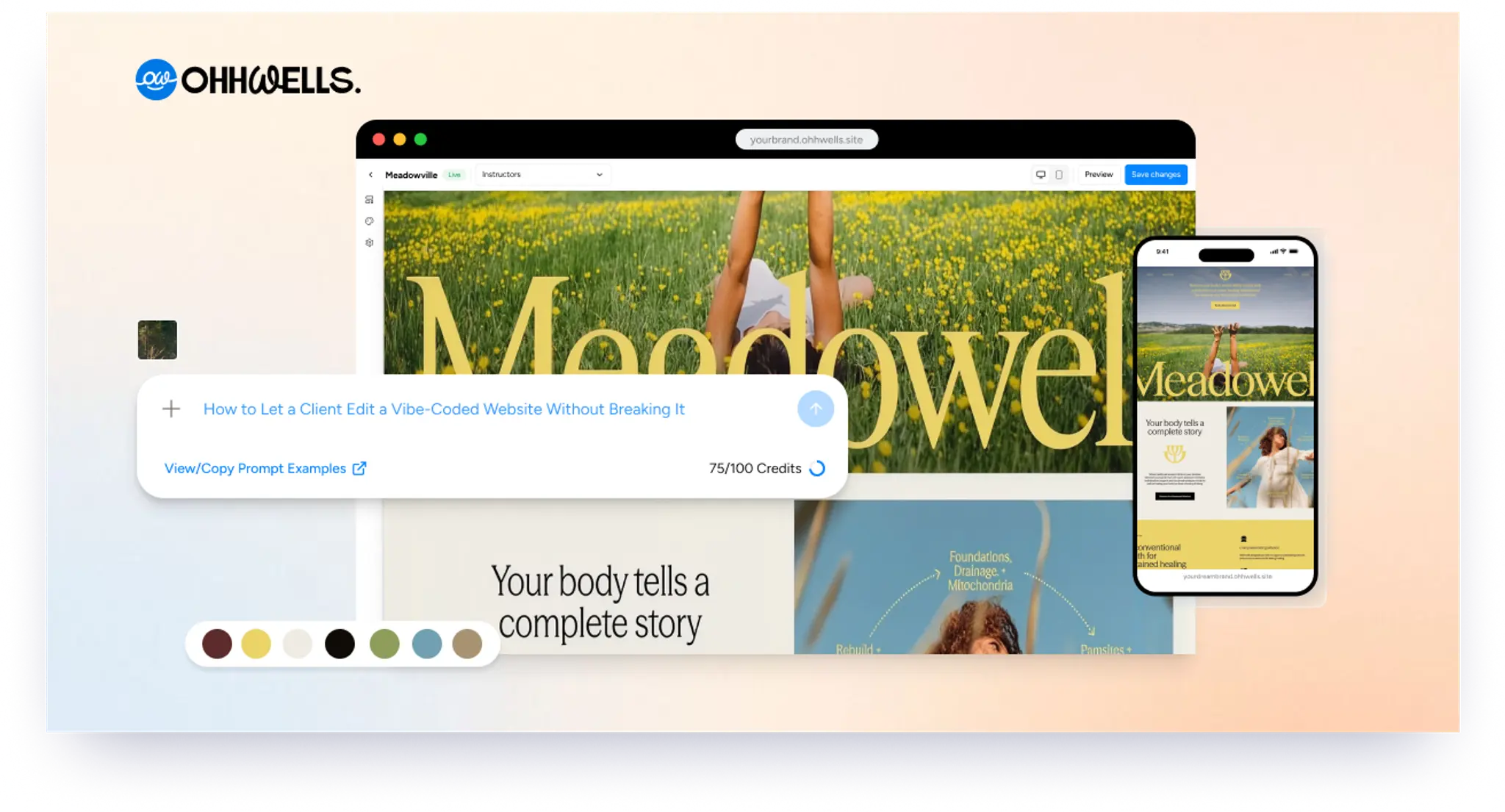
How to Let a Client Edit a Vibe-Coded Website Without Breaking It
Your client loves the site you built with AI, then the edit requests start. Here are 3 ways to hand it over so they can update it without breaking the design.
Start for Free
In short
To let a client edit a vibe-coded website, you have three options: keep making the edits yourself on a paid care plan, connect a headless CMS like Sanity or Contentful, or move the site onto a visual editor the client can use. For non-technical clients, a visual editor that locks in the brand is usually easiest.
Key takeaways
- Sites built with Lovable, Bolt, v0 or Cursor are fast to make but hard for clients to edit without touching code.
- You have three options: a care plan where you make every edit, a headless CMS, or a visual editor the client uses directly.
- A care plan only works if you price it properly, for example a monthly fee with a set number of edits.
- A headless CMS suits content-heavy sites, but it takes real development time, and clients edit in a form, not on the page.
- For non-technical clients, a visual editor that locks in the brand lets them make updates without breaking the design.
- Before handover, agree who edits what, who owns the domain and hosting, and who fixes things if they break.
The handover problem
You built the site in an afternoon. The client loves it. Then the messages start:
- "Can you change the price on the services page?"
- "Can we swap this photo?"
- "Can you add a new team member?"
Each change takes you five minutes, but the context switching takes much longer, and many freelancers either don't charge for it or feel awkward charging. Meanwhile the client feels stuck waiting on you for a typo fix.
The real question isn't "can the client edit it?" It's "can the client edit it without breaking the design?" A client with full access to code, or to a page builder with no guardrails, can quickly make a carefully designed site look patched together.
Option 1: Keep making the edits yourself (a care plan)
How it works: the client sends change requests, and you make them in your vibe coding tool or code editor.
Good for: clients who rarely change anything, or who prefer to pay someone to handle it.
Watch out for:
- It only works if you price it properly, for example a monthly care plan with a set number of edits.
- Your client depends on you for every small change, which can strain the relationship.
Option 2: Connect a headless CMS
How it works: you move the site's text and images into a content management system like Sanity, Contentful or Strapi. The client edits content in the CMS dashboard, and the site pulls it in.
Good for: content-heavy sites (blogs, large product catalogues), and developers comfortable wiring up a CMS.
Watch out for:
- Setup takes real development time: modelling the content, connecting it and testing it.
- Clients edit in a form, not on the page, so they can't see what they're changing until they preview it.
- If you used a no-code vibe coding tool, this route may be more technical than you want.
Option 3: Put the site on a visual editor that protects the design
How it works: the site is published on a platform where the client clicks on the page and edits text, images and sections directly, while the brand (colours, fonts, buttons, spacing) stays locked in.
Good for: small business clients who want to make their own updates, and builders who don't want to be on call for every change.
Watch out for:
- Check what the platform can and can't handle before you promise anything. Visual editors are great for content and pages, but complex features like logins, online shops or marketplace search usually need custom code.
How OhhWells handles client editing
OhhWells is a vibe coding tool that keeps websites on brand, and it's built for this handover. Here's how it works:
- Build however you like. Start in OhhWells, or bring a site you already built with another tool (a Next.js App Router site, for example) and publish it to OhhWells.
- Make it editable. Add OhhWells' editing conventions to your code, following our setup guide on GitHub (github.com/ohhwells). Until you do, the site can be published but not edited.
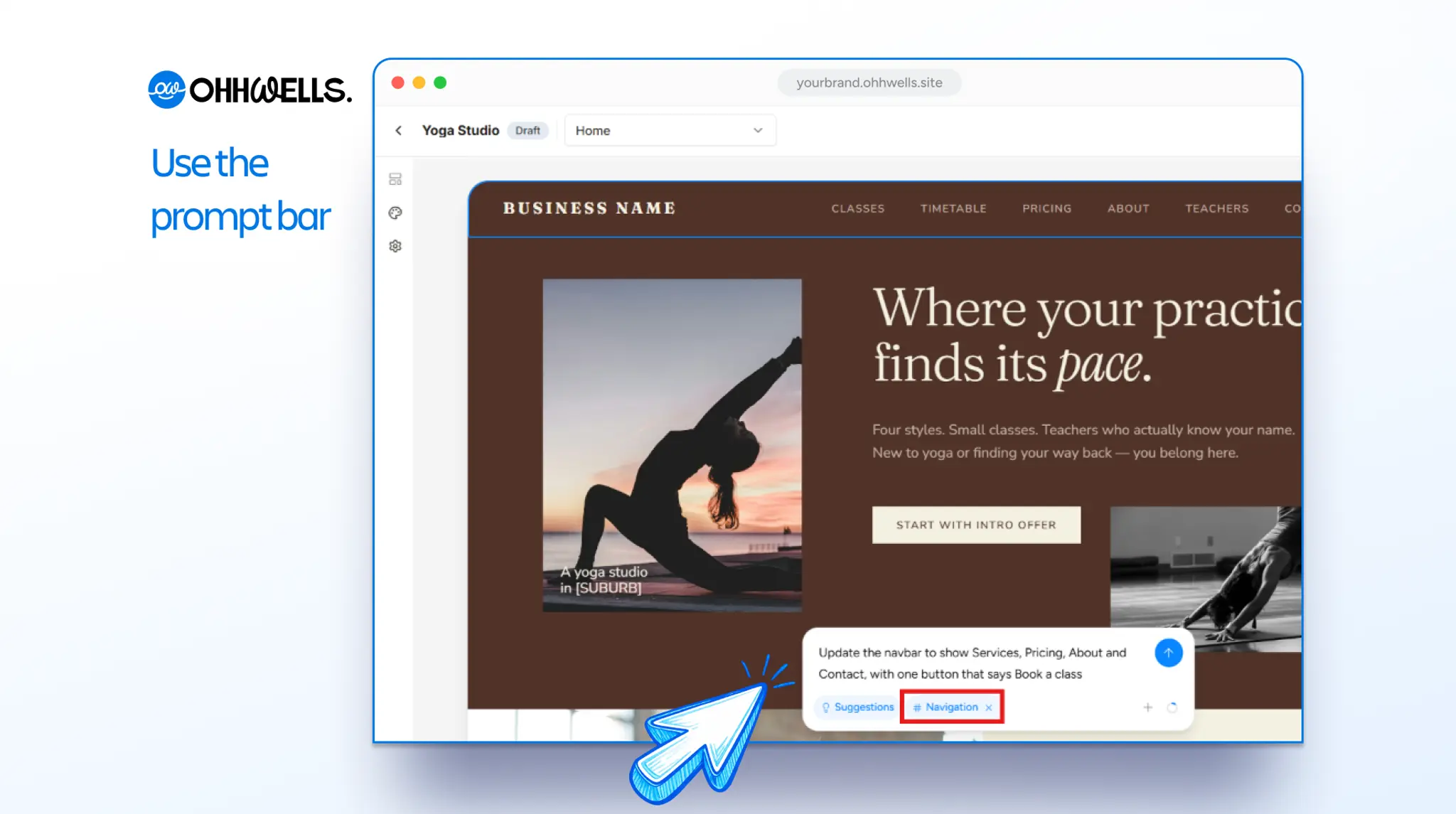
- Hand it over. Your client gets their own account and edits in the visual editor: click on any text or image to change it, or describe a new section in the prompt bar.
- The brand stays locked in. Every new page and AI-generated section automatically uses the site's colours, fonts and style, so client edits don't drift off brand.
What OhhWells doesn't do: it's built for editing and maintaining website content and pages. Features like cart checkout, member logins or marketplace filtering aren't supported, so keep those in custom code or a dedicated tool.
Moving the client's domain
If the client's site is already live on its own domain (for example on Vercel), publishing to OhhWells won't break it. A domain can only be connected to one project at a time, so when you're ready:
- Remove the domain from the current project.
- Connect it in OhhWells.
- Expect a short gap while the new security certificate is issued, then the site is live on OhhWells.
Plan the switch for a quiet time of day, and let the client know in advance.
Which option should you choose?
A simple handover checklist
- Agree up front who edits what, and what's included in your fee
- Record a 5-minute walkthrough video for the client
- Write down the brand colours, fonts and logo files in one place
- Confirm who owns the domain and the hosting account
- Agree what happens if the client breaks something (and who fixes it)
Hand over sites your clients can actually edit
Build with any tool, then hand over a site your client can update without breaking the design.
Read the setup guide on GitHub · Watch the 2-minute product demo
Start for free
Try OhhWellsFrequently asked questions

Keep reading
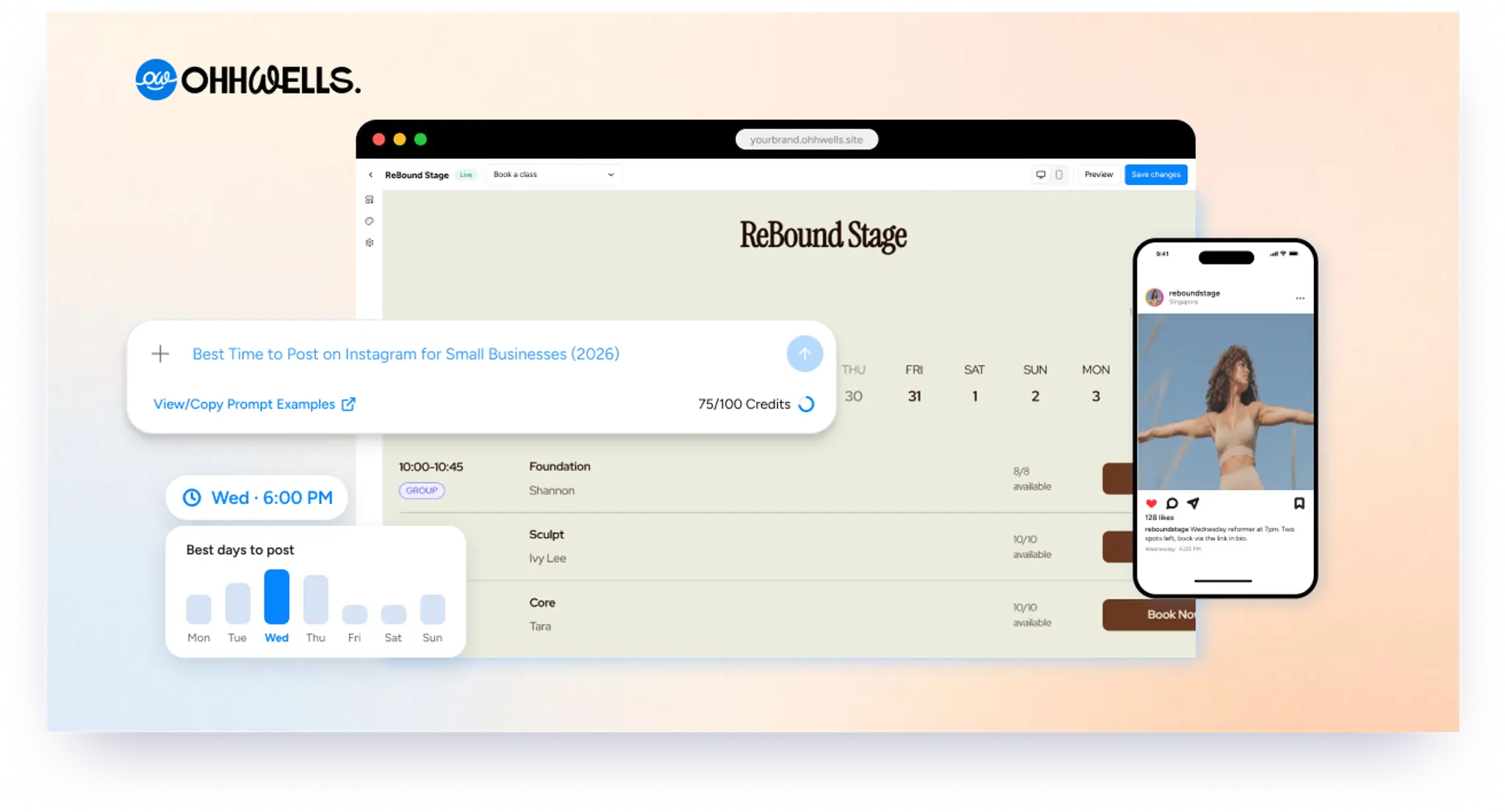
Best Time to Post on Instagram for Small Businesses (2026 Guide)
The best times to post on Instagram in 2026, day by day, plus a 2-week test to find your own best slots and how often a small business should post.
OhhWells October 2026 updates
In October we fixed the three moments people got stuck: a first site that didn’t sound like you, long requests rejected, and one wrong click feeling risky.
The Simplest Way to Start a Small Online Shop in 2026 (When Shopify Is Too Much)
You don’t need Shopify to sell ten products. Here are the simplest ways to open a small online shop in 2026, and what each costs per month and per sale.
Best Website Builder for Accountants, Law Firms and Consultants (2026)
Your firm’s website has to look credible, capture enquiries and book consultations. Here’s the best builder for accountants, lawyers and consultants.
How Much Does a Small Business Website Cost in 2026? Three Ways to Pay for One
Build it yourself, hire a freelancer or use an agency? Here’s what a small business website costs in 2026, and what you’ll pay every time it needs a change.
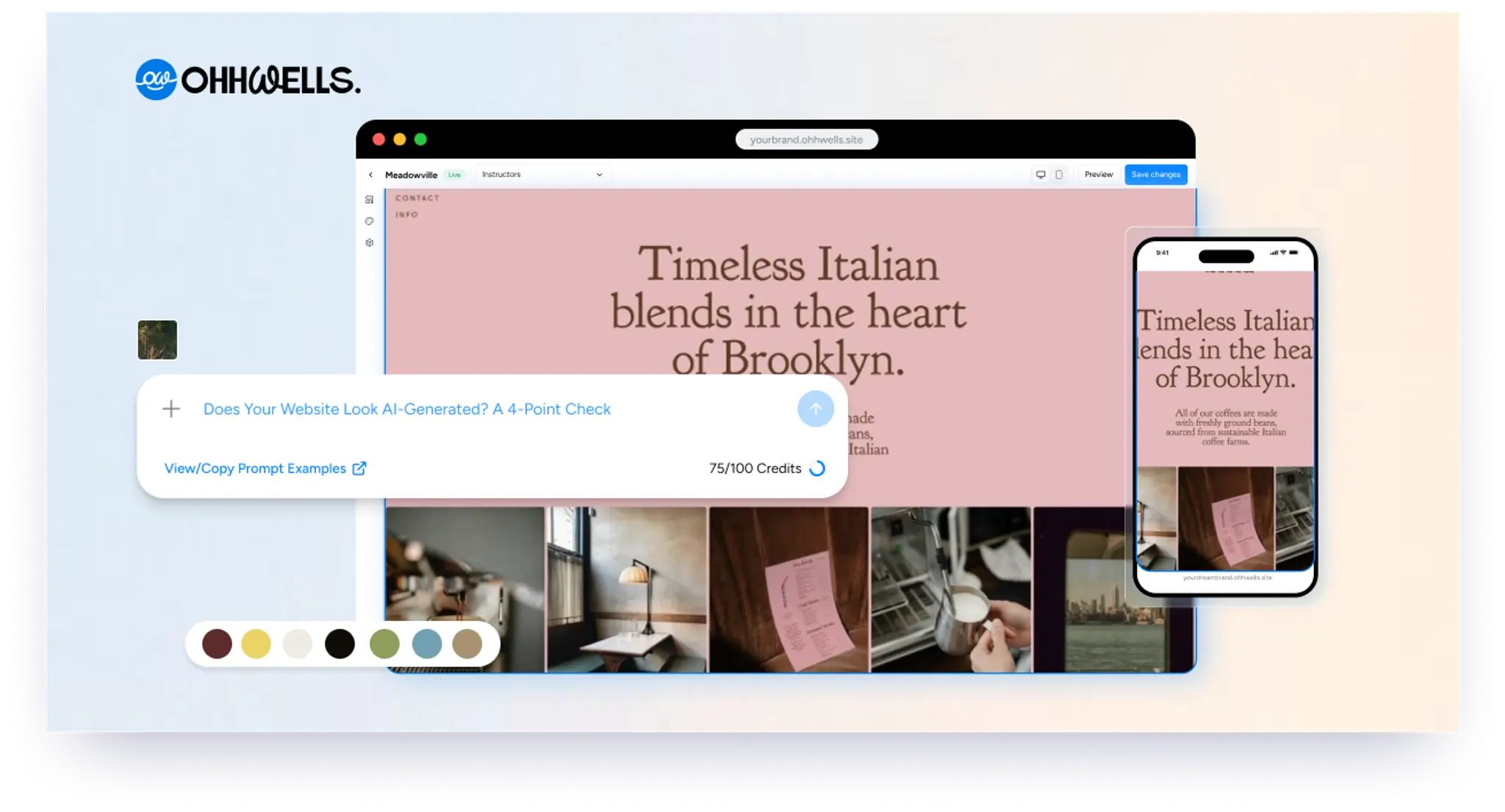
Does Your Website Look AI-Generated? A 4-Point Check
Run four quick checks on your homepage to see if it looks AI-generated, from copy to photos, plus a simple fix for each one so it looks like your business.