
Best AI for Web Design (2026): 7 Tools + What They All Miss
A plain-English comparison of the best AI website design tools in 2026 — what each is good at, and why looking good isn't the same as converting.
Start for Free
In short
Looking for the best AI for website design in 2026? OhhWells is best if you want a site that looks like your brand and that you can build yourself. Framer gives the best design, Wix is the easiest all-rounder, Hostinger is cheapest, and Durable is fastest. If you want to turns visitors into paid, which is a separate conversion problem.
Key takeaways
- Framer produces the highest design quality of any AI builder; Wix is the easiest complete option for non-technical owners.
- Hostinger and Durable are the cheapest and fastest paths to a live site, with lower design ceilings.
- AI website builders solve "does a site exist," not "does it convert" — those are different problems.
- Canva and code-first tools (Lovable, Bolt, v0) solve different jobs entirely — a landing page or a custom app, not a business site.
- A free Conversion Score audit (32 factors across 8 dimensions) can tell you what's actually costing you bookings, regardless of which builder you used.
What is AI website design, actually?
AI website design is when you describe your business in plain language — "[Brand] offers [what] to [who], and our website's goal is to [goal]" — and software turns that sentence into a finished website: layout, copy, images, and structure. You then edit what it gave you instead of starting from an empty page. For example: "Harper & Lane Bookkeeping offers monthly bookkeeping and tax prep to small business owners in Austin, Texas, and our website's goal is to get owners to book a free 20-minute consultation." That one line is enough for the AI to draft a hero, a services list, and a consultation call-to-action.
Using AI for website design also means describing what you want in plain words and letting the AI turn it into a finished section — layout, copy, and styling — instead of building it by hand with a cursor. You supply the intent; the AI translates it into design. It's a translator between how you think and how a website is built. If your current site already exists but isn't performing, a free website audit tool is the faster starting point than rebuilding from scratch.
The five types of AI website tools (pick your lane first)
Most people compare tools before they've worked out which category they need. The market has split into five lanes:
If you run a studio, salon, clinic, café, or a service business — you are in lane 1, 2, 3, or 4. You almost certainly don't need lane 5, no matter how impressive the demos look. Building an app when you needed a booking page is the most expensive detour in small business software.
Best AI for websites: the 2026 shortlist
1. OhhWells — best for on-brand, done by you
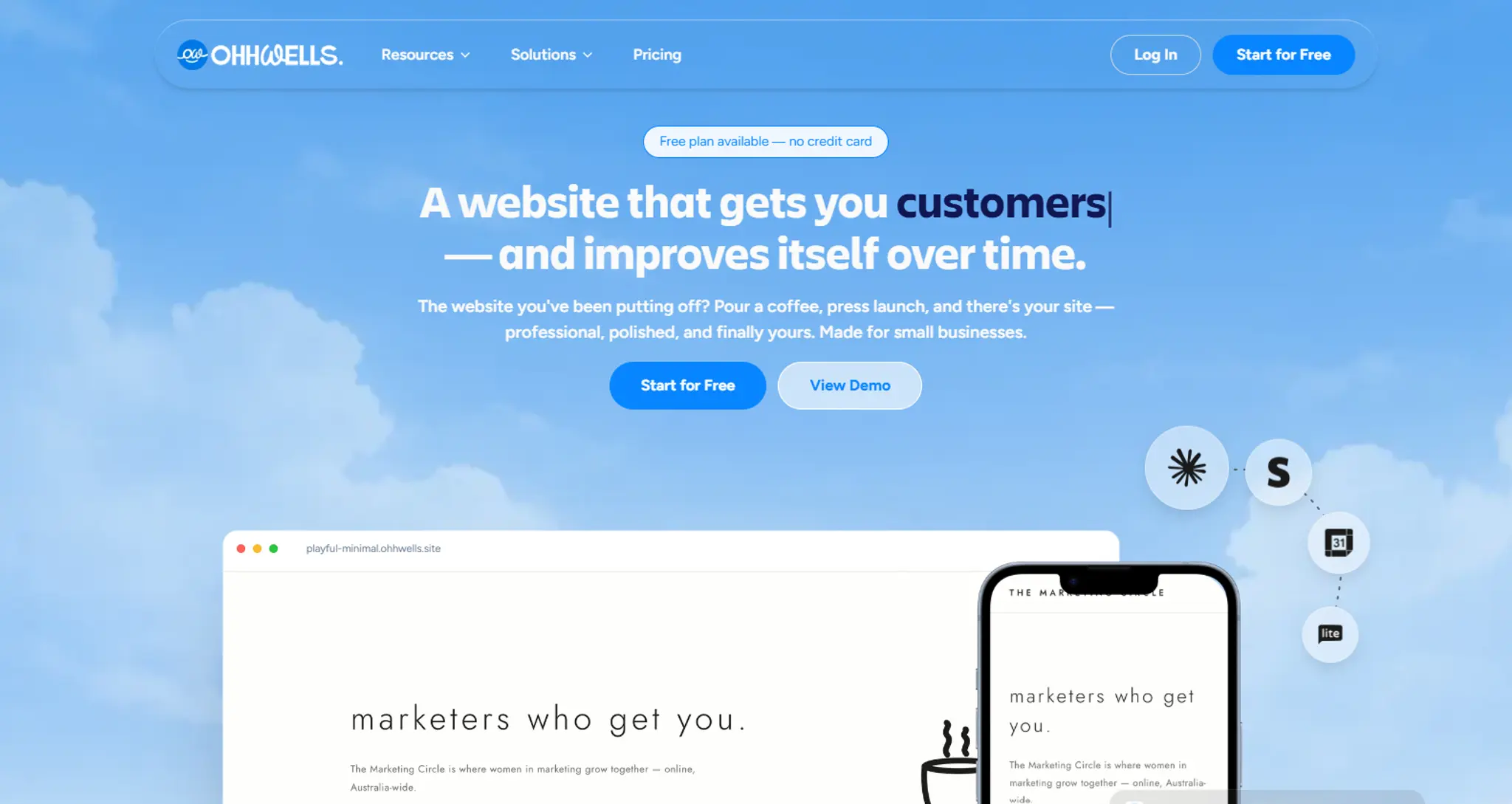
Full disclosure: this is ours. OhhWells is a website builder for people who aren't technical. You describe what you do, and the site that comes back is already in your colours, your fonts, your voice — the one you've been picturing, not the one every AI build hands out. And it stays that way on every page you add. SEO structure, mobile layouts, lead capture and payments are handled underneath, so you never touch them. Most people publish their first version the same afternoon, on their own, and that's the part they tell us about.
- Best for: anyone who's been putting off their website because they assumed they'd need to hire someone.
- Watch out for: we're young, so fewer templates than Wix or Squarespace. Not built for full online stores or custom apps.
- Free tier: yes, on an ohhwells.site subdomain. You start with 30 AI credits to build your first site — use them before you publish or they expire — then 5 credits a day after that.
2. Framer — best for design quality
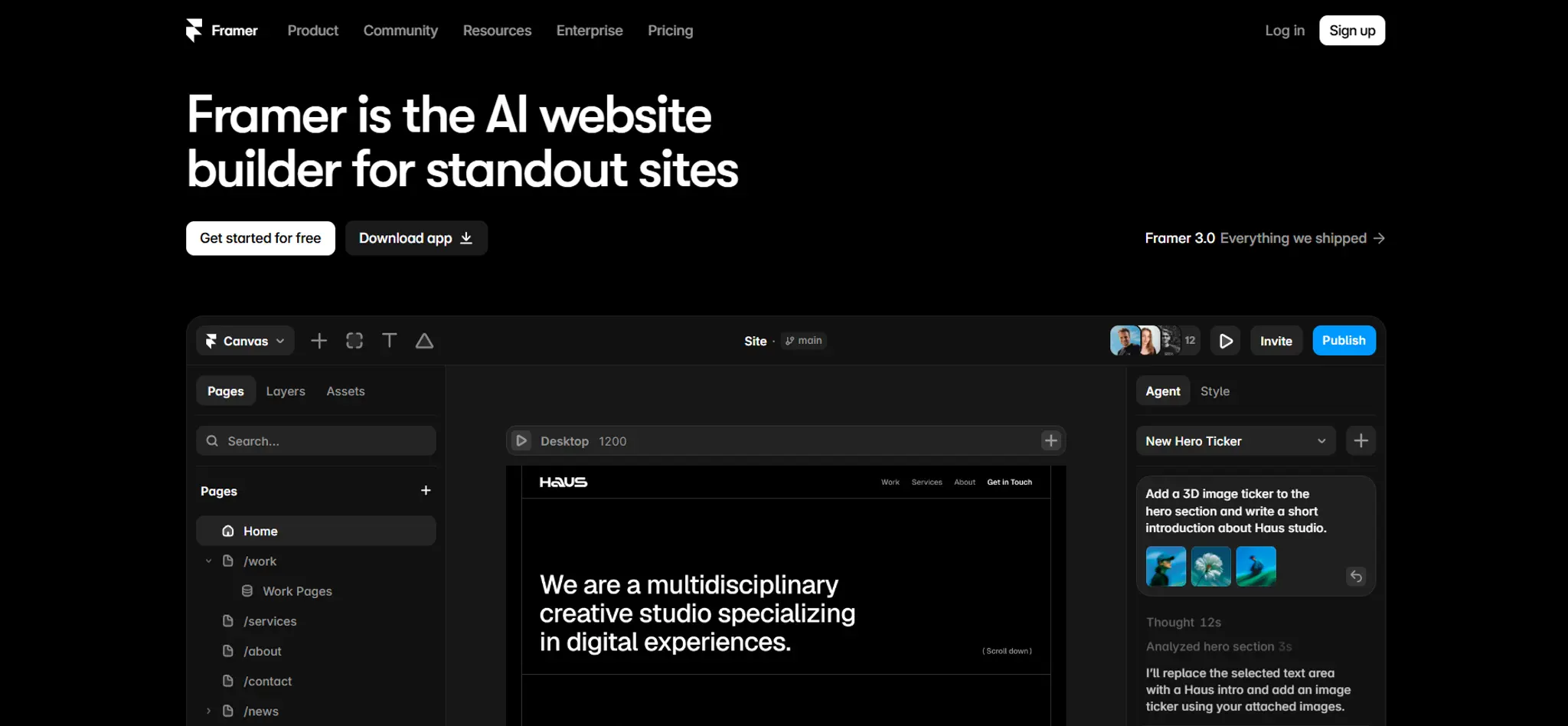
Framer generates a complete multi-page site from a single prompt and gives you a Figma-like visual editor to refine it. Of all the AI tools, it produces the most polished, most "designed" results with the least effort.
- Best for: brands where how it looks is the pitch — studios, boutiques, creative services.
- Watch out for: a real learning curve once you move past the AI's first draft, and thin e-commerce support.
- Free tier: yes, on a Framer subdomain.
3. Wix — best all-rounder
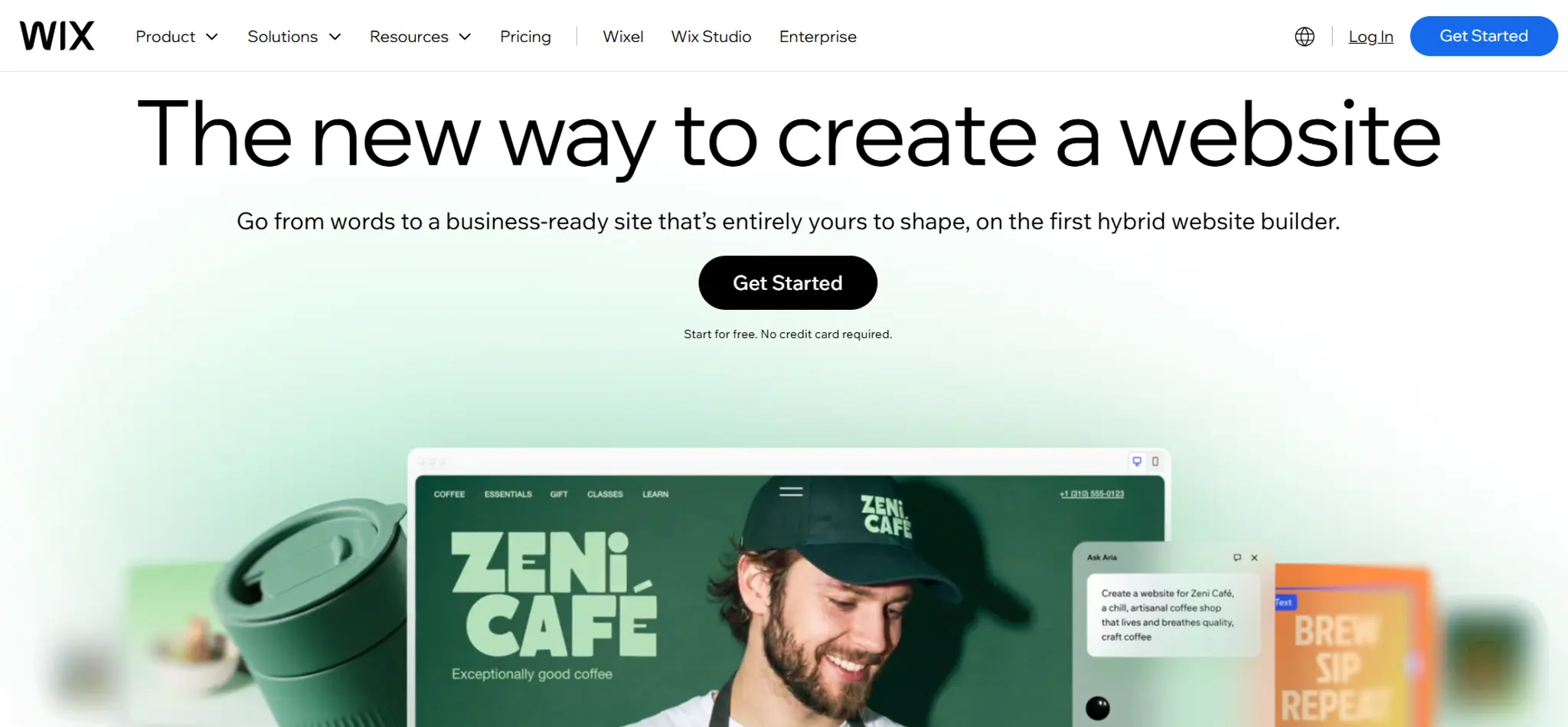
Wix is the easiest complete option. Its AI builder generates pages, layouts, and copy from a prompt, and you refine it with drag-and-drop. It's the tool most likely to get a non-technical owner from zero to published without help.
- Best for: owners who want one platform for site, blog, shop, and basic marketing.
- Watch out for: results look competent but generic — the AI is optimising for "done," not "distinct."
- Free tier: yes, with Wix branding.
4. Hostinger — best on a budget
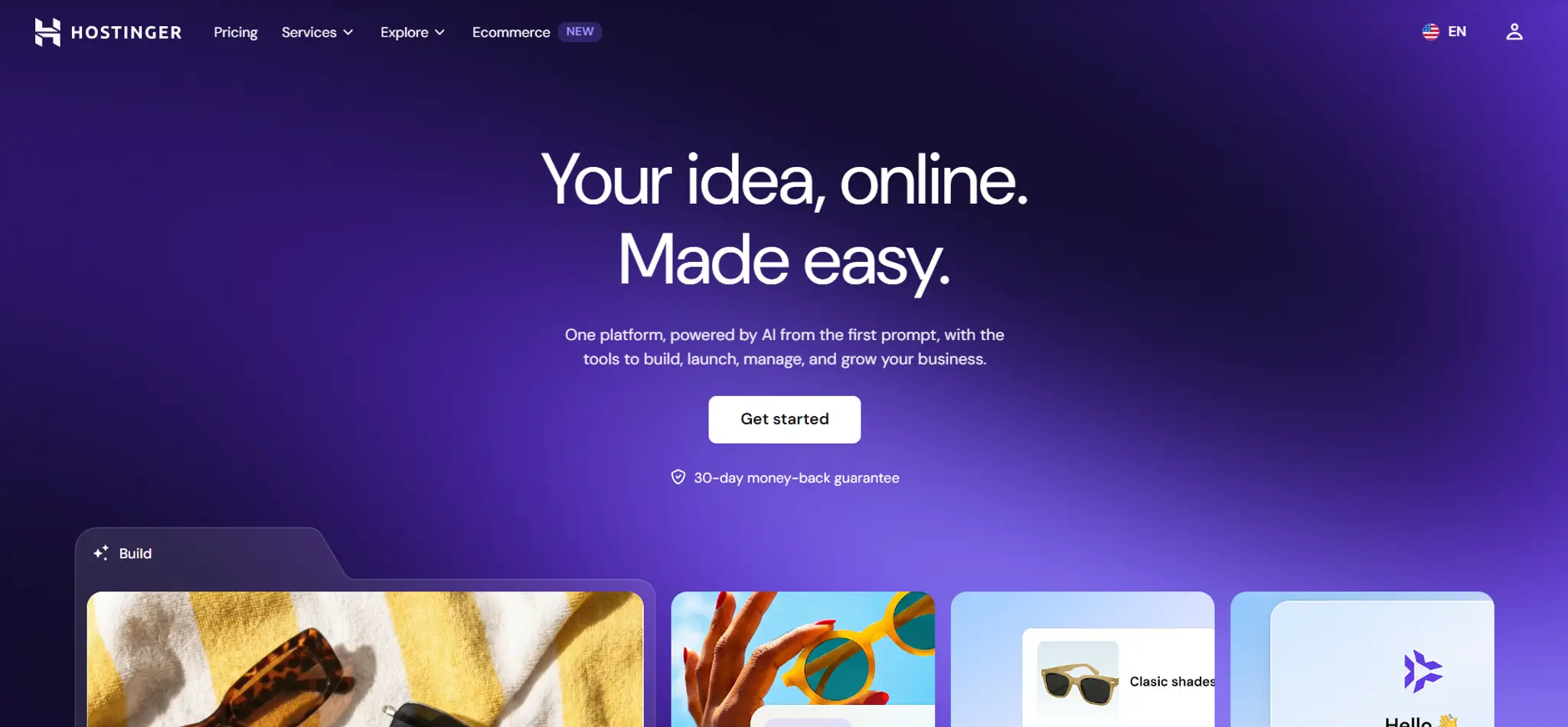
Hostinger bundles an AI builder, AI copywriting, and hosting at the lowest entry price of the mainstream options (intro rates, which rise on renewal).
- Best for: owners where cost is the deciding factor.
- Watch out for: intro pricing. Check the renewal rate before you commit.
5. Durable — fastest to a live site
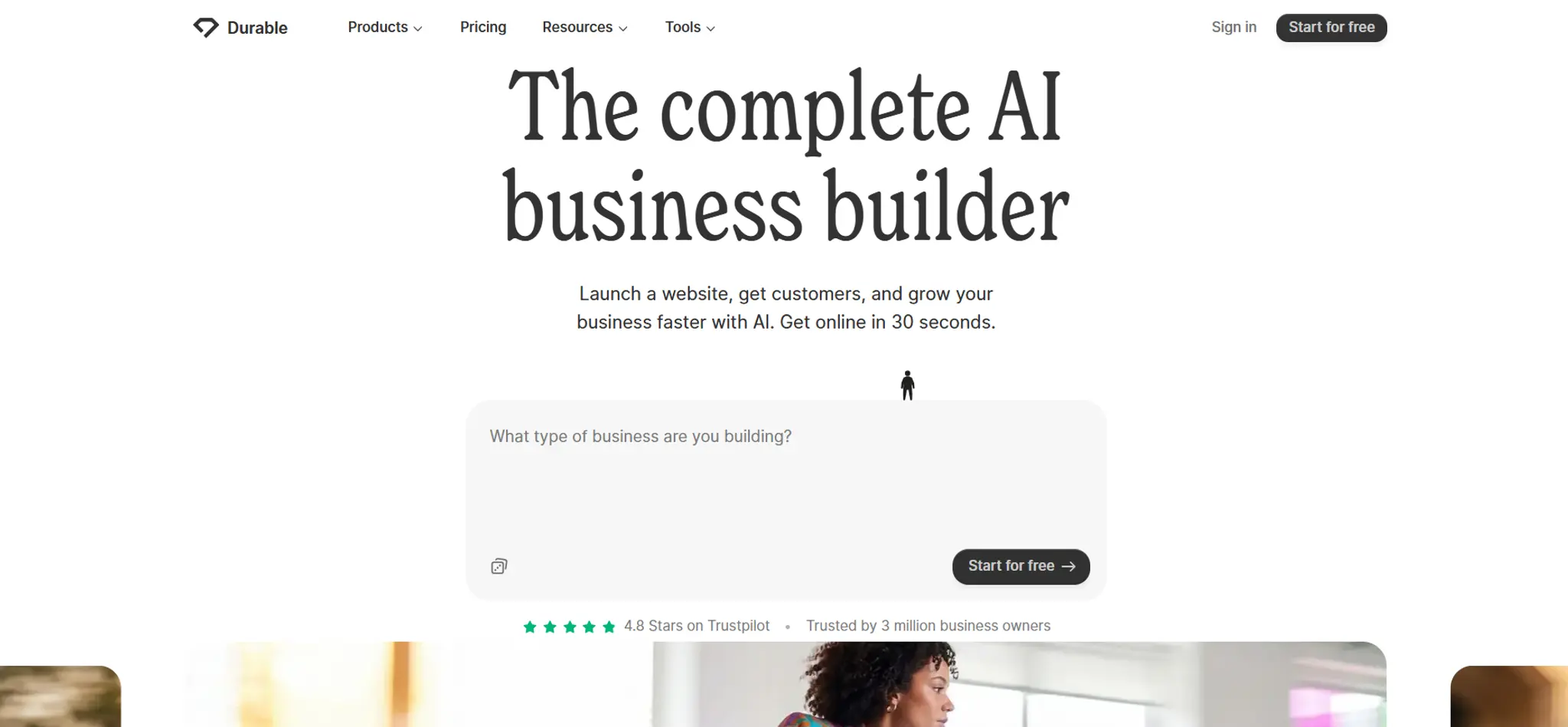
Durable generates a full business site — copy, images, layout — in seconds, and bundles in a simple CRM and invoicing.
- Best for: a solo service business that needs something professional online this week.
- Watch out for: limited design ceiling. You'll outgrow it if your brand matters.
6. Squarespace — best for clean, template-led design
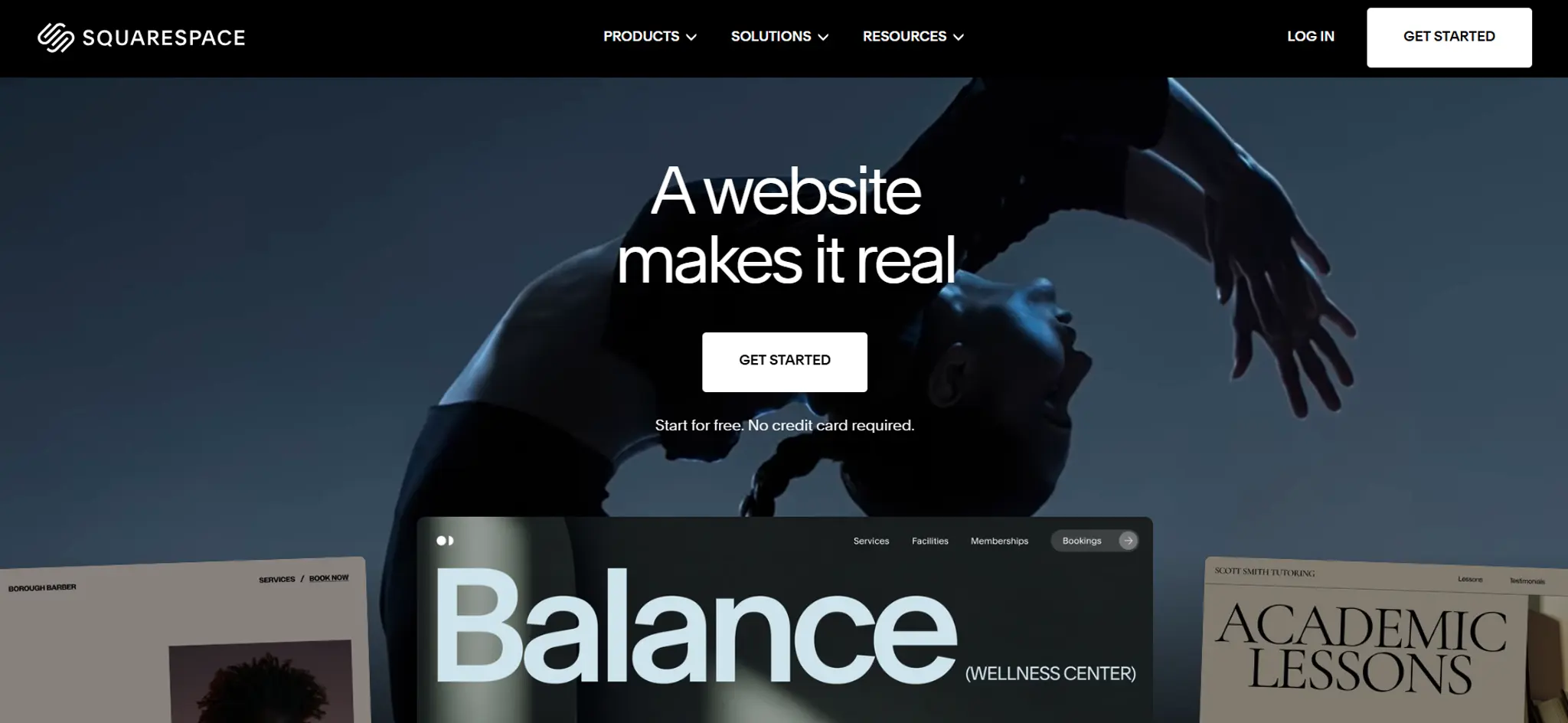
Squarespace leans on strong templates with AI assistance layered on top, rather than generating from scratch.
- Best for: owners who'd rather pick a good template than describe a vision.
- Watch out for: less flexibility once you want something the template didn't anticipate.
7. Canva — best if you're already living in it
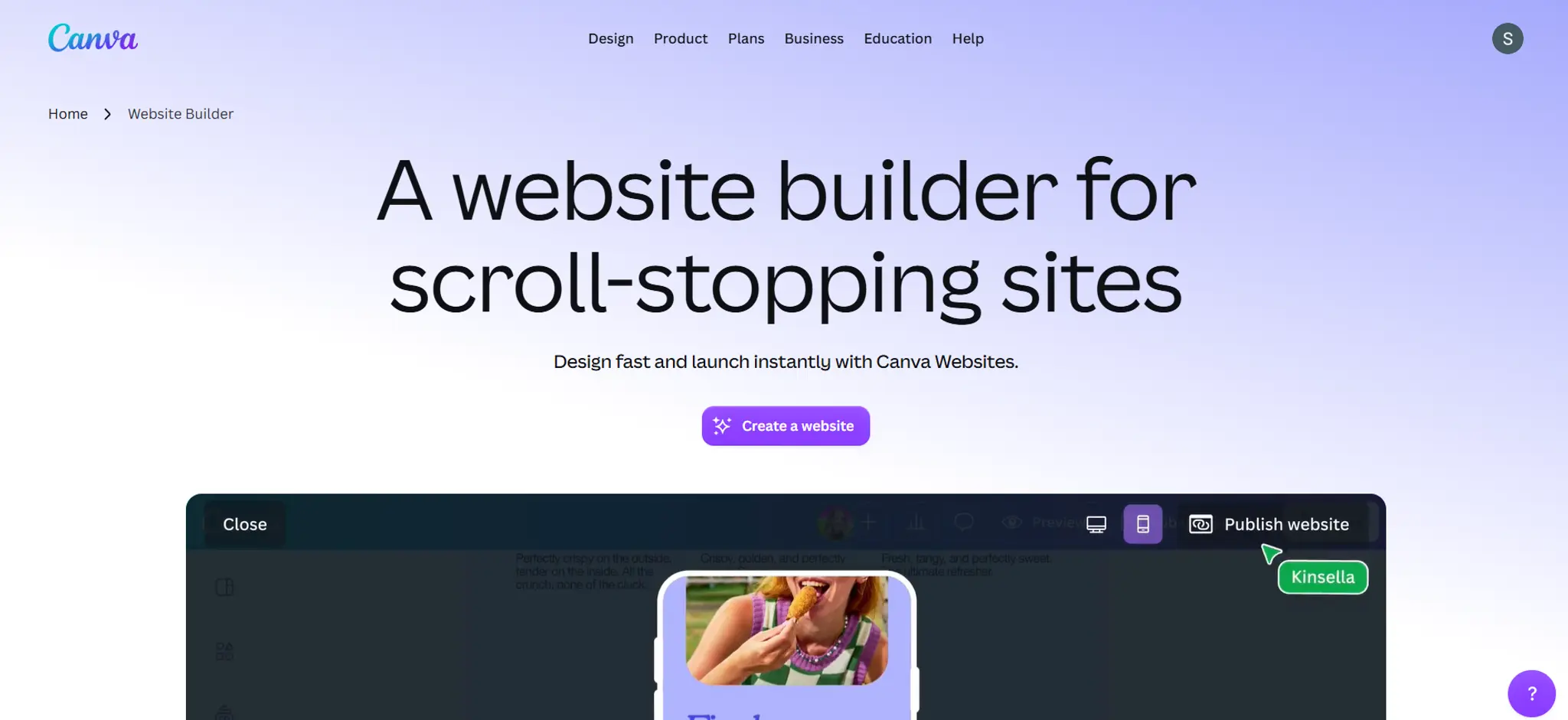
Canva can build simple one-page sites using the same drag-and-drop editor and brand kit you already use for social posts.
- Best for: a single landing page or link-in-bio replacement.
- Watch out for: it's a design tool that makes websites, not a website platform. Limited for anything with structure.
Quick comparison
The thing nobody tells you about AI-designed websites
Here's the honest bit.
Every tool above is optimised for the same outcome: getting a website to exist. That's a real problem solved — the blank page used to cost small business owners weeks, or thousands of ringgit to a freelancer who then ghosted.
But "exists" and "works" are different jobs.
An AI can generate a hero section in four seconds. It can't tell you that your call-to-action is below the fold on a phone, that your booking link takes four taps, that your opening hours are missing, or that your homepage never actually says what you sell and where you are. Those aren't design problems. They're conversion problems — and they're invisible until you know to look for them.
This is why so many owners end up with a website they're proud of and a booking calendar that stays empty. The site looks fine. Nobody told them what "fine" was missing.
The rule of thumb: use AI for the first draft, then judge the draft against something other than your own taste.
Not sure what's wrong with your current site? Start with a free website audit tool — it'll tell you exactly what to fix before you touch the design again.
How to choose, in four questions
- Does how it looks matter to your sale? If yes → Framer or Squarespace. If you're selling on convenience or price → Wix or Durable.
- Do you need bookings? Check the booking flow before you pick the builder. Retrofitting a booking system onto the wrong platform is the most common regret.
- Will you actually maintain it? Be honest. A tool you find intimidating becomes a site that goes stale.
- What happens when you outgrow the free tier? Every builder above is free until you want a custom domain or your branding to be the only branding. Price that day now, not later.
Where OhhWells fits
Every tool above will get you a website. We built OhhWells for the person who's read this far and is still thinking: "but will it look like mine, and can I actually do it myself?"
Yes to both. You describe what you do, and the site comes back in your colours, your fonts, your voice — and stays that way on every page. SEO structure, mobile layouts, lead capture and payments are handled underneath. Most people publish their first version the same afternoon, without hiring anyone.
Free to build, free to publish on an ohhwells.site subdomain. You start with 30 AI credits — enough for a full first site — then 5 a day after that.
Build your site free→
Sign up hereAlready have a site? Run our free Conversion Score on it instead — n plain language, telling you what's costing you leads and what to fix first. Works whoever built it. Get a free audit →
The pause
You don't need the best AI website builder. You need a website that gets people to book you, built with a tool you'll still be able to use in six months.
Pick one. Give it a real afternoon. Then check what it missed.
Frequently asked questions

Keep reading
Leaving Wix? How to Move Your Website Without Losing Your Google Ranking (2026)
Wix doesn't let you export your whole site. Here's what you can take with you and how to move off Wix step by step without losing your Google ranking.
Can You Build a Website with Canva? Yes — Here's What It's Good For and When You'll Outgrow It
Yes, you can build a website with Canva. Here's what it does well, where it stops for a business, and when to move to a website builder.
Best Website Builders for Event Registration (2026): Webinars, Workshops and Seminars
We compared OhhWells, Wix, Squarespace and 5 more tools for webinar, workshop and seminar registration — here's which one actually fits a small business.
Best Free AI Website Builders in 2026 (and What "Free" Actually Gets You)
Five free AI website builders compared on what matters: can you publish, use your own domain, and what happens when credits run out.
The State of Small Business Websites in Southeast Asia 2026
67% of small businesses we met have no website. The 33% that do score 37/100. Here's how to do better either way.
OhhWells vs. The Field: Agency Website Platform Price & Value Comparison
How OhhWells compares on price and value against GoHighLevel, Webflow, WordPress, Wix Studio, and Brizy — one table, every platform.