
Best AI Website Builders for Small Business (2026): 7 Compared Honestly
Seven AI website builders for small business, compared on what matters: does it look like you, can you edit it, what does it cost.
Start for Free
In short
The best AI website builder for a small business gets you to a live, on-brand site you can edit yourself, without a developer. Every tool solves the fast part in 2026 — the real differences are how generic the result looks, how easy it is to change, and what you pay once the intro price ends.
Key takeaways
- Every AI website builder can get you a live site fast — the real differences show up after launch
- OhhWells, Wix, Durable, and Framer all offer genuine free plans with no card required
- "Looks like your brand" varies enormously — some tools need heavy manual editing to escape a generic template feel
- Renewal pricing often differs sharply from the intro rate — check the real ongoing cost, not just the signup price
- Pick based on what you're selling: services/bookings favor OhhWells or Durable; products favor Wix; pure design control favors Framer
An AI website builder is a tool that generates a complete small business website — layout, copy, and images — from a short description of your business, usually in under ten minutes and for USD10-50 a month instead of the thousands a custom build costs. In 2026, they work. The real question is no longer whether to use one. It's which one fits your business, and what to do about the problem every single one of them shares: the sites look the same.
Looking for something completely free? See our roundup of the best free AI website builders.
This guide answers both — written for small business owners, not developers or agencies.
What an AI website builder actually does (and doesn't)
Does: turns a prompt like "I run a pilates studio in Singapore with class bookings" into a working multi-page site — hero, services, about, contact — with placeholder-quality copy and stock-adjacent imagery. Most handle hosting, mobile layouts, and basic SEO tags automatically. The AI website builder market is projected to reach roughly $6.3 billion in 2026, and adoption among small businesses is near-universal.
Doesn't: know your brand. The AI has never met your customers, doesn't know why people choose you over the studio two streets away, and defaults to the same design patterns for every business in your category. It also rarely handles the business layer well — real booking flows, deposits, class schedules, follow-up — as opposed to a "Contact Us" form.
That gap is where most small business owners get stuck three weeks after launch: the site exists, but it doesn't convert, and it doesn't feel like them.
The 7 best AI website builders for small business at a glance
Ready to build a site that looks like your brand from the start? Start for free → — no card required.
OhhWells is built for the opposite problem every other tool on this list creates: the AI works inside your brand kit, so every generated section — not just the first one — actually looks like your business. Falls short if you want total design freedom or need e-commerce beyond simple product listings. Pick this if you run a service business that takes bookings and you're tired of your site looking like a template.
Wix has the widest feature set of any builder here — apps, e-commerce, bookings, all bundled in. Falls short on brand: without heavy manual editing, sites lean generic, and the app marketplace adds cost fast. Pick this if you want one platform that can eventually do almost anything, and you're willing to put in editing time.
Hostinger wins on raw price — the cheapest entry point on this list, if you commit to the 48-month plan. Falls short on design flexibility and brand distinctiveness; sites look interchangeable. Pick this if budget is the only factor and you're comfortable with a long lock-in.
Durable is the fastest way to get something live — a full site generated in under a minute. Falls short badly on looking distinctive; it's the most template-generic option here. Pick this if you need a placeholder site today and plan to rebuild properly later.
Framer gives real design control — closer to a design tool than a website builder, with genuine visual freedom. Falls short for non-designers; the learning curve is steeper than anything else on this list. Pick this if you have design chops or are willing to learn them.
Squarespace sits in the middle: polished templates, guided setup, better default taste than most competitors. Falls short because it's template-bound — impressive out of the box, harder to make distinctly yours. Pick this if you want something that looks professional fast without deep customization.
10Web is built specifically for WordPress users who want AI assistance without leaving that ecosystem. Falls short outside that use case — it's not a general-purpose pick, and depends heavily on your theme choice for brand fit. Pick this if you're already committed to WordPress and want AI to speed up the build.
Which one fits your type of business?
Skip the "8 best" listicles for a moment. The right choice depends on what kind of small business you run:
Already designing everything in Canva? See can you build a website with Canva? for when that's enough and when it isn't.
Two honest notes on that table. First, the big names are big for a reason — Wix's AI has been iterating since 2016 and its app ecosystem is unmatched. Second, the "vibe coding" tools (Lovable, v0, Bolt) genuinely produce impressive sites, but they hand you code to maintain — fine for technical founders, a trap for most small business owners. We've written separately about what vibe-coded websites look like in practice.
The five checks before you commit
- Booking depth, not booking checkbox. If appointments are your revenue, test the actual flow: can a customer pick a slot, pay a deposit, and get a reminder — without you emailing them manually? Most AI builders bolt on a calendar widget and call it done. (We've broken down what a real website builder with booking system includes.)
- Can you edit without fear? Generate the site, then try changing the headline, swapping a photo, and adding a page. If that takes a tutorial, it will take a support ticket in six months.
- Who owns what? Check whether you can export your content, connect your own domain, and leave without rebuilding from zero.
- Real cost after the intro price. Advertised prices are usually annual-billing teaser rates; renewal often doubles. Budget on the renewal price.
- What happens after launch? This is the check nobody lists — and it's the one that decides whether the site makes you money.
The problem no AI builder solves: your site looks like everyone else's
Here's what even the tools' own comparison articles admit: AI builders tend to produce designs that look alike and struggle with specific branding requirements. It's structural, not a bug. Every AI builder is trained on the same design conventions, so every pilates studio gets the same sage-green serenity template, every consultant the same navy-and-white grid.
For a small business, that's not a cosmetic issue — it's a conversion issue. Your website's job is to make a stranger feel, in about five seconds, that you're the obvious choice. A site that could belong to any of your competitors can't do that job, no matter how fast it was generated.
We call the fix brand conversion: taking a functional website and making it unmistakably yours — your voice in the copy, your visual identity in the design, and conversion mechanics (clear offer, trust signals, one obvious next step) built into every page. It's the layer AI generation skips, and it's the layer OhhWells exists to add.
A realistic playbook for a small business owner
- Generate the bones with AI. Any of the tools above will get you a working site in a day. Don't over-deliberate here.
- Score it before you promote it. Run the free OhhWells Website Audit — it checks your site across 8 dimensions and 32 conversion checkpoints and gives you a Conversion Score, so you know exactly what's generic, what's missing, and what to fix first. Takes about two minutes.
- Fix brand before traffic. Rewrite the AI's placeholder copy in your own voice, replace the stock-adjacent imagery, and make one action unmissable on every page (book, call, buy). Spending on ads before this step is paying to send strangers to a site that doesn't convert them.
- Wire up the money path. For service businesses: real bookings with deposits and reminders. This alone separates you from the majority of AI-generated sites still running on contact forms.
- Re-score monthly. Your Conversion Score gives you a number to move — far more useful than staring at the site wondering if it's "good."
Where OhhWells fits
OhhWells is for people who already have a picture in their head of what their website should look like, and want to build that themselves without learning a design tool. You describe your brand and your business once, and the AI works inside that brief: your colours, your fonts, your tone, every time you generate a section. The result looks like yours, not like the template everyone in your category got.
It’s built for small business owners who want leads, bookings or payments from their site, not developers or agencies. Start on the free plan (30 AI credits when you sign up, then 5 a day), build the site, and pay only when you’re ready to publish it as yours.
Start OhhWells for free
No card requiredNot sure whether your current site is the problem? Run the free Website Audit and get a Conversion Score in two minutes.
Frequently asked questions

Keep reading
How Much Does a Small Business Website Cost in 2026? Three Ways to Pay for One
Build it yourself, hire a freelancer or use an agency? Here’s what a small business website costs in 2026, and what you’ll pay every time it needs a change.
Website Builder With Your Own Domain: What It Really Costs in 2026
None of the five builders here lets you use your own domain for free. Here’s what Framer, Wix, Squarespace, Durable and OhhWells cost once you do.
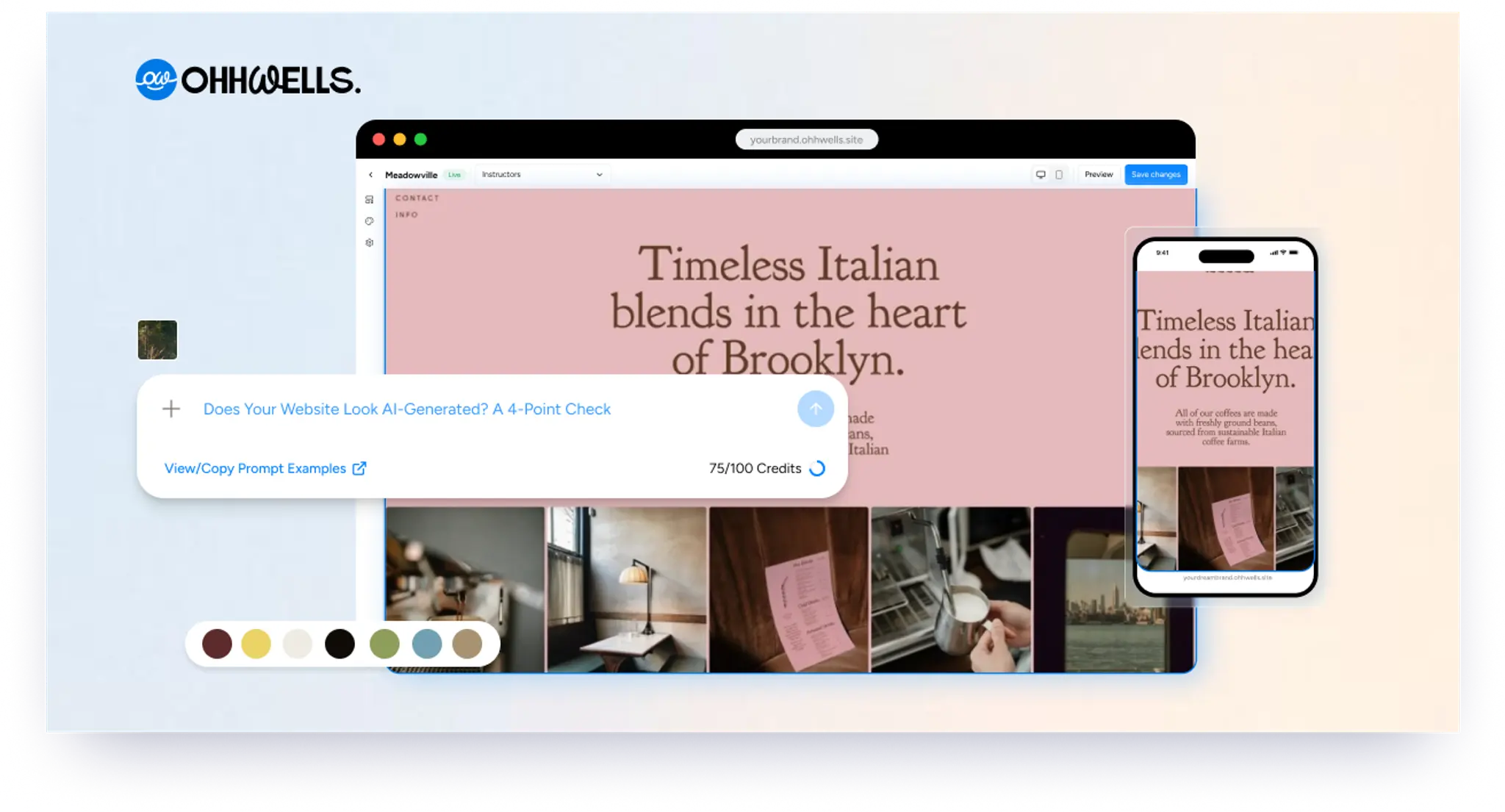
Does Your Website Look AI-Generated? A 4-Point Check
Run four quick checks on your homepage to see if it looks AI-generated, from copy to photos, plus a simple fix for each one so it looks like your business.
Leaving Squarespace? How to Move Your Website Without Losing Your Google Ranking (2026)
Squarespace only exports part of your site. Here's what you can take with you and how to move step by step without losing your Google ranking.
Leaving Wix? How to Move Your Website Without Losing Your Google Ranking (2026)
Wix doesn't let you export your whole site. Here's what you can take with you and how to move off Wix step by step without losing your Google ranking.
Leaving WordPress? How to Move Your Website Without Losing Your Google Ranking (2026)
Thinking of leaving WordPress? Here's how to move your website step by step without losing your Google ranking, your domain or your email.