
9 Best Free Website Audit Tools for Small Businesses (2026)
9 free tools, one big blind spot. Here's what each one checks — and the one thing none of them tell you.
Start for Free
In short
There's no single best free website audit tool, because each one checks something different. Google PageSpeed Insights is best for speed, Google Search Console for search visibility, and OhhWells' free audit is best for conversion — whether your site turns visitors into bookings. Run whichever matches your problem.
Key takeaways
- A full website audit checks 6 areas: performance, mobile, SEO, technical health, accessibility, and conversion — free tools mostly stop at the first five.
- Run the free tools before paying anyone: they'll catch most problems.
- Match the tool to your symptom (slow site → PageSpeed; no traffic → Search Console; traffic but no bookings → OhhWells audit).
- Conversion — whether visitors actually book — is the one thing most free audits skip.
A website audit is a check of your site against the things that decide whether visitors trust you, find you, and book you. Most audits look at four areas: speed, mobile experience, search visibility, and conversion. Free tools cover the first three well. Very few cover the fourth — which is the one that costs you money.
This is a list of nine free tools, what each actually checks, and where each one stops.
What is a website audit?
A website audit is a systematic review of a website against a fixed checklist, producing a list of specific problems and their severity. It is diagnostic, not cosmetic — it tells you what is broken, not whether the design is nice.
A typical audit covers:
Most free tools stop at the first five. Once you've fixed what they find, an AI web design tool can rebuild the page around what's left — the parts a checklist can't see.
What is a technical site audit?
A technical site audit checks whether Google can find, load and understand your website. It looks under the hood, at the things visitors never see but search engines do.
A technical audit usually checks:
- Broken links and pages: links that lead to an error page (404).
- Redirects: pages that bounce visitors around before loading.
- Speed: how fast each page loads on mobile and desktop.
- Indexing: whether Google has added your pages to its search results.
- Security: whether your site uses HTTPS (the padlock in the browser).
- Sitemap and page titles: whether Google has a clear map of your site and a title for every page.
You can run one for free. Screaming Frog, Ahrefs Webmaster Tools and Semrush Site Audit all crawl your site and list technical problems. Google Search Console shows which pages Google has and hasn't indexed.
When you need one: your site doesn't show up on Google, traffic suddenly dropped, or you've just moved to a new website platform.
A technical audit tells you if your site works. It doesn't tell you if your site brings in customers. For that, you need a conversion audit (more on that below).
What is a website diagnostic audit?
A website diagnostic audit is a full health check that finds what's wrong with your site and how serious each problem is. Think of it like a check-up at the doctor: it covers everything, then tells you what to fix first.
It combines a technical audit (does the site work?) with a conversion audit (does the site bring in customers?). The result is one list of problems, ranked from most to least urgent.
You can run a basic diagnostic yourself in about 15 minutes, for free:
- Check speed: paste your URL into Google PageSpeed Insights. Note anything marked red.
- Check search visibility: open Google Search Console and look at the "Pages" report for pages Google couldn't index.
- Check conversion: run the free OhhWells audit to see whether visitors can find your booking button and understand what you sell.
Fix the red items first, then anything that blocks bookings. Ignore minor warnings until those are done.
How much does a website audit cost?
Nothing, if you run it yourself with the tools below. Hiring someone to do it for you typically runs $300 to $5,000, depending on scope and site size (AgencyAnalytics, 2025).
The honest answer for a small business: run the free tools first. They will find the majority of your problems. Pay for a human only when you have a specific problem the tools have already identified and you don't want to fix it yourself.
The 9 best free website audit tools
Ordered by what most small businesses should run first — not by preference.
1. Google PageSpeed Insights
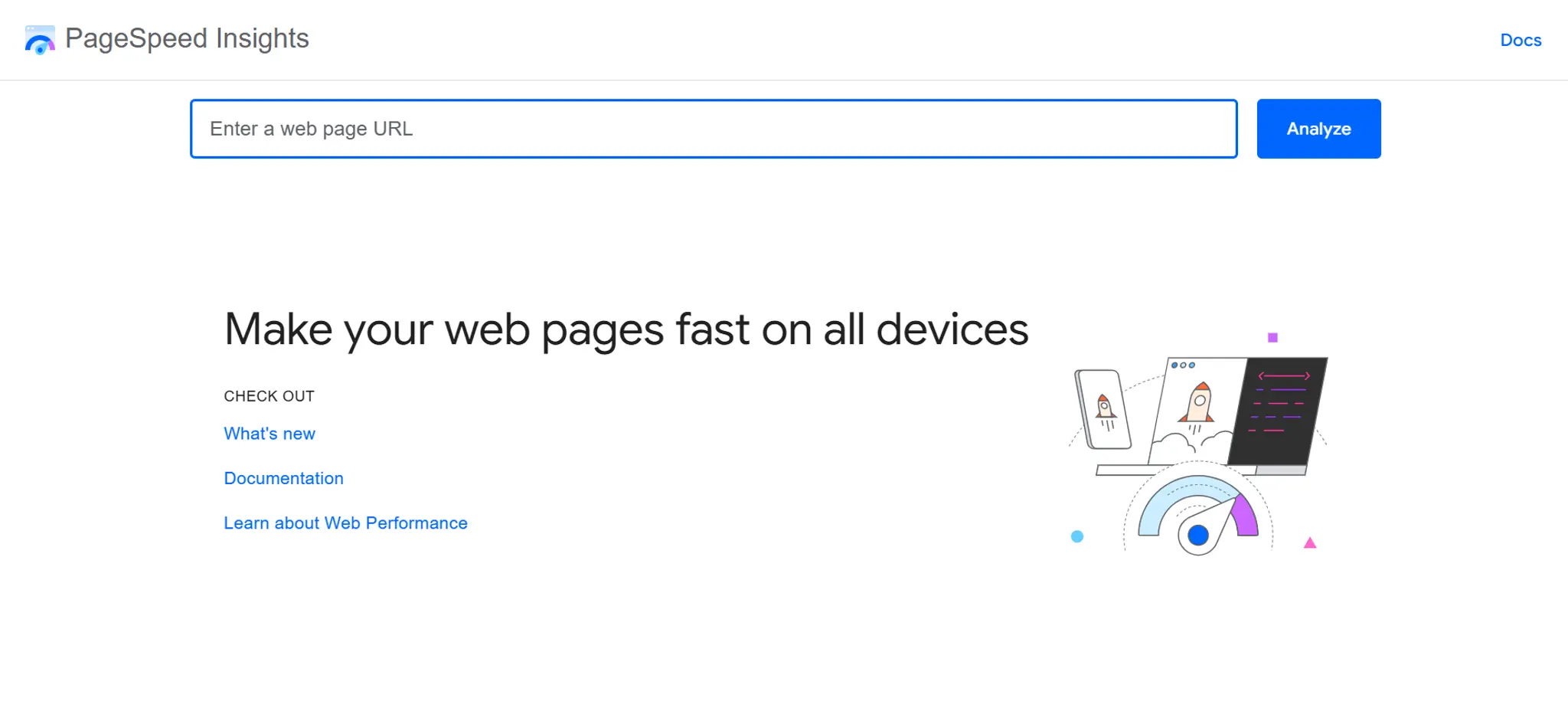
Best for: Speed and Core Web Vitals. Free tier: Fully free, unlimited.
Paste a URL, get a performance score for mobile and desktop, plus a prioritised list of fixes. It uses real-world Chrome user data where available, which makes it the closest thing to ground truth on speed.
Where it stops: It tells you nothing about your content, your SEO, or whether anyone can find your booking button.
2. Google Search Console
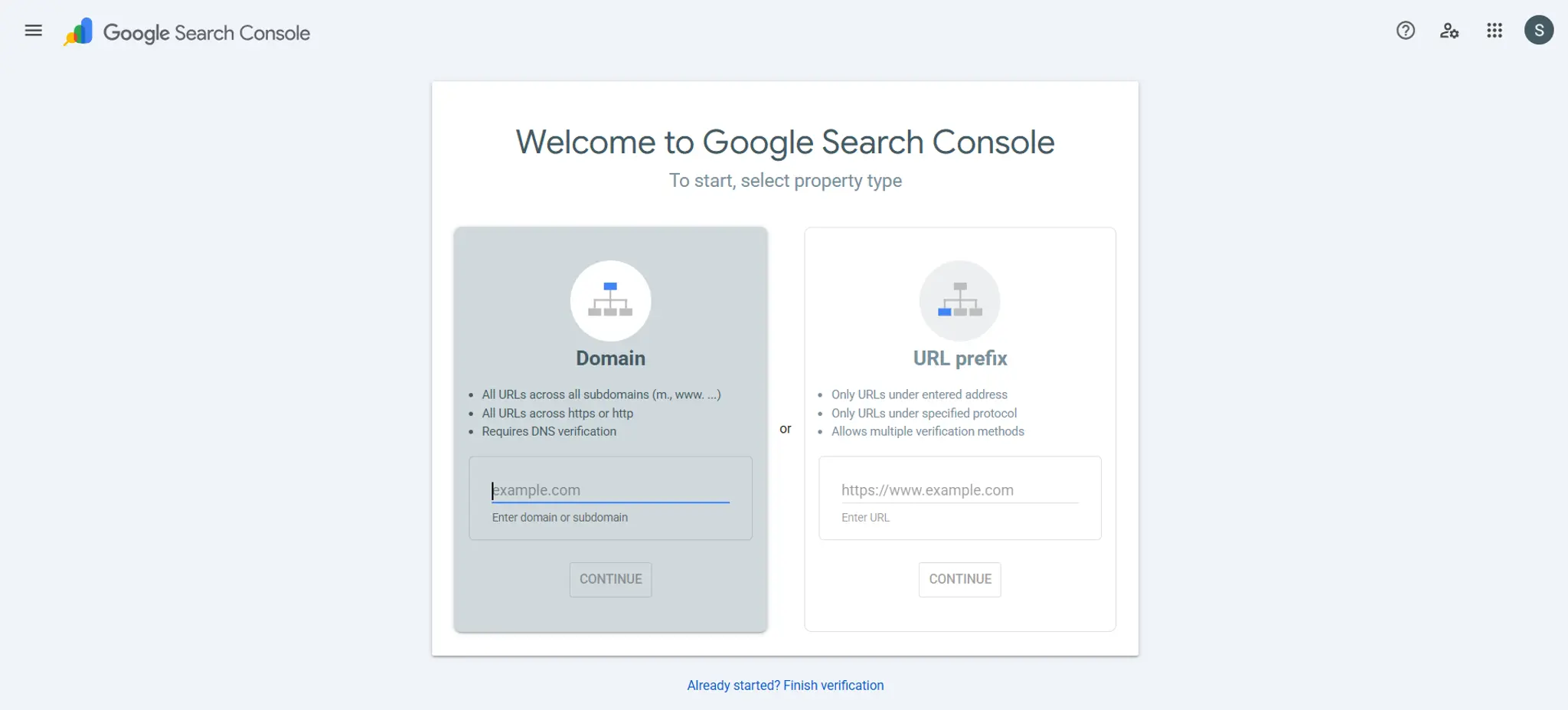
Best for: How Google actually sees your site. Free tier: Fully free. Requires domain verification.
This is the only tool on this list that shows you real data from Google's index — which pages are indexed, which queries you appear for, and what errors Google encountered. Every other tool is an approximation of this.
Where it stops: It's a monitoring tool, not a checklist. It won't tell you what to fix, only what's wrong.
3. Google Lighthouse
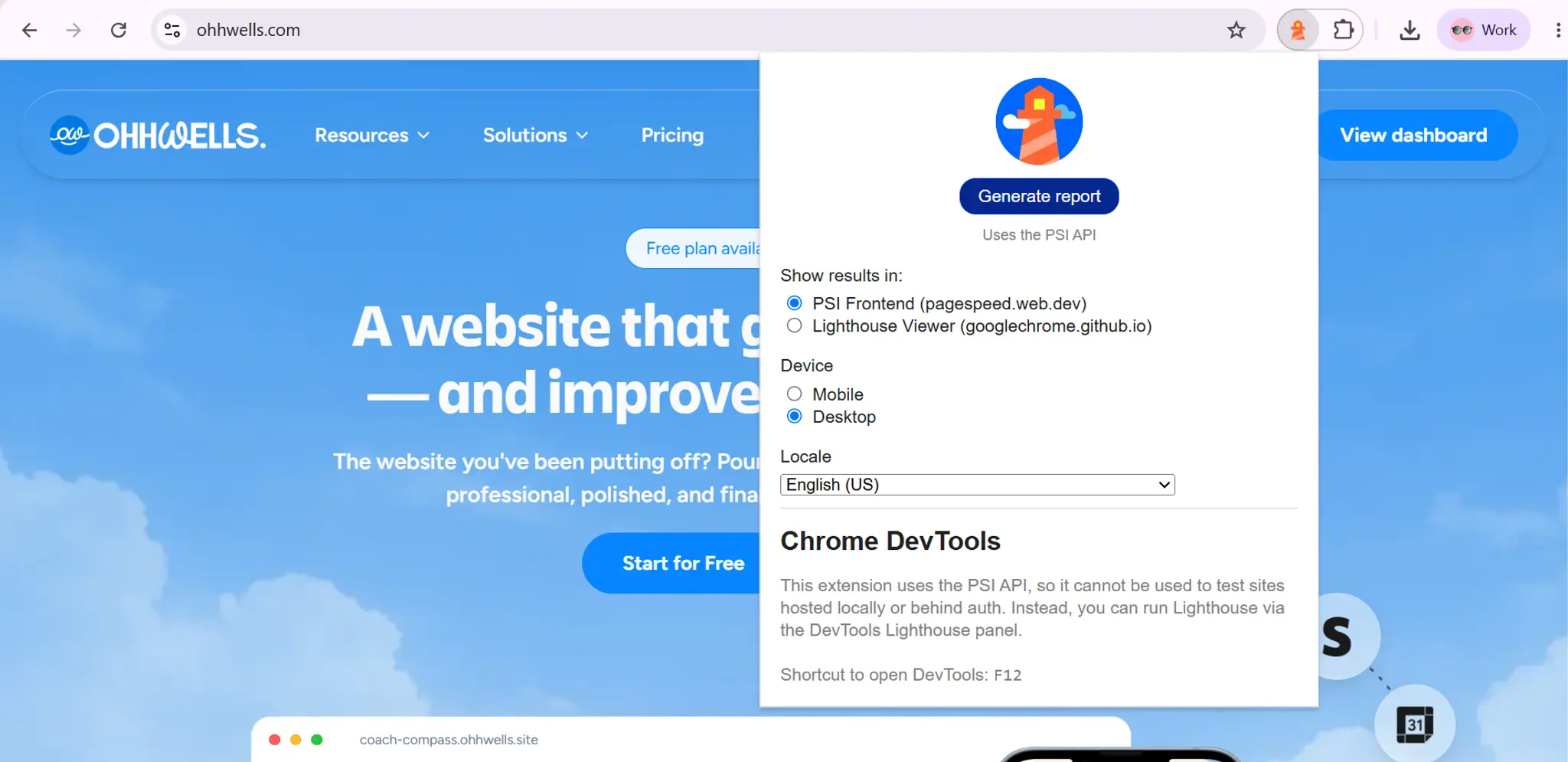
Best for: A five-category technical baseline. Free tier: Built into Chrome DevTools. Fully free.
Right-click any page → Inspect → Lighthouse. Scores performance, accessibility, best practices, SEO, and PWA readiness. It's PageSpeed Insights plus accessibility, run locally.
Where it stops: Page-by-page only. It won't crawl your whole site.
4. Ahrefs Webmaster Tools
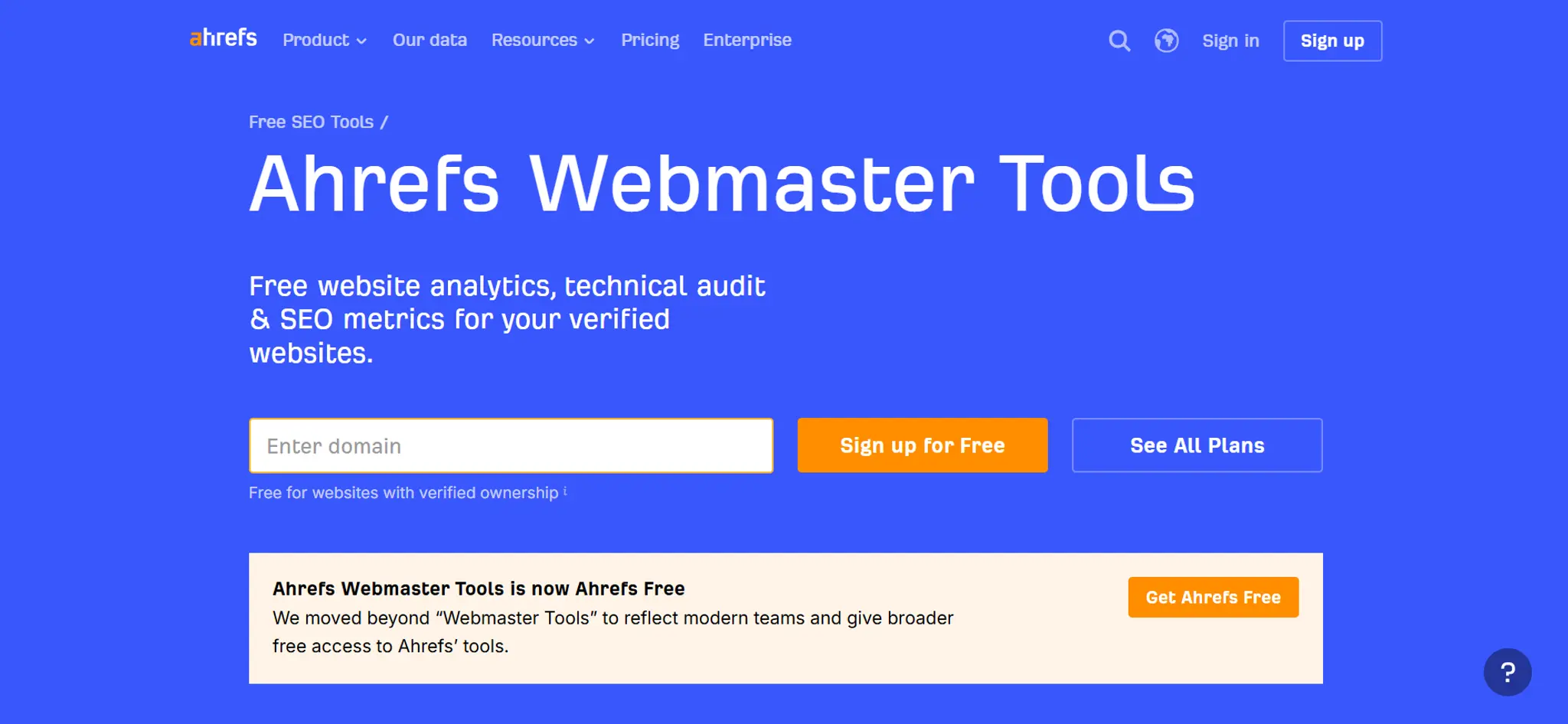
Best for: Site-wide technical crawl and backlinks. Free tier: Free for verified sites you own.
Crawls your entire site and returns a Health Score with prioritised technical issues, plus your backlink profile. The free tier is unusually generous for a paid tool.
Where it stops: Verification required, so you can't audit a competitor. Interface assumes some SEO literacy.
5. Semrush Site Audit
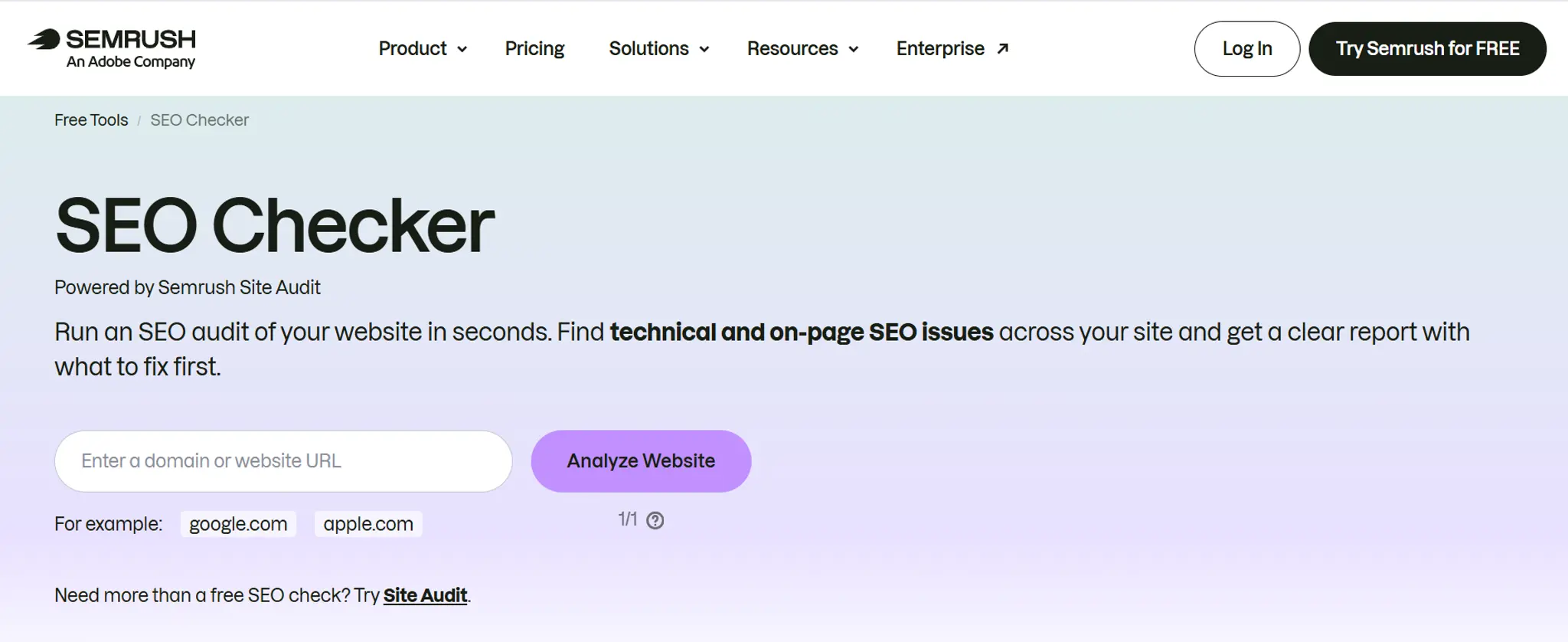
Best for: A thorough technical crawl with clear explanations. Free tier: Limited to 100 page crawls per month on the free account.
Semrush explains each issue in plain language and tells you why it matters, which makes it the most beginner-friendly of the crawlers.
Where it stops: The free page limit is low. Larger sites hit the ceiling immediately.
6. Screaming Frog SEO Spider
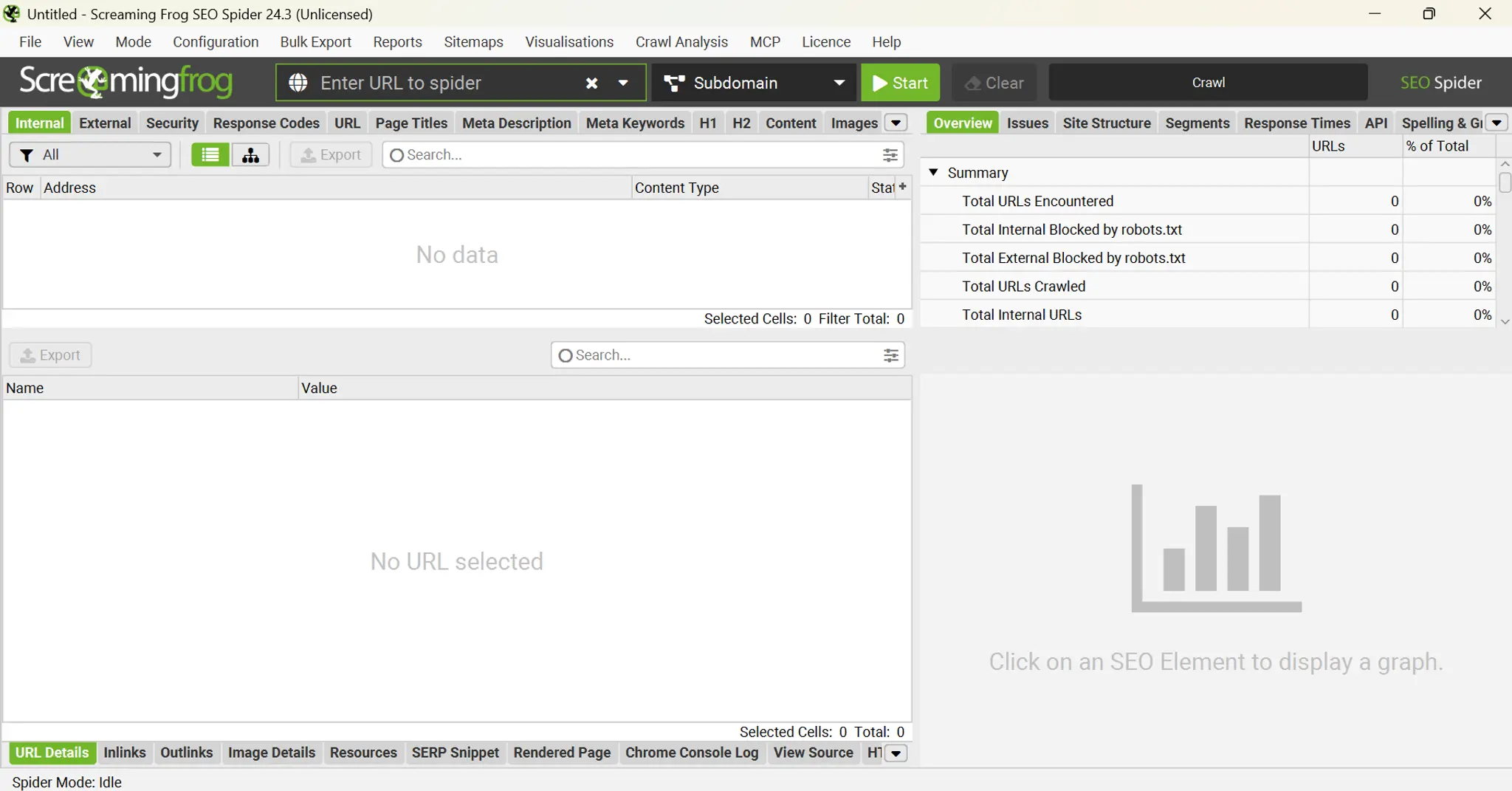
Best for: Finding broken links and redirect chains. Free tier: Free up to 500 URL cap per crawl.
A desktop crawler that prioritizes function over form — fast, no-frills, and the industry standard for finding every broken link, missing title, and redirect loop on a site.
Where it stops: It's a data-dump tool. It gives you a spreadsheet, not advice. Steep learning curve for non-technical owners.
7. Microsoft Clarity
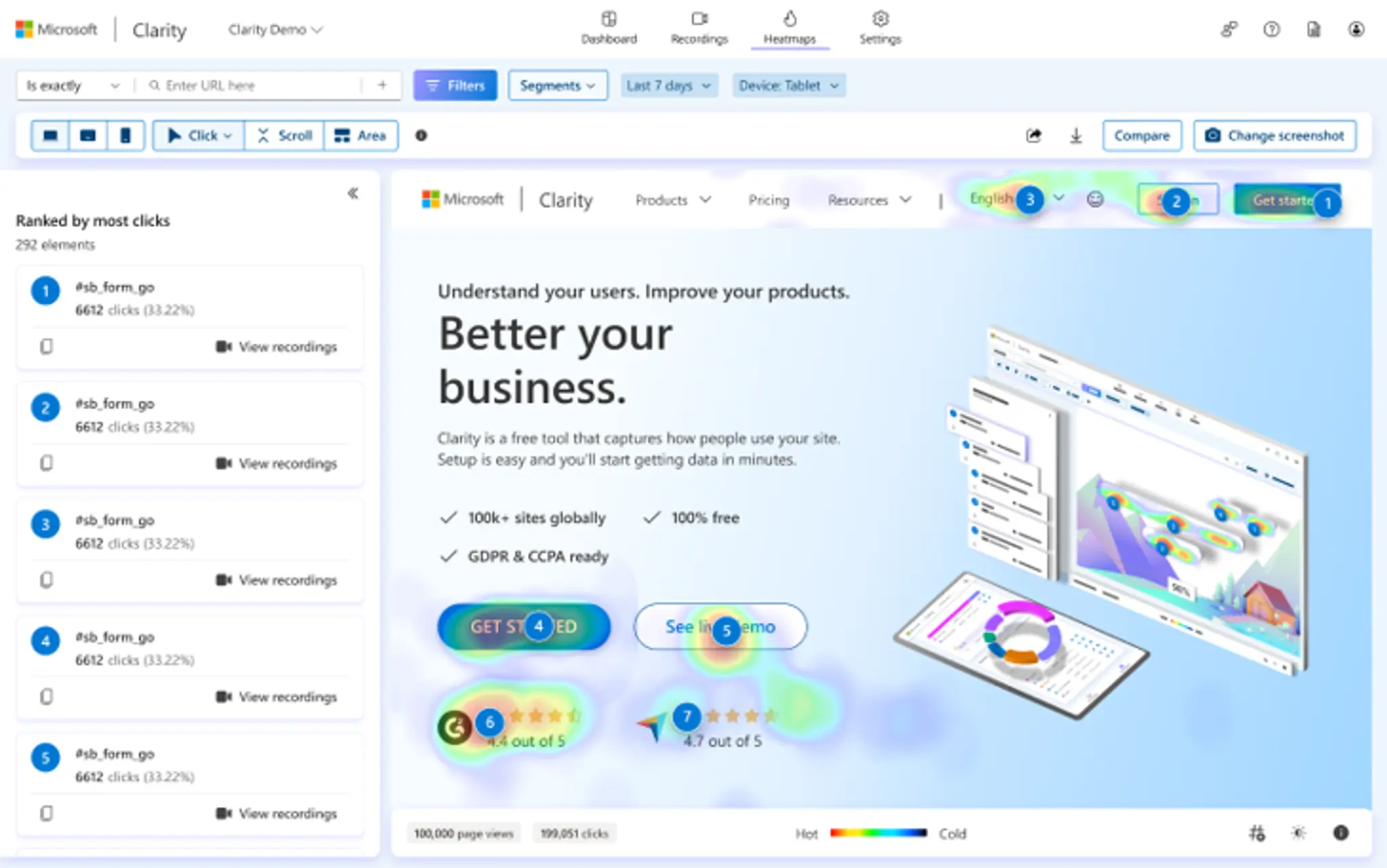
Best for: Seeing where visitors actually get stuck. Free tier: Fully free, no traffic cap.
Not an audit tool in the strict sense — it's session recordings and heatmaps. But it answers a question no audit tool can: where do people give up? Watching five recordings of visitors abandoning your booking flow is worth more than any score.
Where it stops: Requires traffic. If you have twenty visitors a month, there's nothing to watch.
8. SEOptimer
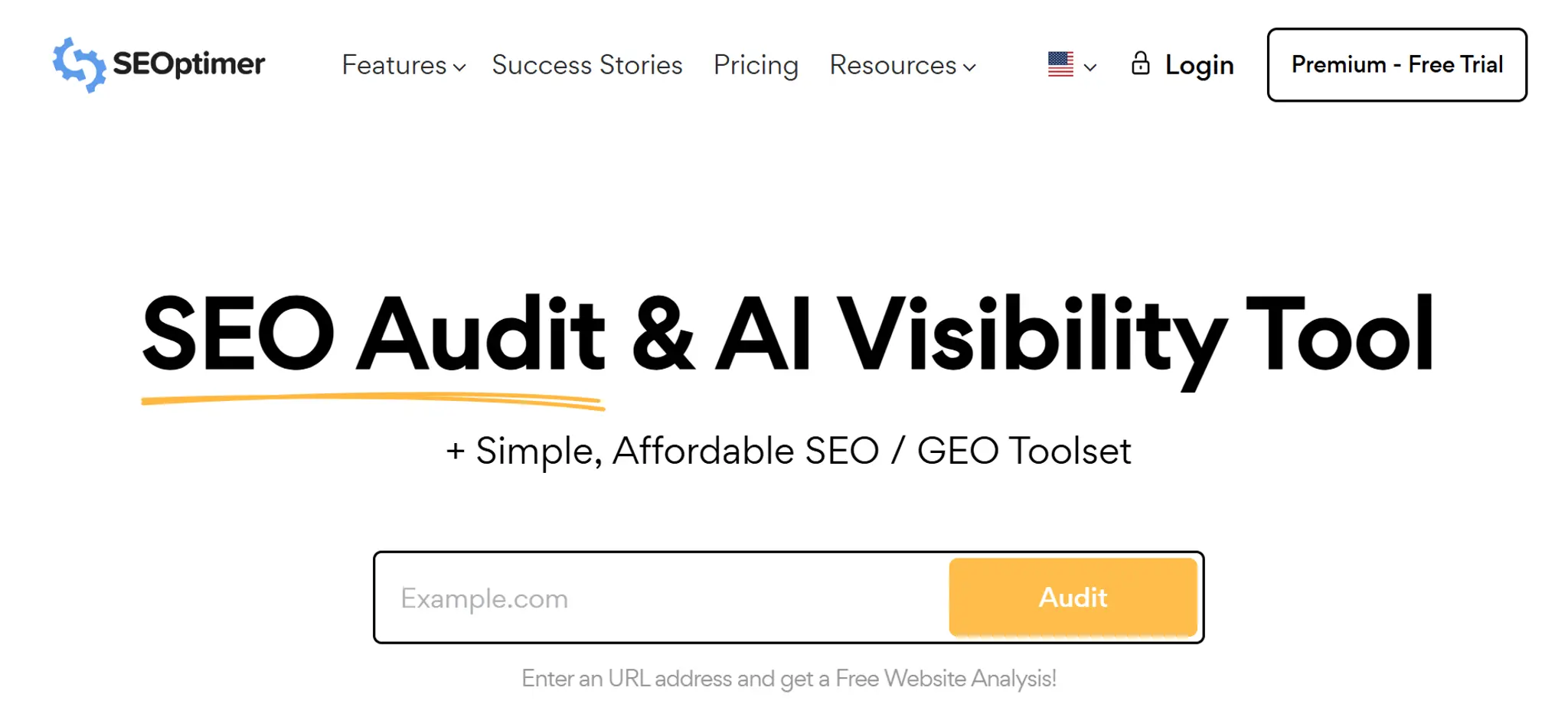
Best for: A fast, readable one-page report. Free tier: Free reports with limits.
Paste a URL, get a graded report card across SEO, usability, performance, and social. Good for a quick temperature check before you invest time in the heavier tools.
Where it stops: Shallow by design. The scoring is generic, not tailored to your business type.
9. OhhWells Website Audit
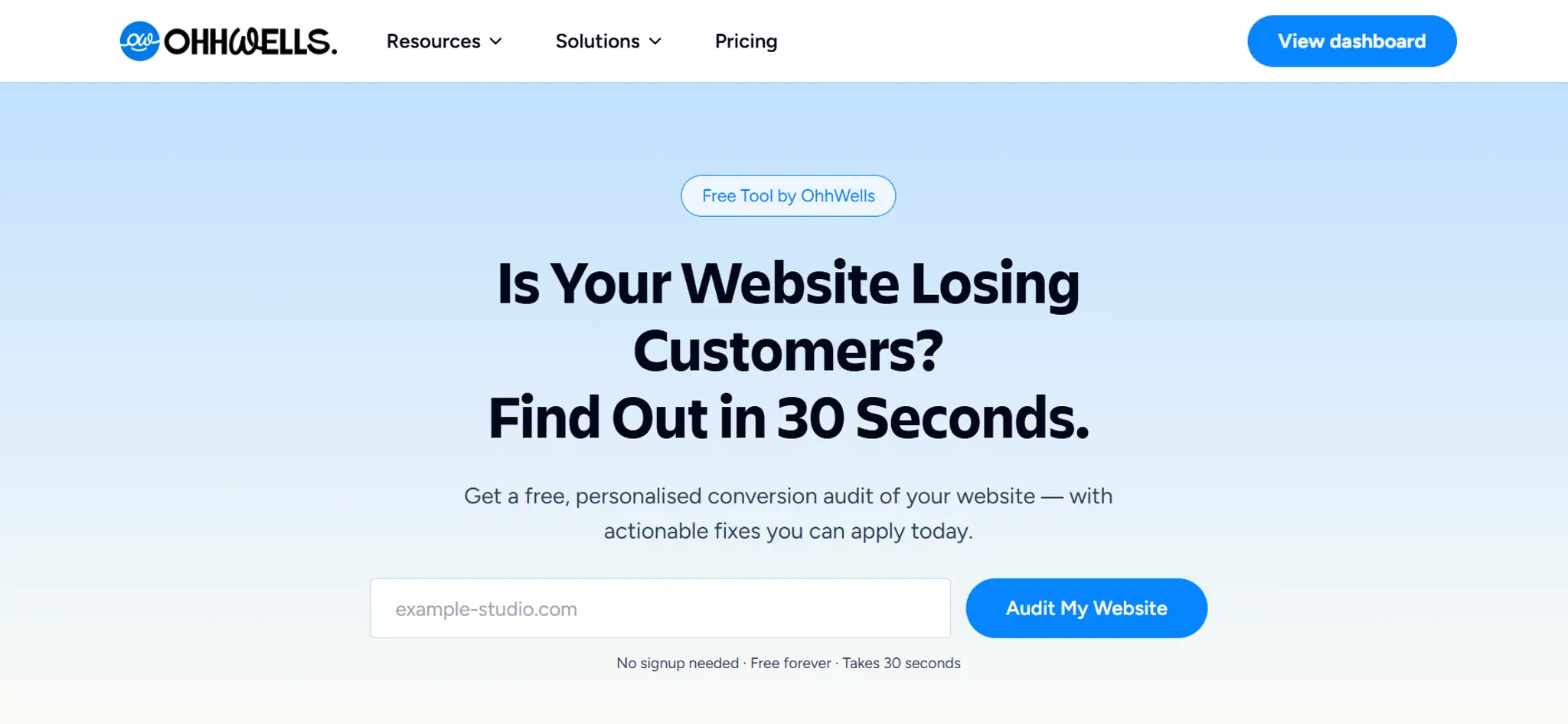
Best for: Conversion — whether your site turns visitors into bookings. Free tier: Free, no account required.
We built this because the tools above answer is my site healthy? and none of them answer is my site working? It checks 8 dimensions across 32 checks and returns a Conversion Score — including whether your booking path is visible, whether your CTA survives a mobile viewport, and whether a first-time visitor can tell what you sell in five seconds.
Where it stops: It is not a technical crawler. Run PageSpeed and Search Console alongside it — we'd rather tell you that than pretend we replace them.
How to choose the right website audit tool for your small business
Choose the tool that matches your problem, then check it's easy enough for you to act on. A perfect report you can't understand is worth less than a simple one you'll actually use.
Ask four questions:
- What does it check? Speed, search, technical errors or bookings. No free tool checks everything.
- Can I understand the results? If you're not technical, pick tools that explain issues in plain language, like Semrush or SEOptimer.
- What's the free limit? Some cap how many pages they check. Fine for a small site, a problem for a large one.
- How accurate is it? Google's own tools (PageSpeed Insights, Search Console, Lighthouse) use real Google data, so they're the most reliable for speed and indexing. Other tools use their own scoring. Treat their score as a rough guide and focus on the specific issues they list.
The 9 tools compared
Which one should you run first?
Depends entirely on your situation:
- "My site feels slow." → PageSpeed Insights.
- "Nobody can find me on Google." → Search Console, then Ahrefs Webmaster Tools.
- "I get traffic but no bookings." → OhhWells audit, then Microsoft Clarity.
- "Something's broken and I don't know what." → Screaming Frog.
- "I have no idea where to start." → Run PageSpeed Insights and the OhhWells audit. Between them you'll have a technical baseline and a conversion baseline in under ten minutes.
Running all nine is not a strategy. Pick the one that matches the problem you actually have.
What free tools won't tell you
Three things, consistently:
Whether your site sounds like you. Every audit tool scores against a generic benchmark. None of them know that your studio's whole appeal is that it doesn't look like a chain.
Once you've fixed what the audit finds, an AI web design tool can rebuild the page around that difference instead of erasing it.
Whether the fixes are worth it. A tool will flag thirty issues without ranking them by revenue impact. Twenty-eight of them don't matter.
What to do next. Diagnosis is not treatment. Most SMB owners run an audit, see a red score, and close the tab.
That last one is the actual failure mode.
Run yours in two minutes
The OhhWells audit is free, needs no account, and tells you the one thing the other eight tools won't: whether your site is losing you bookings.
Run the free audit →Frequently asked questions
Keep reading
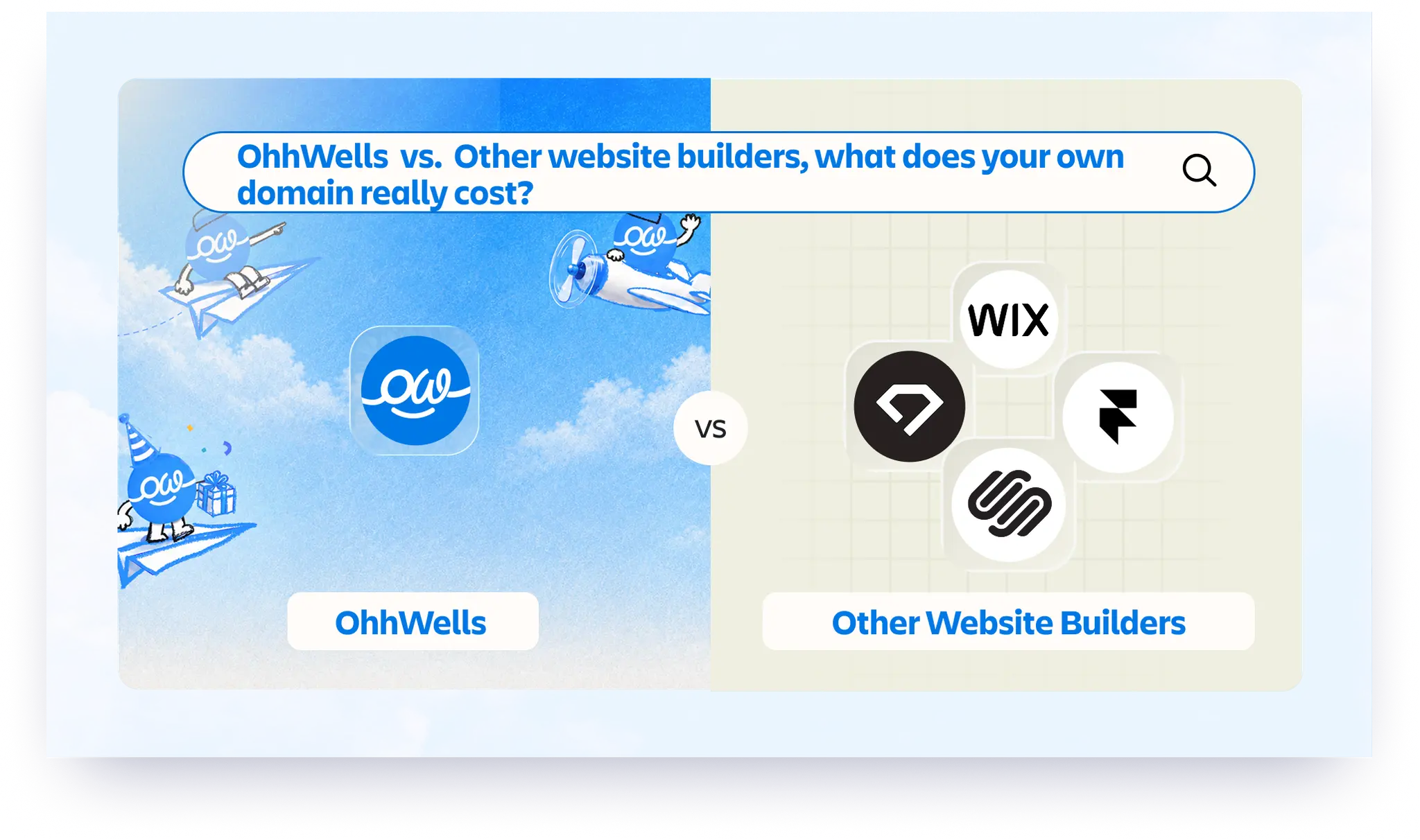
Website Builder With Your Own Domain: What It Really Costs in 2026
None of the five builders here lets you use your own domain for free. Here’s what Framer, Wix, Squarespace, Durable and OhhWells cost once you do.
Can You Build a Website with Canva? Yes — Here's What It's Good For and When You'll Outgrow It
Yes, you can build a website with Canva. Here's what it does well, where it stops for a business, and when to move to a website builder.
Best Website Builders for Event Registration (2026): Webinars, Workshops and Seminars
We compared OhhWells, Wix, Squarespace and 5 more tools for webinar, workshop and seminar registration — here's which one actually fits a small business.
Best Free AI Website Builders in 2026 (and What "Free" Actually Gets You)
Five free AI website builders compared on what matters: can you publish, use your own domain, and what happens when credits run out.
The State of Small Business Websites in Southeast Asia 2026
67% of small businesses we met have no website. The 33% that do score 37/100. Here's how to do better either way.
OhhWells vs. The Field: Agency Website Platform Price & Value Comparison
How OhhWells compares on price and value against GoHighLevel, Webflow, WordPress, Wix Studio, and Brizy — one table, every platform.