
Vibe Coding for Small Businesses in Singapore & Malaysia
A practical guide to vibe coding for Singapore and Malaysia small businesses: tools, local payments, privacy notices, grants and a step-by-step plan.
Start for Free
In short
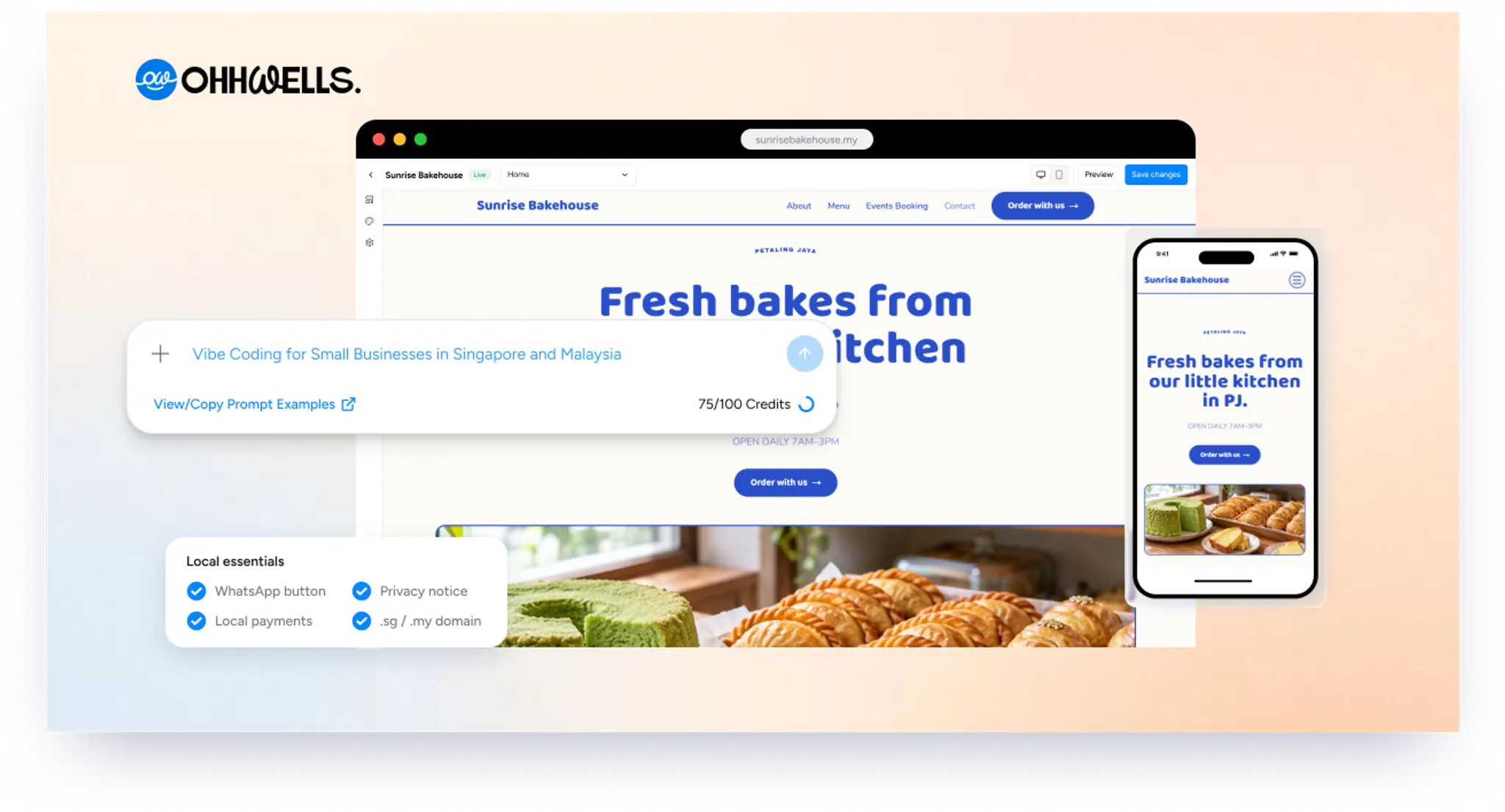
Vibe coding means building a website by describing it to an AI tool instead of writing code. For Singapore and Malaysia small businesses, it's a fast, low-cost way to get online, as long as you add local payments, a privacy notice and your own brand. OhhWells is an AI website builder that keeps every page of your site on-brand.
Key takeaways
- Vibe coding means describing what you want to an AI tool instead of writing code, and it can get a first version of your site live in an afternoon.
- Customers expect local ways to pay: PayNow in Singapore, FPX and e-wallets in Malaysia. Check what each tool supports before you choose.
- If your site collects names, emails or phone numbers, check the PDPA rules in your country and add a privacy notice.
- AI websites often look alike. Set your brand colours and fonts first, and use real photos and your own words.
- Grants can help, but only if the tool and your business qualify.
AI tools make it fast and cheap to build a business website. This guide covers what else you need in Singapore and Malaysia: local payments, a privacy notice, a look that's your own, and the grants worth checking.
What is vibe coding, in plain English?
You describe your business and the website you want, for example "a website for my bakery in Petaling Jaya with a menu, opening hours and a WhatsApp order button", and the AI builds it. Then you keep improving it by describing changes, instead of editing code.
Popular tools include Lovable, Bolt.new, v0 and Replit, which are built mostly for apps, and website-focused tools like OhhWells, Wix and Hostinger. (See our full comparison of vibe coding tools for small business.)
Why it's a good fit for SG and MY small businesses
- Lower cost than an agency. A custom agency website often costs thousands of dollars or ringgit. AI tools start from free, with paid plans at a monthly fee.
- Faster. You can have a first version live in an afternoon, instead of waiting weeks.
- You stay in control. You can update prices, menus and photos yourself, without paying for every change.
What your website needs to work locally
1. Local payment methods
Customers here expect familiar ways to pay. In Singapore that usually means PayNow and cards; in Malaysia, FPX online banking, DuitNow and e-wallets like Touch 'n Go and GrabPay are common. Payment providers support these differently. Stripe, for example, supports PayNow and GrabPay for Singapore businesses, and FPX and GrabPay for Malaysian businesses (Stripe's payment methods by country).
Before choosing a tool, check which payment provider it uses and which local methods it actually offers at checkout. OhhWells takes card payments through your own Stripe account. PayNow, FPX and e-wallets aren't supported yet.
2. WhatsApp
Many customers in Singapore and Malaysia would rather message than fill in a form. Add a clear WhatsApp button, but also keep a contact form, so you capture enquiries from people who prefer email.
3. A privacy notice
If your website collects personal details (names, emails, phone numbers through a form or booking), both countries have personal data protection laws: the PDPA in Singapore (PDPC guidance for organisations) and the PDPA 2010 in Malaysia (JPDP guide for organisations). In general, you should tell people what you collect, why, and how they can contact you about it.
This is general information, not legal advice. Check the official guidance or ask a professional for your specific case.
4. Language
Think about who your customers are. A Malaysian business may need English and Bahasa Malaysia (and sometimes Chinese); a Singapore business serving mainly locals may be fine in English. Ask your AI tool to create the extra language versions, then have a native speaker check them. AI translations can sound unnatural.
5. Mobile first
Most local customers will find you on their phone, often from Instagram, TikTok or Google Maps. Check every page on your phone before you publish.
The catch: AI websites often look the same
The fastest AI builds tend to share the same layout, the same stock photos and the same gradient buttons. When your competitors use the same tools, standing out matters more, not less.
A few quick fixes:
- Decide your brand colours and fonts before you start prompting
- Replace stock photos with real photos of your shop, team or products
- Write your homepage headline in your own words, the way you'd say it to a customer
We go through the fixes in how to make your AI website look custom.
Grants worth checking
Both governments have run support schemes for small business digitalisation. Rules, amounts and approved vendors change often, so always check the official page first:
- Singapore: the Productivity Solutions Grant (PSG) closed to new applications on 29 September 2026. Business grant support now runs through the EDGE Grant, applied for on the Business Grants Portal. Check whether your project and vendor qualify before you commit.
- Malaysia: the Geran Digital PMKS MADANI (GDPM) matches 50% of the cost of digital tools, up to RM5,000, for eligible MSMEs. Applications closed on 6 September 2025. Check BSN's GDPM page for any new intake before you plan around it.
Don't sign up for a tool because of a grant without first checking that the tool and your business qualify.
Step by step: build your website with AI this week
- Write one sentence about your business: what you do, who it's for, and where you are.
- Pick your brand basics: 2 colours, 1–2 fonts, your logo.
- Choose a tool that builds a full website, not just an app.
- Describe your business and let the AI build the first version.
- Replace the photos and fix the words so it sounds like you.
- Add local essentials: WhatsApp button, contact form, payment methods, privacy notice.
- Connect your own domain (.com, .sg or .my).
- Check it on your phone, then publish.
Where OhhWells fits
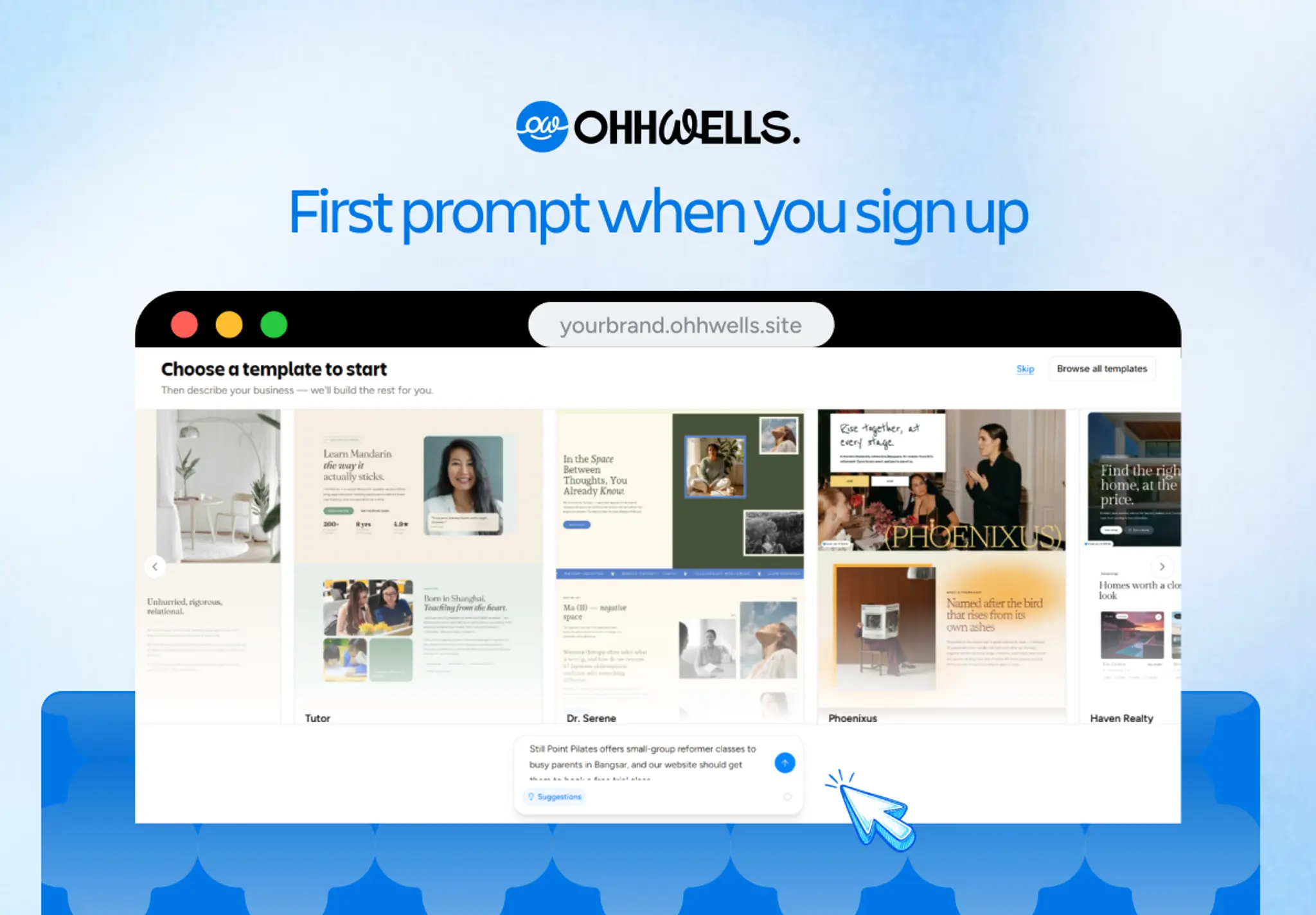
OhhWells is an AI website builder that keeps your website on brand, built by a team based in Singapore. Describe your business or pick a template, and OhhWells builds the site. Every new page and AI-generated section automatically uses your colours, fonts and style, with lead capture forms and card payments through your own Stripe account built in.
What it's not for: custom web apps with logins, dashboards or marketplaces, or taking PayNow, FPX or e-wallet payments (not supported yet).
Build your website this week
Describe your business, and get a website that looks like your brand.
Start for freeFrequently asked questions

Keep reading
Best Website Builder for Small Business in Malaysia (2026)
Compare OhhWells, Wix, Squarespace and Hostinger for Malaysian small businesses, with prices in ringgit and the plan you need to take bookings.
Best Website Builder for Small Business in Singapore (2026)
Compare OhhWells, Wix, Squarespace and Hostinger for Singapore small businesses, with prices in SGD and the plan you need to take bookings.
Make Your AI Website Look Custom (and Keep It That Way)
Getting an AI website to look custom is one job. Keeping it that way as you add pages is another. Here is how to do both, with prompts you can copy.
Cheapest Website Builder for Small Business (2026 Costs)
Compare the real 5-year cost of 8 website builders, from Carrd and Framer to Wix and Squarespace, and find the cheapest one for what your site needs to do.
Is Wix Free? What You Get and What Going Live Costs (2026)
Wix is free to build and publish, but not free to look like a business. See what the free plan includes, what it leaves out, and what going live costs.
How to Start a Coffee Roasting Business (Starting Small)
Turn your roasting hobby into a business. 8 beginner-friendly steps on roasting space, green beans, permits, packaging and finding your first customers.