
How do I change my homepage copy?
Edit the words on your OhhWells homepage by clicking and typing, or ask the AI to rewrite them. Includes a simple formula for a clear headline.
Last updated October 8, 2026
“Copy” means the words on your page. To change them, click any text on your homepage and type. For a bigger rewrite, describe what you want in the prompt bar. Start with your headline: it should say what you do and who it’s for, in words you’d use with a customer.
You’ll need: an OhhWells site open in the editor.
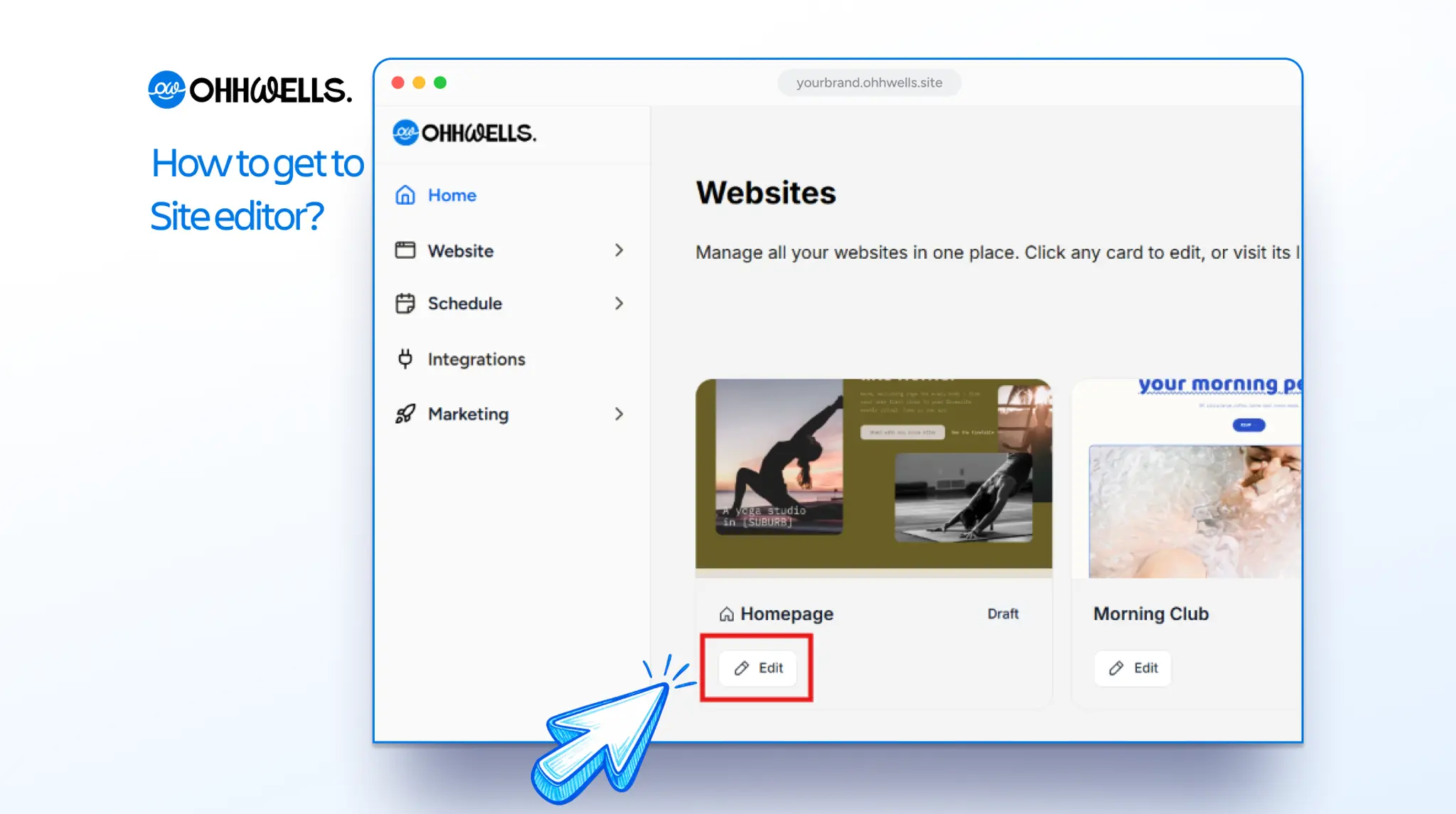
Steps
- Click the text you want to change. This works for headlines, paragraphs, button labels, prices and tags.
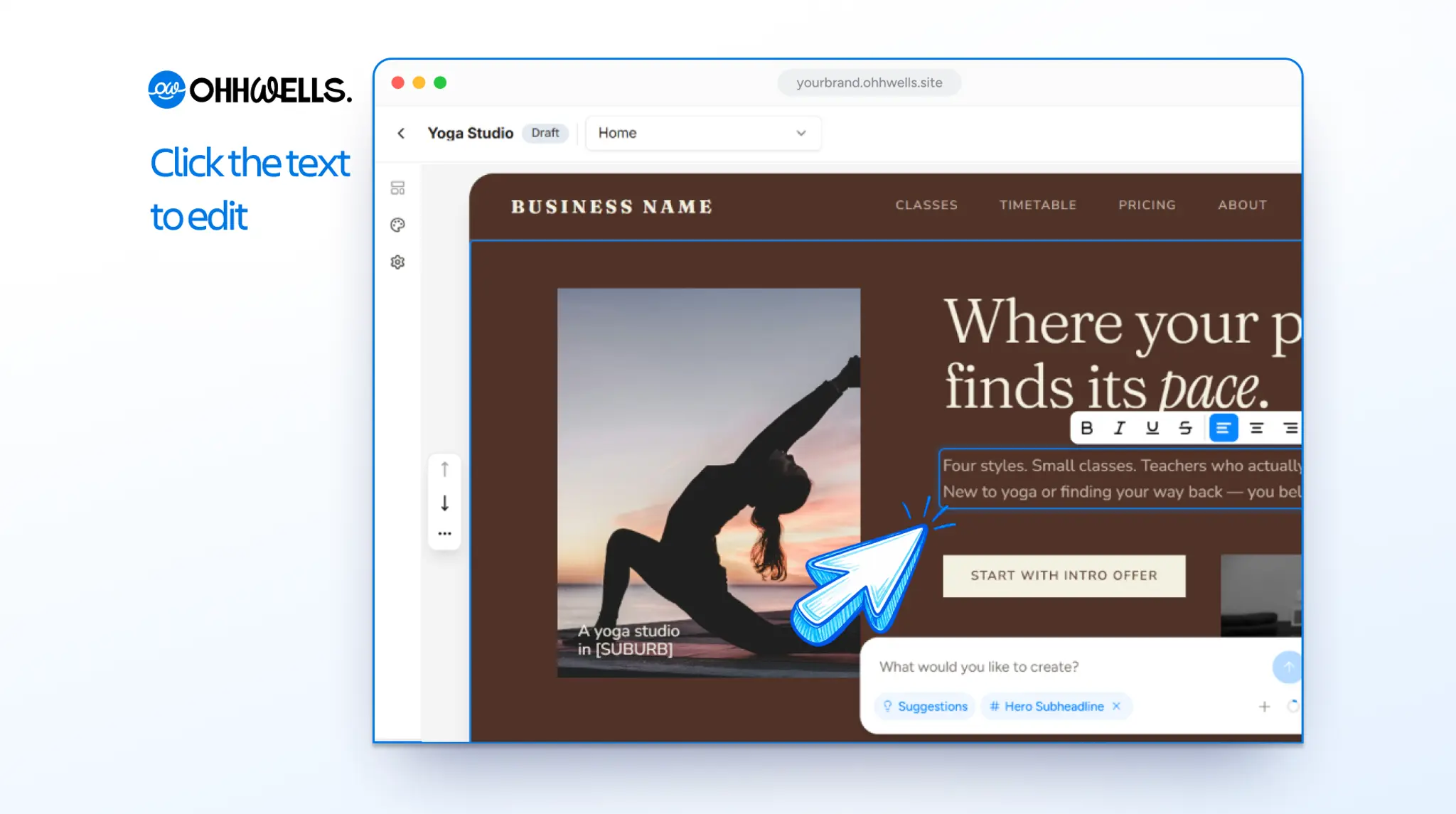
- Type your new words. You’ll see the change on the page as you type.
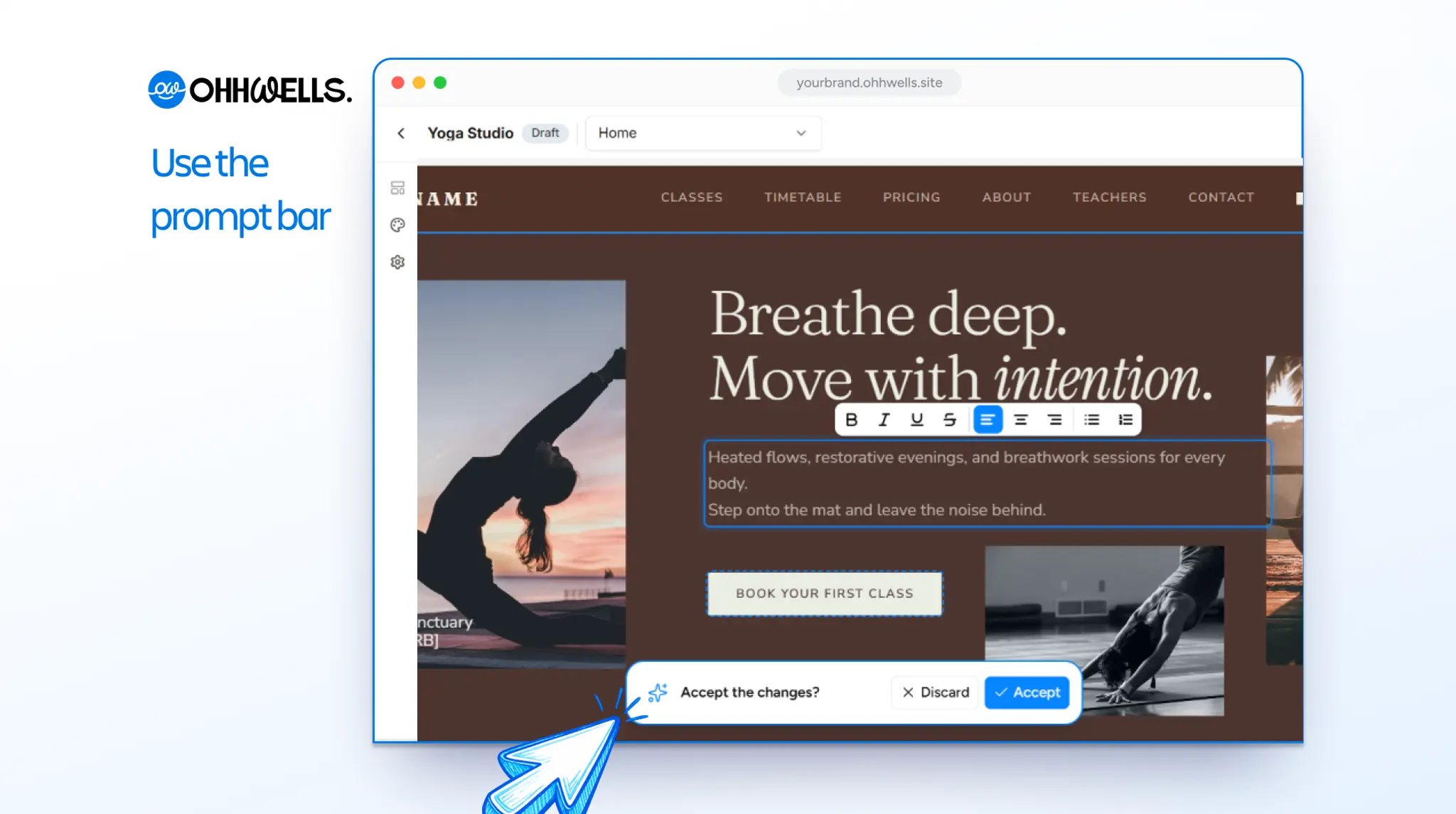
- For a bigger change, use the prompt bar. Say which section and what you want. For example: “Make the hero headline shorter” or “Rewrite the how-it-works steps in a friendlier tone”.
- Review what the AI wrote. Keep it if you like it, or discard it and try a different prompt.
- Publish when you’re happy, so visitors see the new words. [CONFIRM: edits stay as a draft until Publish is clicked.]
Tip: to change a few words, click and type. It’s exact, and it costs no AI credits. Use a prompt when you want a whole section rewritten, because a prompt can change more than you asked for.
Write your headline first
Your headline does most of the work on your homepage. Fill in this sentence:
We help [who] get [outcome] without [the pain they have today].
Example: “We help cafés fill quiet weekday mornings without discounting.”
This one sentence shapes the rest of your page. The “who” tells you which reviews to show. The “outcome” tells you what your button should promise. The “pain” tells you which worries to answer.
Use your customers’ words
The best line on your site is usually something a customer has already said to you. Look through your reviews, messages and enquiry emails. Copy any sentence that describes their problem, then paste it into your prompt and ask the AI to write in that language.
Words to delete
AI tools reach for the same empty words. If your page has three of these, it isn’t saying anything yet:
- Instead of empowering, elevate or transform, say what the customer gets, like "You'll have a booking page your clients can use this week."
- Instead of seamless, cutting-edge or innovative, say what makes it easy, like "Set up in ten minutes. No app to download."
- Instead of journey, unlock or solutions, name who it's for and what they get, like "Reformer pilates for desk workers with tight hips."
Let the AI draft, then finish it yourself
- Give the AI your notes and let it write the section.
- Read it out loud. Cut anything you’d never say to a customer.
- Add one real detail back in: a name, a suburb or a number. That detail is what makes it yours.
Troubleshooting
How do I know if my headline is clear?
Show your homepage to a friend for five seconds, then hide it. Ask what you do and who it’s for. If they can’t answer, rewrite the headline. The design is rarely the problem.
The AI changed more than I wanted
Ask for one change at a time and name the exact spot, such as “make the hero headline shorter”. For small changes, click the text and type instead of using a prompt.
I got a “Try a more specific prompt” message
Add what to change, which section and the details. See How do I write effective prompts?
My site still sounds generic
Add specifics only your business can say: who you serve, where you are, a real result or a number.
Still stuck?
Email us at support@ohhwells.com and a real person will help.