
How does OhhWells keep every page on-brand?
OhhWells keeps your site on-brand with one brand style, made up of your colours, fonts and buttons, which every page and AI-generated section inherits automatically.
Last updated November 6, 2026
OhhWells keeps your website on-brand with one site-wide brand style: your colour palette, typography and button style, set once for the whole site. Every page and every AI-generated section inherits that style automatically, so new content looks like your existing pages instead of like a generic AI build. Change the brand style, and every page updates.
What is a brand style in OhhWells?
Your brand style is the design system behind your site. It holds three things:
- Colour palette — your primary colour, background and text colours, plus accents.
- Typography — one font for headings and one for body text. You can use OhhWells' built-in fonts or upload your own font files (check your font licence allows web use first).
- Buttons — the shape and colour of every button on the site.
These are global styles. Nothing on a page carries its own copy of them; each section reads them from the brand style when it renders.
What inherits the brand style?
Everything you add after the brand style is set:
- A new section generated with the AI prompt bar: it’s built with your palette, fonts and buttons, not a default theme.
- A new page: its sections use the same brand style as your homepage.
- A section from a template: it takes on your brand style, not the template’s original look.
- A section generated from a reference image: the layout follows the image, and the colours and fonts follow your brand style.
This is the difference between OhhWells and a one-shot AI generator: the AI isn't asked to "remember" your brand on every prompt. The brand style is applied to the output every time.
Where does the brand style come from?
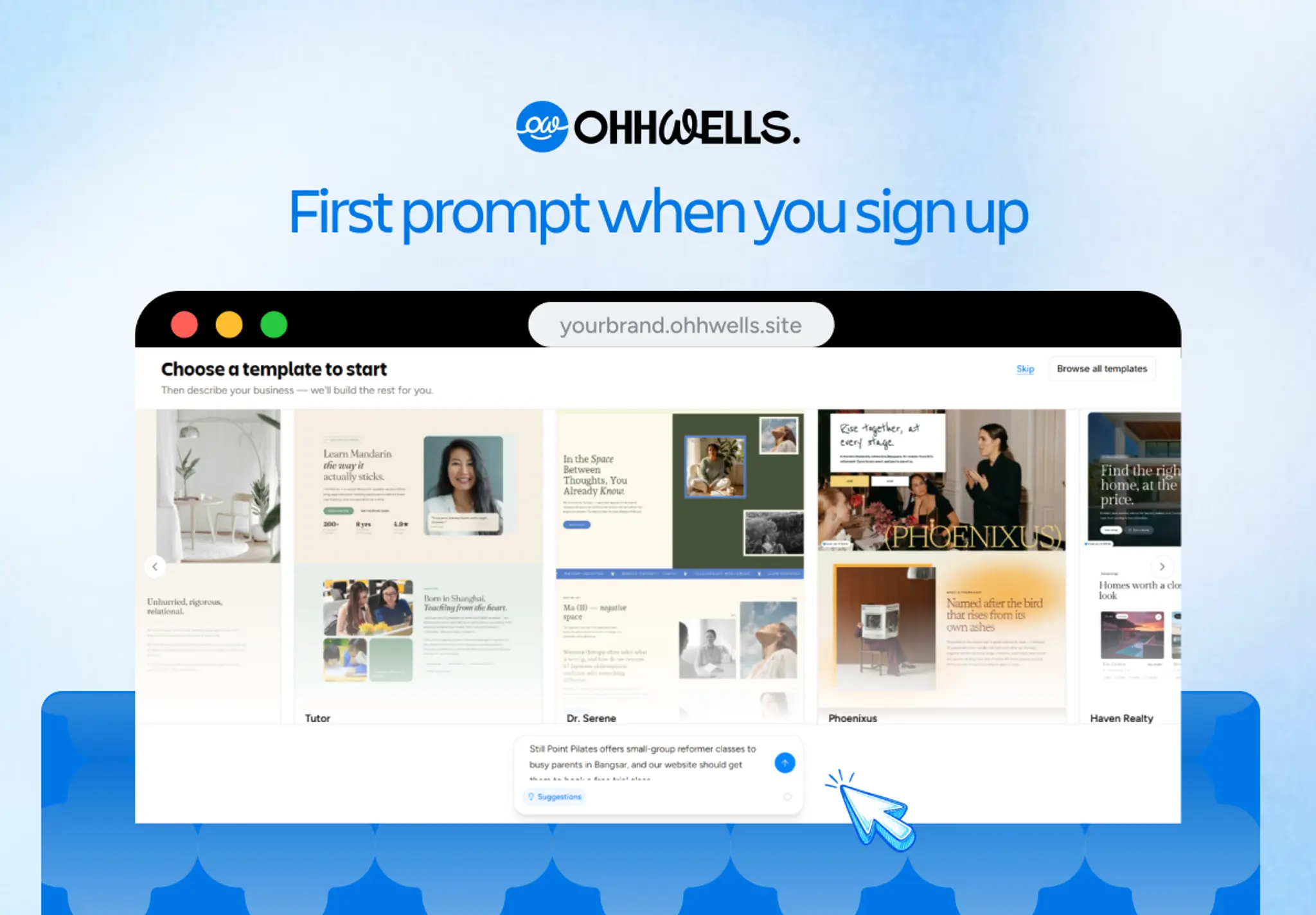
- Pick a template when you sign up. The template’s colours, fonts and buttons become your starting brand style. Edit them and the whole site follows.
- Or describe your business instead. Skip the templates and tell OhhWells what you do. It proposes a palette and fonts from your description. You can change any of it afterwards.
- Bring a vibe-coded site: your existing brand variables are read when you push the site to OhhWells, so visual edits stay on-brand
To edit the brand style later, see Set your brand style.
What doesn't change automatically?
- Photos. The first AI draft uses default stock photos (Unsplash). Swap them for your own images — that's the single biggest step from "AI site" to "your site".
- Copy. The AI writes from what you tell it; the more specific your business description, the less generic the words.
- Sections you've styled by hand. If you override a colour on one section, that override stays until you remove it
FAQ
Does brand consistency work on the Free plan? Yes. The brand style and AI-generated sections work on every plan, including Free.
Can I have a different style on one page? You can fine-tune any section by hand in the editor. The brand style is the default, not a lock.
Will changing my brand colours break my layout? No. Layout and style are separate: changing the palette or fonts recolours and re-types every section without moving anything.
I uploaded a custom font. Does it apply everywhere? Yes — a heading font and a body font set in the brand style apply across every page.