
How to write a specific prompt
Learn how to write prompts that get you the result you want: where to click, a simple formula, five real examples, and one sentence that makes every prompt better.
Last updated October 6, 2026
Seeing "Try a more specific prompt"? It means we couldn't tell what you wanted built. Nothing is broken. You just need to add a bit more detail.
When you type a prompt, we're deciding two things: what section to build, and what to put inside it. "Add a pricing section" tells us the shape but not the content. How many plans? What are they called? What do they cost? Rather than invent details you'd have to delete later, we ask you first.
This guide shows you how to give us what we need.
First, pick the right spot
Before you type anything, check where you've clicked. It decides what your prompt changes.
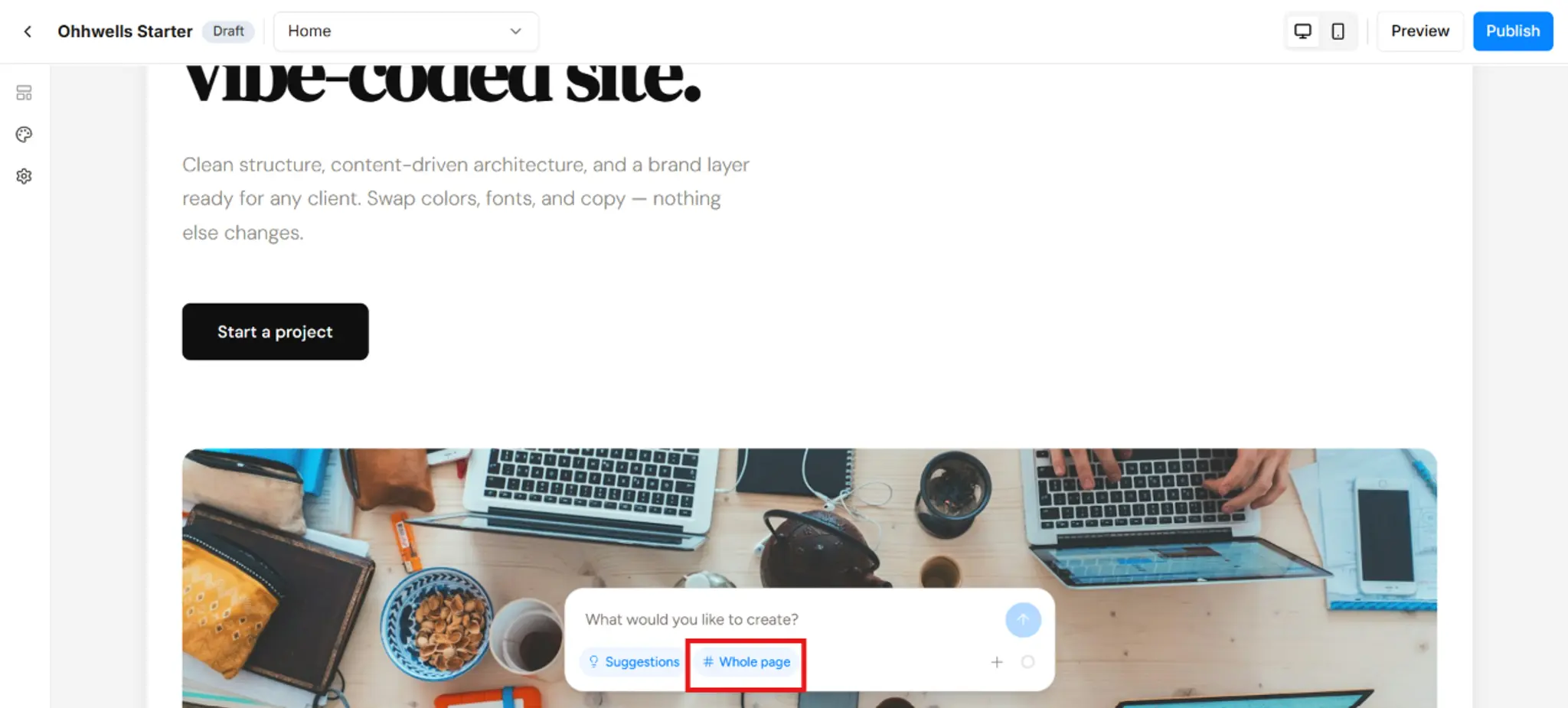
🔲 Click a section (like your hero section or testimonials) to change only that section.
📄 Click an empty part of the canvas so nothing is selected, and your prompt changes the whole page.
Not sure what's selected? Press Esc, then click again.
The formula
Most prompts that work follow the same simple pattern:
What to do + which section + the details
That's it. You don't need special wording or technical terms. Write it the way you'd text a friend who's good with websites. Short and clear works best.
Five prompts that work
Here are real examples, and what makes each one clear.
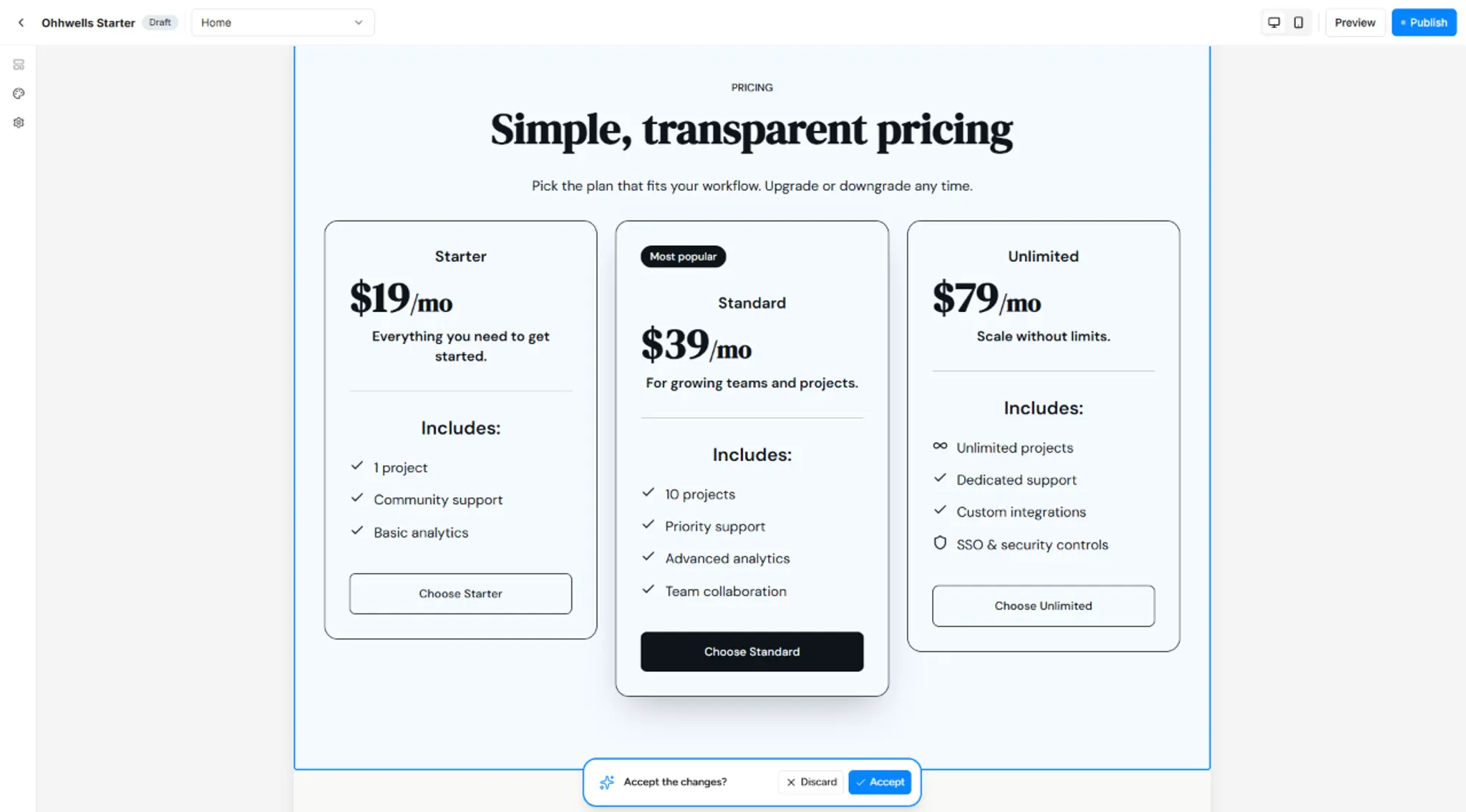
1. Pricing
Create a pricing section with three plans:
Starter $19, Standard $39, Unlimited $79
Why it works: We know the section, the number of plans, the names and the prices. There's nothing left to guess.
2. Testimonials
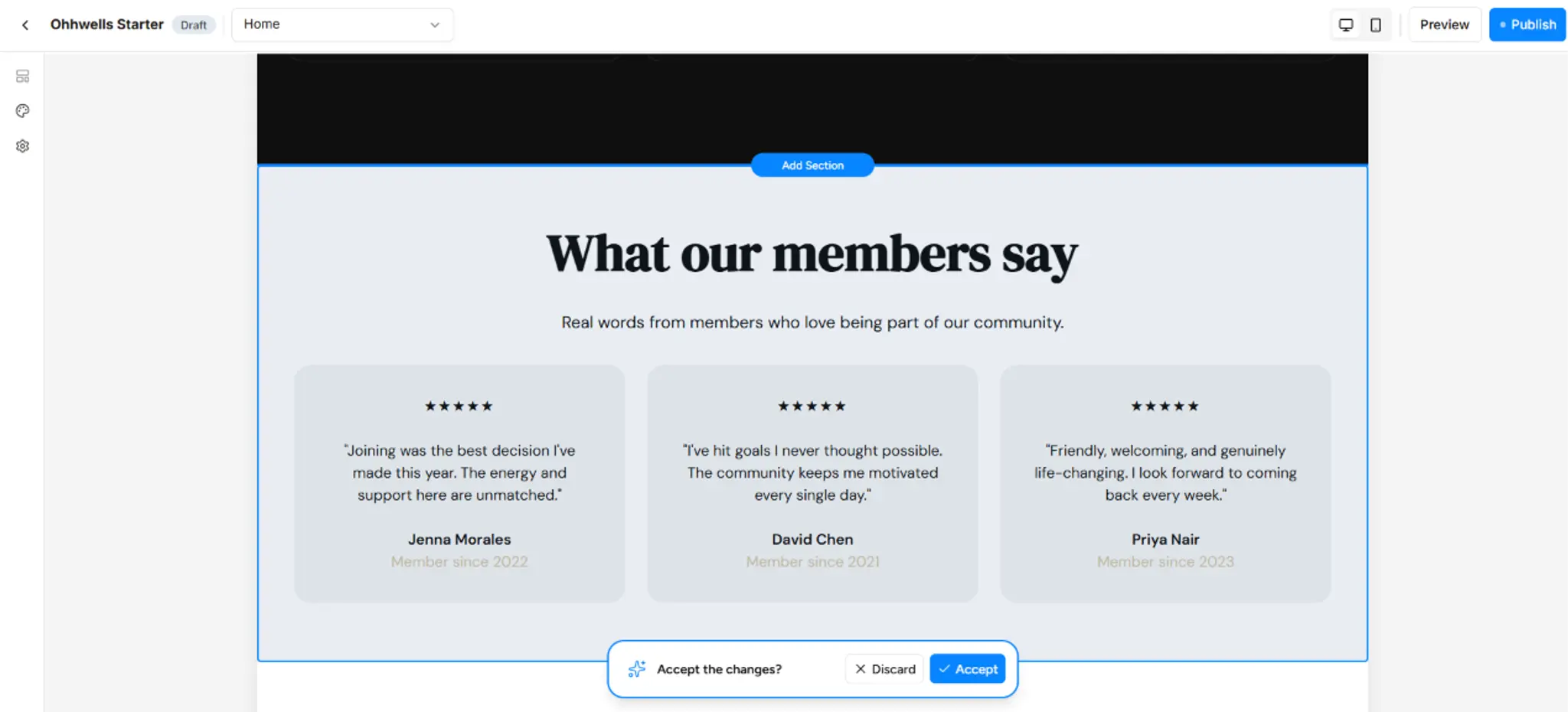
Add a testimonials section with quotes from
three happy members
Why it works: The number is specified. We'll draft three placeholder quotes in your brand voice, ready for you to swap in your real ones.
3. FAQ
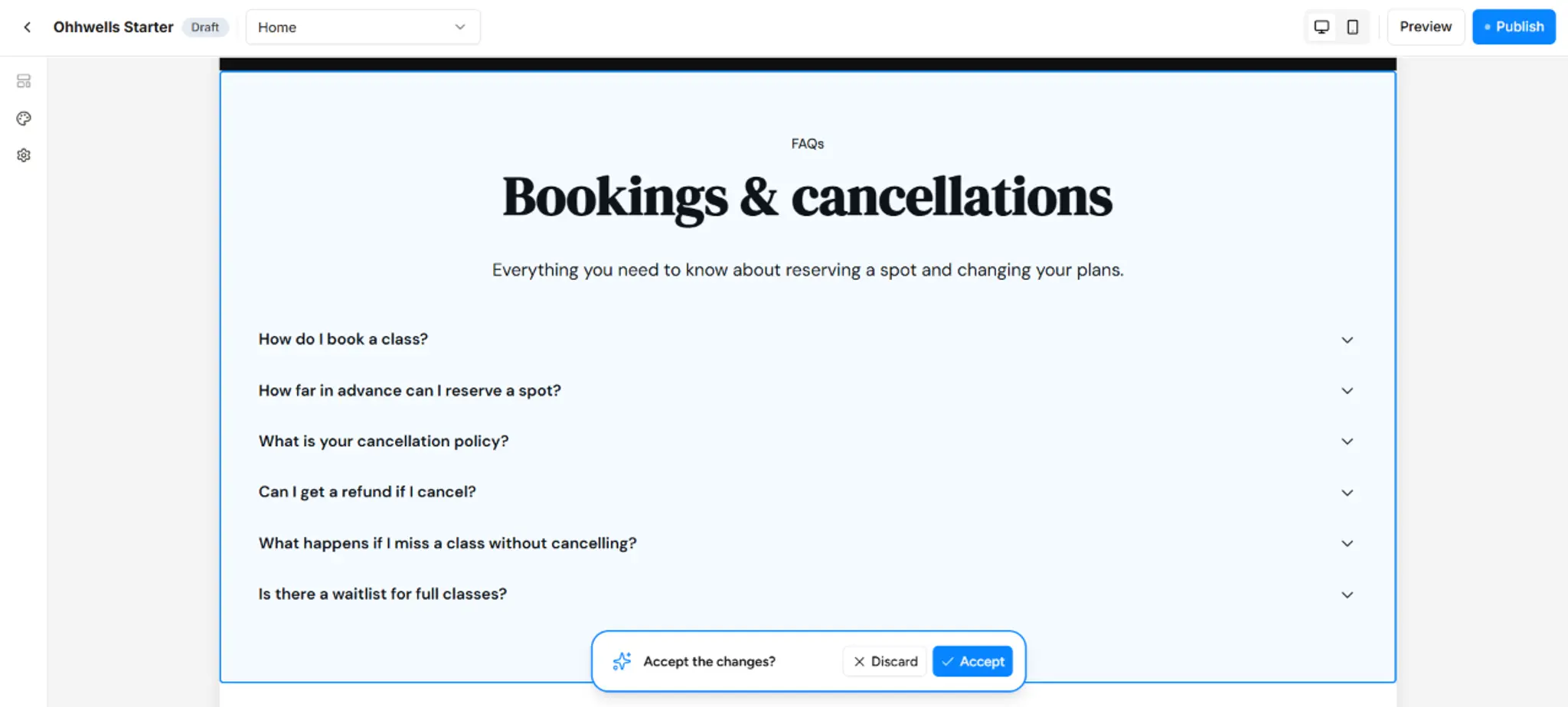
Create an FAQ section answering common questions
about class bookings and cancellations
Why it works: It names the topics. "Add an FAQ" could be about anything, but this one tells us exactly what your customers ask about.
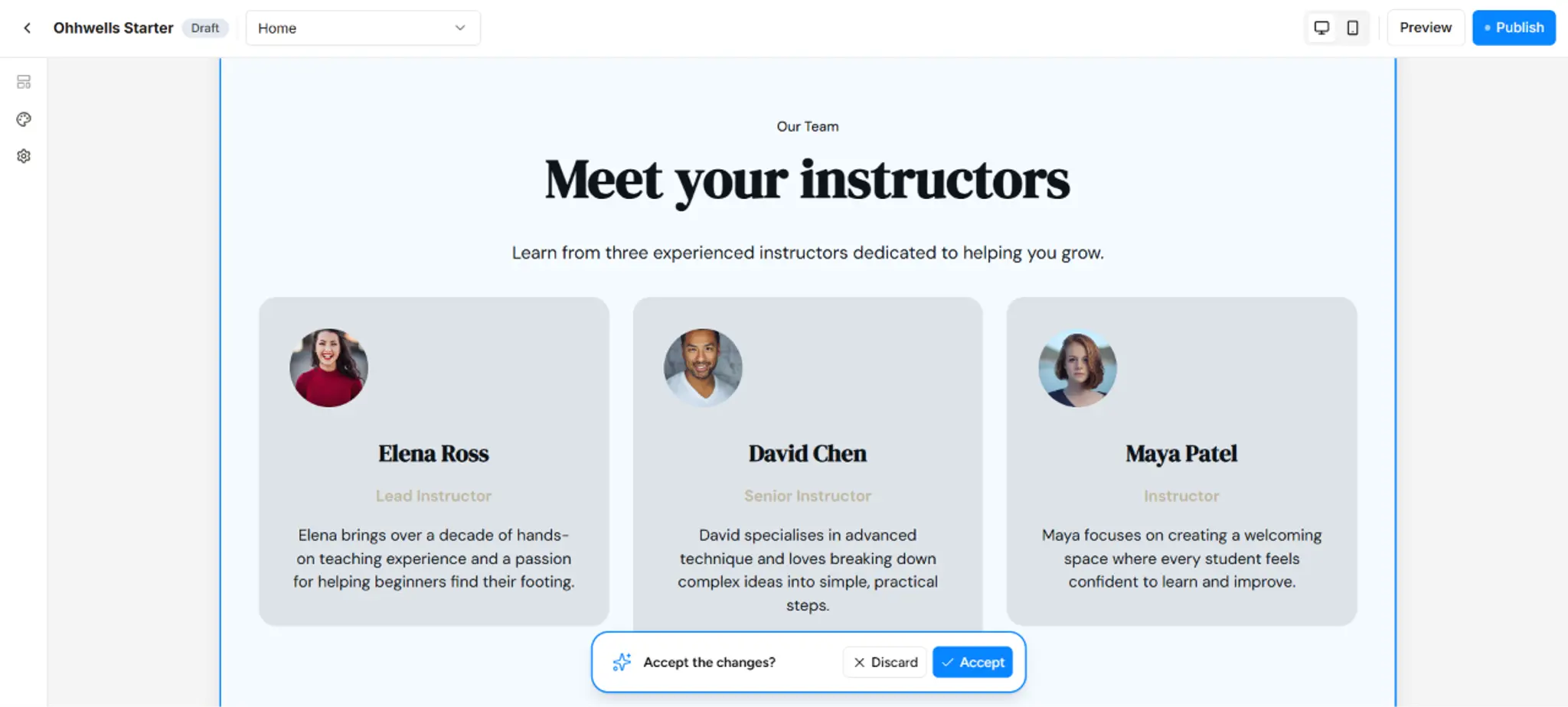
4. Team
Add a team section introducing our three instructorsWhy it works: Three people, and we know they're instructors, so the layout and the placeholder roles will suit a studio, not a law firm.
5. Layout
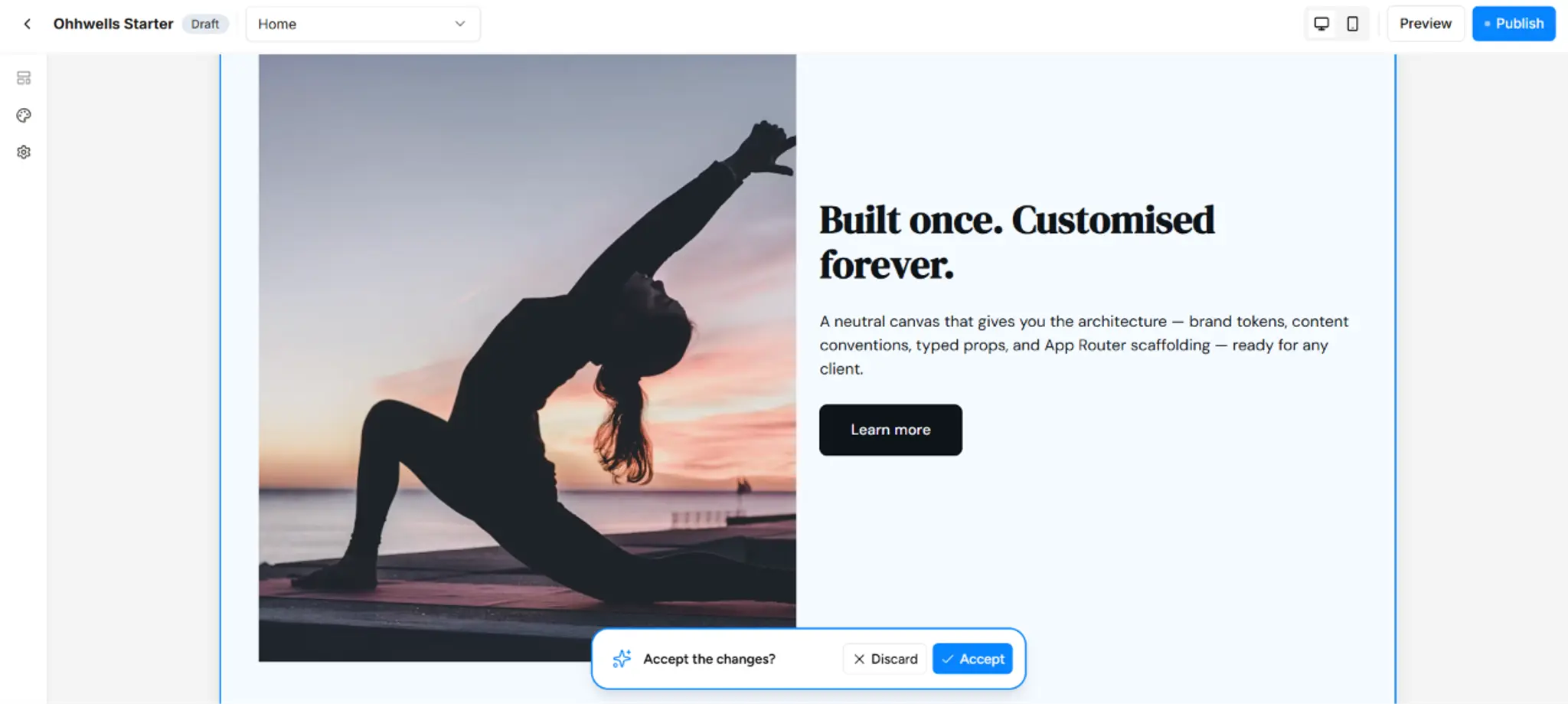
Generate a left column image and right column
with texts
Why it works: You described the arrangement. When you have a specific layout in mind, just say where things go.
Four quick habits
- Say who it's for. "Tradies in Brisbane" gets a better result than "small businesses". Borrow the "who" from your one-sentence intro.
- Give a number. Three plans, four instructors, five questions. This is the single most useful detail you can add.
- Name the topic. For FAQs, testimonials, or any text-heavy section, tell us what it's about: bookings, cancellations, memberships, class packs.
- Ask for one change at a time. Build your pricing section, then your FAQ, then your team. Bundling everything into one prompt makes it harder for us to get each part right, and harder for you to adjust just one piece afterwards.
Get better results: start with one sentence about your business
Getting generic results? Generic in, generic out. Write one sentence that says what you're all about. It's the shortcut to every good prompt after it.
Prompt
[Brand name] offers [what] to [who] and our
website aims to [goal].- [Brand name]: your business or product name
- [what]: your main service, in plain words
- [who]: who you serve. The more specific, the better the result
- [goal]: the one thing you want a visitor to do
Use this as your very first prompt when you start your site. Keep it saved somewhere, and reuse the "who" and "goal" parts in later prompts.
Too vague: "We offer software to businesses and want more customers."
Much better: "Paperbark offers invoicing software to Sydney cafe owners buried in paperwork, and our website aims to get them to start a free trial."
Example
Good Dog Co. offers in-home dog training sessions to first-time dog owners in Melbourne whose puppy has taken over the house, and our website aims to get them to book a first in-home visit.
Stuck for words?
- Click Suggestions in the chat box for ready-made prompts you can use or tweak.
- Type "Create a section" with nothing selected, and the AI will suggest one that fits your page.
Don't worry about getting it perfect
Every change shows up as a preview first. Click Accept if you like it, or Discard to go back. Nothing is saved until you keep it, so you can't break anything.
The AI also checks with you before big changes, like deleting a section, redesigning a layout or changing your whole brand. Your menu bar, footer and booking settings can't be deleted by accident.
Nothing you keep is final either. Every section can be edited, restyled or deleted later. Placeholder text is expected too: ask for three testimonials, and we'll write three sensible-sounding quotes for you to replace with real ones.
Still stuck?
If you've added detail and still see the message, the section type may not be one we support yet. Try describing the layout instead, like the left column and right column example above, or email us at support@ohhwells.com and we'll help you.