
7 AI Website Builders That Don't Look Generic (2026)
We compared 7 AI website builders on one thing: whether your site still looks like your brand as you add pages and AI sections. Honest pros, cons and prices.
Start for Free
In short
The best AI website builders that don’t look generic keep your brand across every new page and AI-generated section. Squarespace is the polished safe pick, Framer suits designers, Wix gives the most control and Hostinger is cheapest. OhhWells is an AI website builder that keeps every page of your site on-brand.
Key takeaways
- Most AI builders treat your brand as a starting colour palette, not a rule, so your site drifts toward generic as you add pages.
- Test any builder in week one: add a page, generate a section, change a colour, then compare the new page with your home page.
- Squarespace looks polished but keeps you inside a template. Wix gives the most control, but nothing stops pages drifting apart.
- Framer holds your brand well once you set up text and colour styles, which is easier for designers.
- Hostinger and Durable trade a distinctive look for low price and speed.
- Lovable is for building apps. Your brand only holds if you describe your style in every prompt.
- OhhWells applies your brand settings to every page and AI-generated section, so new pages match your first one.
Full disclosure: OhhWells, the platform this blog belongs to, is one of the seven builders here. We've kept it honest: every tool is judged on the same criteria, every tool gets real cons (including ours), and we say plainly when another tool is the better choice. No other platform pays us for placement.
Every AI website builder now promises a site in minutes. Most deliver one. The problem shows up on day three, when you've added a second page, generated a new section and changed the hero copy, and the site no longer looks like your business. It looks like the builder. (Not sure if yours already does? Here's how to tell if your website looks AI-generated.)
To rank these, we looked at what happens after the first draft: the three things every owner does in their first week (add a page, generate a new section, change the colours), and whether each tool has the settings to keep those changes on-brand. We used each tool's own pricing and help pages, checked on 11 November 2026.
What follows is how each tool handles your brand, ranked by the job it's best at. No tool wins everything.
The best AI website builders that stay on brand
- Squarespace for a polished look with the least effort
- OhhWells for small businesses that need an on-brand site without a designer
- Wix for the most control once you're inside the editor
- Framer for designers and design-led startups
- Hostinger Website Builder for the cheapest way to get a hosted site live
- Durable for the fastest first draft
- Lovable for prototyping a web app, not a marketing website
How we evaluate. We compared every tool on the same five criteria (below), using each tool's own pricing and help pages. We didn't score how the first draft looks. We scored how well each tool keeps your brand as you keep working on the site. We're not paid by any of these companies. OhhWells is our own product and we say so wherever it appears. How we review →
What makes an AI website builder not look generic?
- It holds your brand across every page and every new section. This is the whole test. A first draft in your colours is easy. The question is whether page four, generated on day nine, still matches page one.
- It lets a non-technical person fix things by hand. If the only way to fix a design drift is to re-prompt and hope, you'll be re-prompting forever.
- It doesn't start you from a template everyone else has. Templates aren't bad. Templates that thousands of businesses in your industry also use are.
- It handles mobile without you. Half your visitors are on a phone. If the AI's layout breaks there, the brand breaks there.
- The price you see is the price you pay. Renewal jumps, per-site fees and credit top-ups all count.
We also noted lead capture and payments, because a site that looks like you but can't take an enquiry hasn't done its job.
The best AI website builders at a glance
Prices last checked: 11 Nov 2026. Always confirm on the vendor's pricing page.
Best AI website builder for a polished look with the least effort: Squarespace
Squarespace pros:
- Hard to make look bad, even if you have no design sense
- Site-wide styles (fonts, colours, spacing) apply everywhere, so a new page matches
- Built-in forms and payments, plus AI credits on every plan
Squarespace cons:
- You're inside a template, and so is everyone else: a Squarespace site often looks like a Squarespace site
- Scheduling runs through Acuity, a separate product with its own pricing
- No free plan, only a 14-day free trial
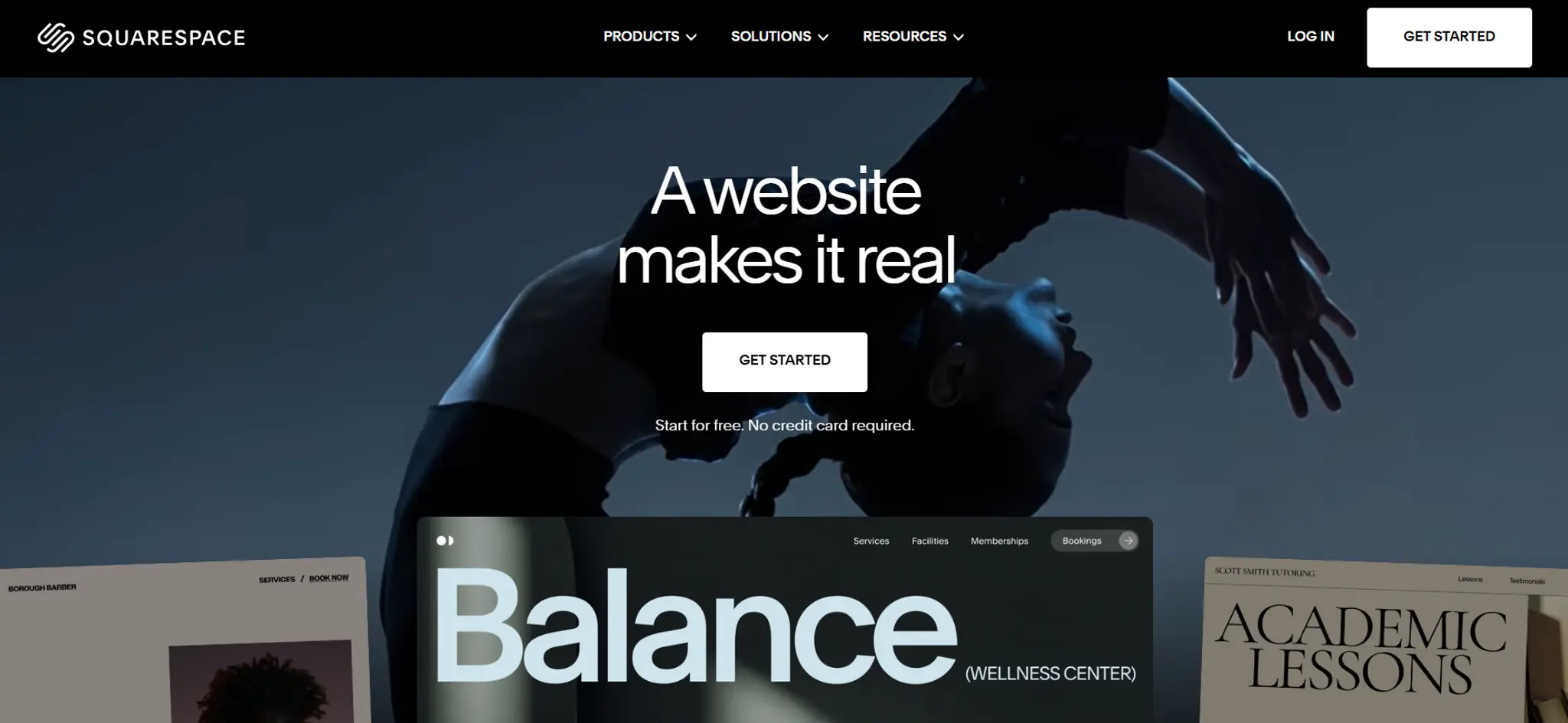
Squarespace is the tool we'd hand to someone who wants the site to look good and never think about it again. Its strength is restraint: the templates are well designed, the style settings are global, and it's hard to break. The trade-off is the same thing. The design language is Squarespace's, not yours. If that's fine for you (and for many businesses it is), it's the safe pick.
Where the generic look creeps in: the template itself, and the fact that so many businesses in the same industry use the same handful of templates.
Squarespace pricing: Basic from US$19/month, billed yearly (US$25 month to month). 14-day free trial, no free plan.
Best AI website builder for an on-brand site without a designer: OhhWells (that's us)
We know a self-review is easy to dismiss, so here's the honest version, cons first.
OhhWells cons:
- Newer platform with a smaller template library than Wix or Squarespace
- AI generation runs on credits: the free plan gives 30 credits to start, then 5 a day, so a heavy first day can mean waiting
- Online payments need a paid plan and run through your own Stripe account only
- Online shops are for small catalogues, not a full e-commerce store
- SEO and AEO structure is built in, but you still write the content
OhhWells pros:
- Your brand (colours, typography, buttons) is set once and applies to every page and every AI-generated section, so page four matches page one
- Prompt to build, then fine-tune by hand: you're not stuck re-prompting to fix a font
- Mobile layouts are handled for you
- Lead capture and bookings are built in, even on the free plan (up to 20 bookings a month)
- A free website audit (32 checks) shows what's costing you customers before you rebuild
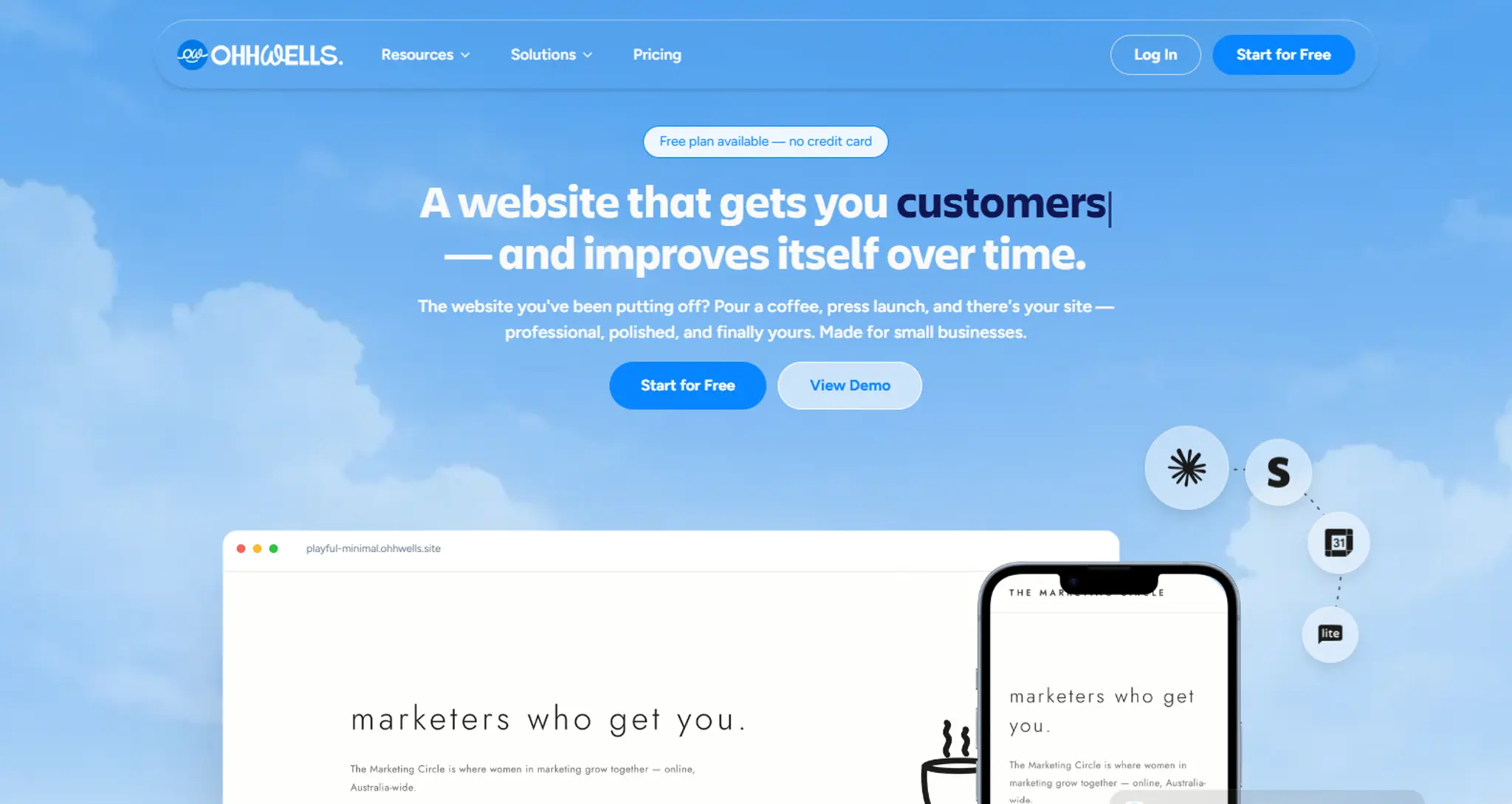
OhhWells exists because of the exact problem this article is about. Most AI builders treat your brand as a starting colour palette. We treat it as a rule the AI has to follow every time. Whichever builder you pick, including ours, test this before you commit: generate a new section a week after your first draft and check it still matches your home page.
Where the generic look creeps in: only if you skip brand setup. If you accept the defaults, you get defaults.
Who should pick something else: if you want a large template library to browse, pick Wix. If you're a designer who wants pixel control, pick Framer. If you're building an app with a login, pick Lovable.
OhhWells pricing: Free plan on an ohhwells.site address. Starter from US$24/month,billed yearly (US$29 month to month). New signups get a 7-day free trial of Starter.
Best AI website builder for the most control inside the editor: Wix
Wix pros:
- The most editing control of any tool here: if you can imagine it, you can probably drag it there
- 2,000+ templates plus an AI website builder on every plan, so you're never stuck for a starting point
- Bookings, forms, payments and marketing tools all live inside Wix
Wix cons:
- Control cuts both ways: it's very easy to make a Wix site inconsistent, because nothing stops you
- The theme sets your colours and fonts, but any page can override it, so check new pages match your home page
- Bookings and payments start on the Core plan, not the cheapest one
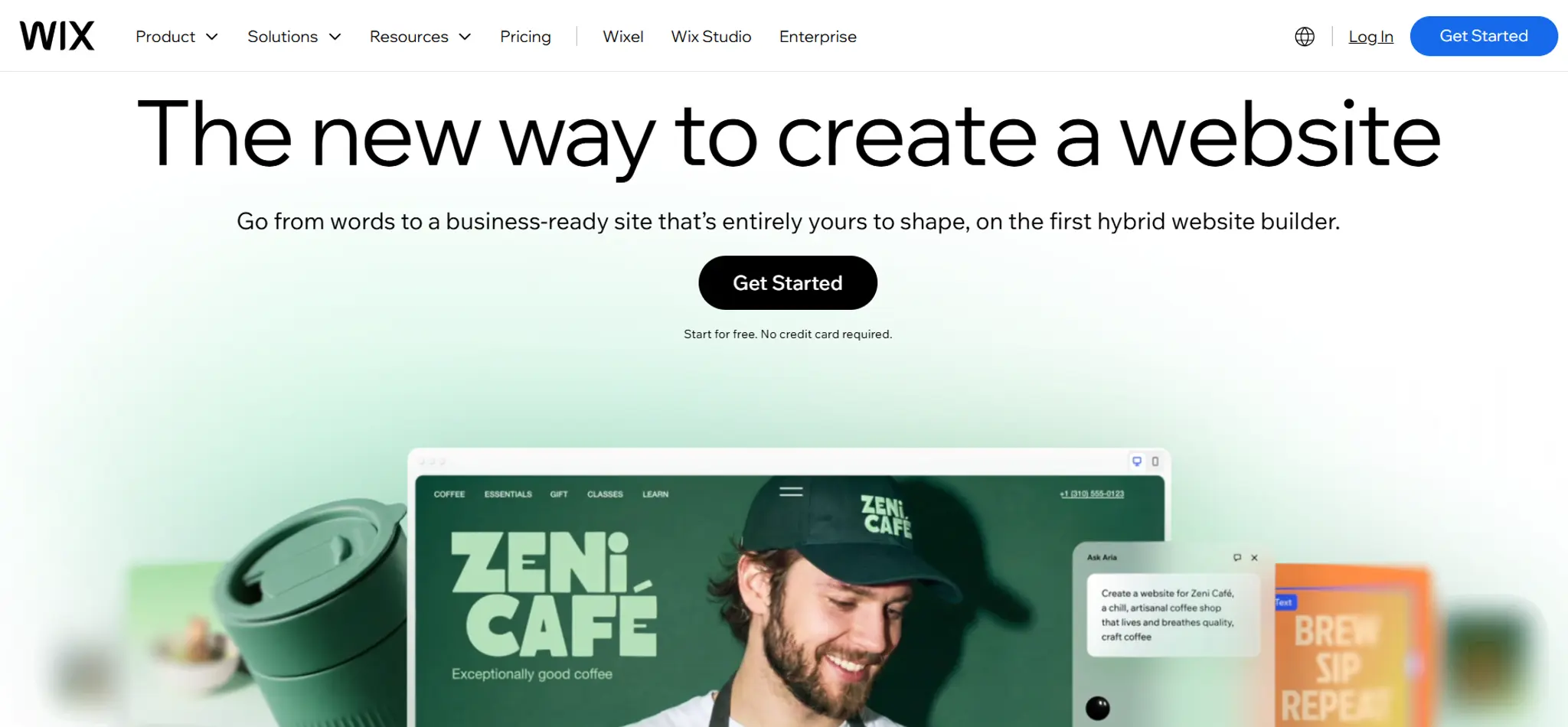
Wix is the tool where the answer to "can I do X?" is usually yes. That makes it great for people who enjoy building. A theme sets your colours and fonts, and the editor lets you change anything on any page. The more you build, the more it pays to go back and tidy. Wix's newer AI-plus-editor builder, Wix Harmony, is included on every plan.
Where the generic look creeps in: fighting the template to apply your own look, then losing consistency page by page.
Wix pricing: Free plan with Wix branding and a wixsite.com address. Light from US$17/month, Core (bookings and payments) from US$29/month, both billed yearly. Prices vary by country.
Best AI website builder for designers and design-led startups: Framer
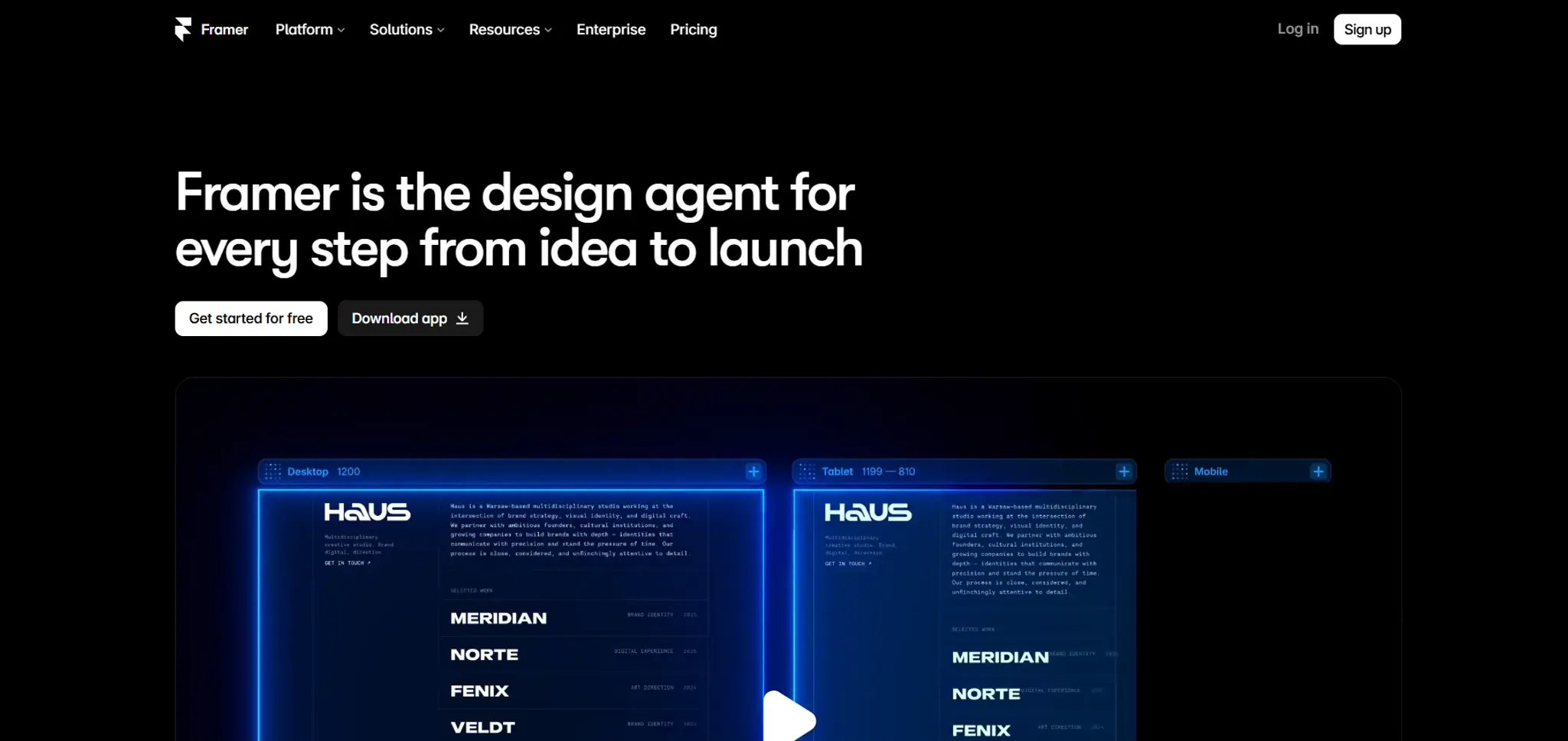
Framer pros:
- A real style system: define text styles and colour styles once and every page uses them
- The most polished output of any tool here if you know what you're doing
- AI tools, including Agents, run on monthly credits (500 a month on the free plan)
Framer cons:
- Steep learning curve for a non-designer: it behaves like a design tool, not a website builder
- Priced per site, and extra editors cost US$20/month each
- No code export, so leaving later means rebuilding
Framer holds brand well because it makes you define your styles, and then it applies them. That's exactly what a non-generic site needs. The catch is who has to do the defining. A first-time user may not know what a "text style" is or why it matters. If you're a designer, or you're hiring one, Framer is excellent. If you're a studio owner with an evening free, it isn't the tool for that evening.
Where the generic look creeps in: starting from a template and never touching the styles.
Framer pricing: Free plan on a Framer address with a "Made in Framer" banner. Basic from US$10/month and Pro from US$30/month, per site. Extra editors US$20/month each.
Best AI website builder for the cheapest hosted site: Hostinger Website Builder
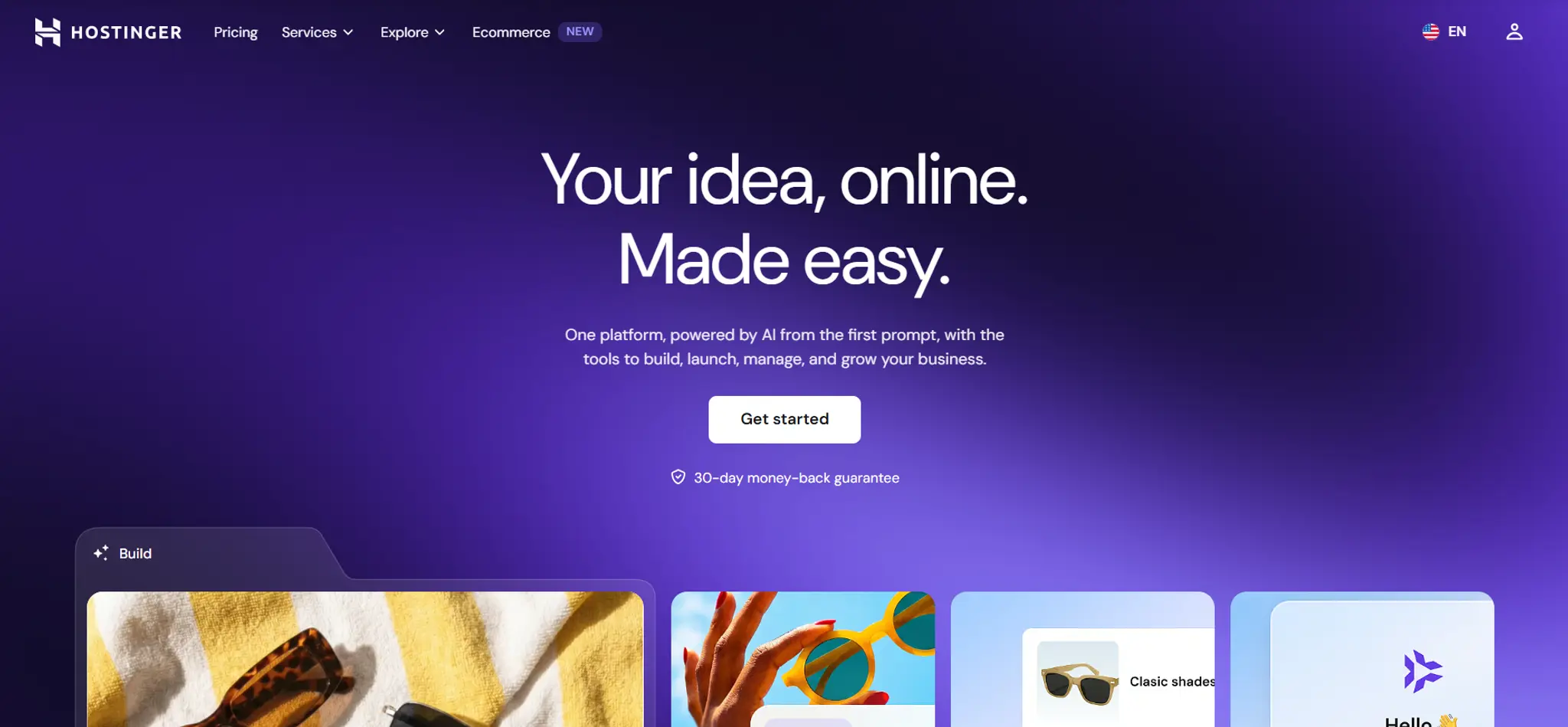
Hostinger pros:
- The lowest entry price of any tool here, with hosting included
- AI website builder included on every plan
- Simple enough for a complete beginner
Hostinger cons:
- Fewer design controls than Wix or Framer, so check that new sections match by hand
- The intro price needs a 48-month term paid upfront, and the renewal price is several times higher
- Built for tidy, simple sites, not a distinctive look
Hostinger is here because price is a real criterion and Hostinger wins it. For a business that just needs a website up, it's a sensible choice. But this article is about not looking generic, and Hostinger gives you fewer ways to enforce a brand than the tools above it. Expect to tidy AI-generated sections by hand.
Where the generic look creeps in: everywhere the AI touches, unless you clean up by hand.
Hostinger pricing: Premium from US$1.99/month on a 48-month term (US$95.52 upfront), renewing at US10.99/month. Unlimited from US$2.79/month, renewing at US$16.99/month. 30-day money-back guarantee, no free plan.
Best AI website builder for the fastest first draft: Durable
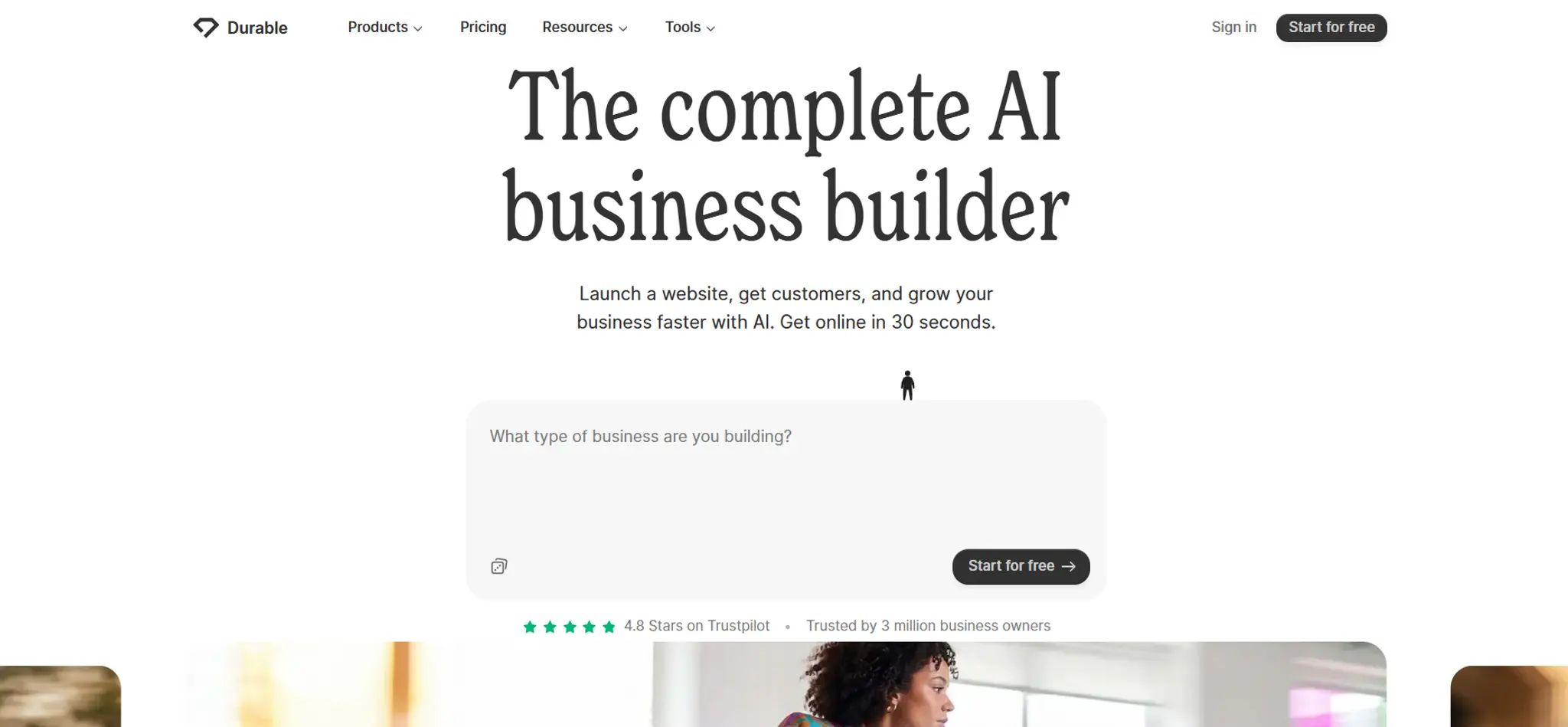
Durable pros:
- Durable says a site is ready in 30 seconds, the fastest claim of the seven
- Built-in CRM and online booking (on paid plans), aimed at solo service businesses
- A free domain (up to US$20 value) on the Launch plan
Durable cons:
- Speed comes from a ready-made layout, so changing colours doesn't make your site's structure your own
- Fewer manual design controls once the site is generated
- The free plan is a shareable preview on a .durable.site address. Bookings start on Launch
Durable's pitch is speed, and that's what it's built for. It gets that speed by giving you a ready-made structure in your colours. There's a place for that (a tradesperson who needs a page by Friday), but it's the opposite of the job this article is about.
Where the generic look creeps in: the layout itself.
Durable pricing: Free preview plan. Launch from US$22/month. Grow from US$41/month.
Best for prototyping a web app, not a marketing website: Lovable
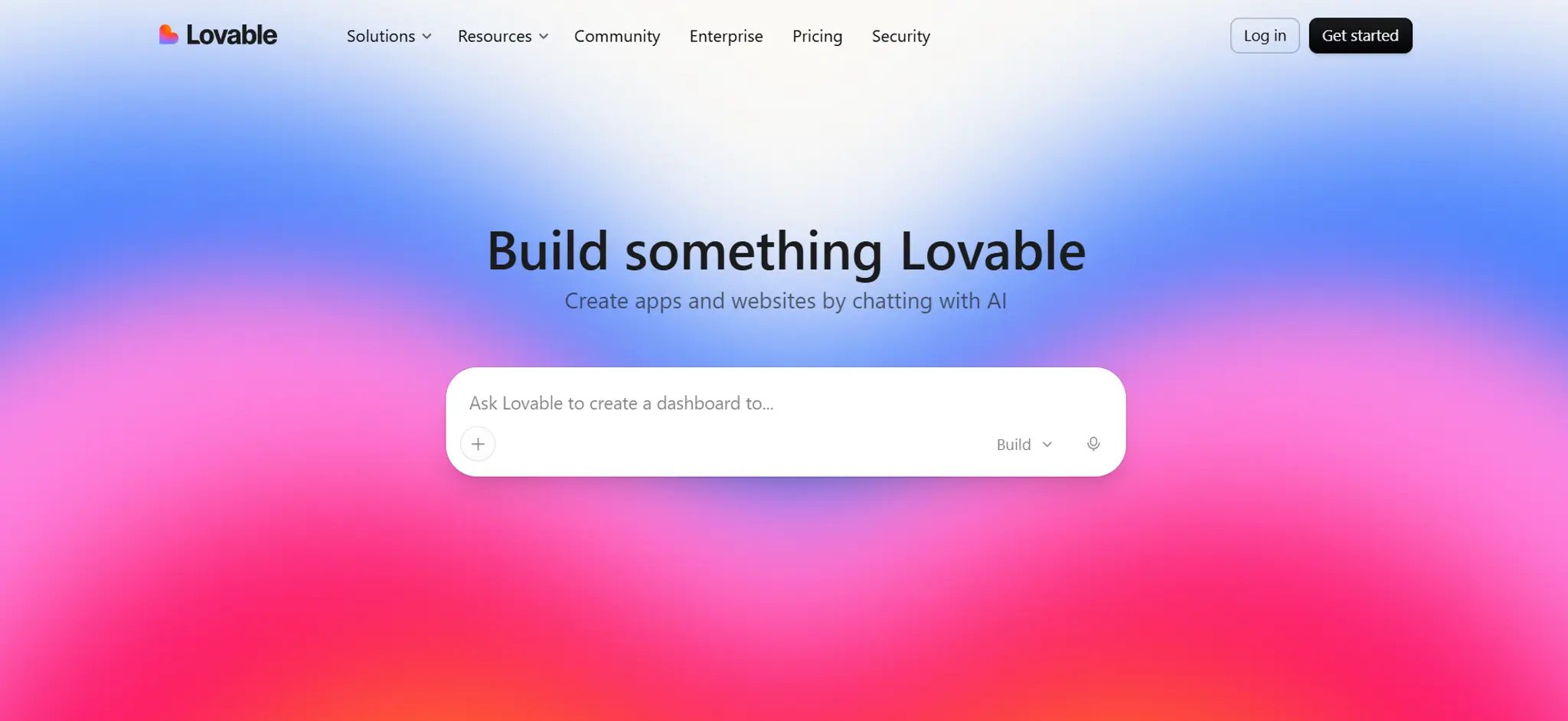
Lovable pros:
- Impressive for building a working app (login, database, dashboard) from a prompt
- Full code ownership: you can take the code elsewhere
- Fast iteration if you're comfortable reading what it generates
Lovable cons:
- It's a code generator, not a website builder: there's no brand settings panel to keep pages matching
- Brand consistency only holds if you write a design system and re-state it in prompts
- Credit-metered: a bad debugging afternoon can use a month's credits
We included Lovable because a lot of small business owners are being told to "just vibe code it". For an app, that advice is often right. For a marketing website, it usually isn't. Every new section is generated fresh, so unless you keep telling it your fonts, colours and spacing (or write a design-system file and know how to reference it), page two can drift from page one. That's the most common cause of the generic AI look we wrote about in why AI websites look the same. Bolt and v0 work the same way. We cover all three in our vibe coding tools guide.
Where the generic look creeps in: default component styling, on every page, every time.
Lovable pricing: Free plan with 5 build credits a day (up to 30 a month). Pro from US$21/month, billed yearly, with 100 credits. Business from US$50/month. Hosting and database usage come out of your credits after a small monthly allowance.
Which one should you pick?
- Want it to look good and never think about it: Squarespace
- Want it to look like your business and be able to fix things yourself: OhhWells
- Want to build it your way and enjoy the building: Wix
- Are a designer, or hiring one: Framer
- Need a site for the least money possible: Hostinger
- Need a page by Friday and don't mind it looking like everyone else's: Durable
- Are building an app, not a website: Lovable
Whichever you choose, do the week-one check before you commit: add a page, generate a section, change a colour. Then look at the two pages side by side. Already have a site? Run a free website audit to see what's costing you customers.
Frequently asked questions

Keep reading
Cheapest Website Builder for Small Business (2026 Costs)
Compare the real 5-year cost of 8 website builders, from Carrd and Framer to Wix and Squarespace, and find the cheapest one for what your site needs to do.
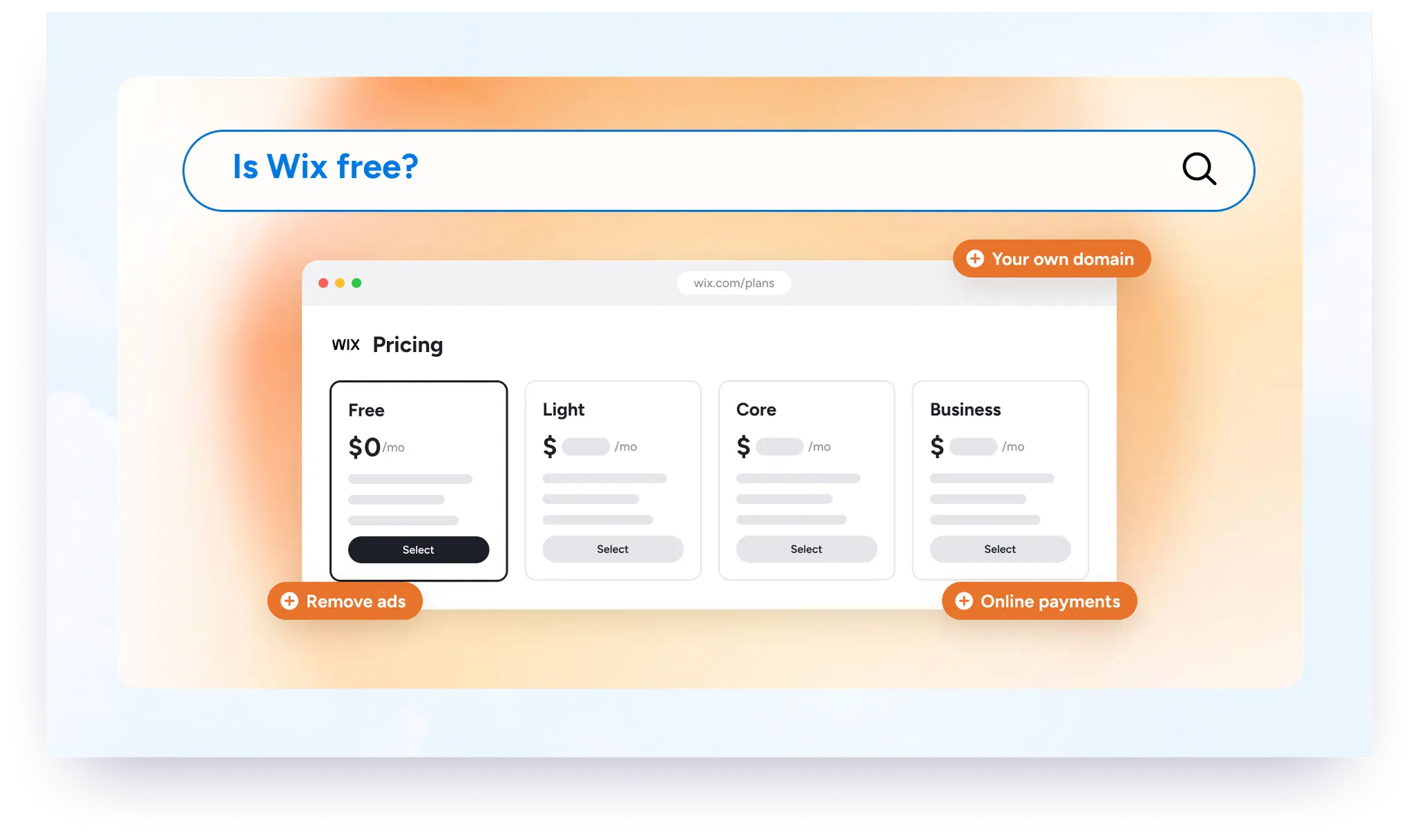
Is Wix Free? What You Get and What Going Live Costs (2026)
Wix is free to build and publish, but not free to look like a business. See what the free plan includes, what it leaves out, and what going live costs.
Best Website Builder for Small Business in Australia (2026)
Compare OhhWells, Wix, Squarespace and Hostinger for Australian small businesses, with prices in AUD and the plan you need to take bookings.
Best Website Builder for Small Business in the UK (2026)
Compare Wix, Squarespace, GoDaddy, Hostinger and OhhWells for UK small businesses, with real prices in pounds and the plan you need for bookings.
How Much Does Squarespace Cost in 2026? Every Plan, Fee and Real Totals
Squarespace costs $19 to $99 a month billed annually. See every plan, the fees and add-ons it doesn't show upfront, and what a small business pays in year one.
Best Online Store for Small Business in 2026 (Honest Comparison)
Shopify, Wix, Squarespace, Big Cartel or OhhWells? Compare prices, product limits and bookings to find the right online store for your small business.