In short
Google Sites is fine for internal wikis. For a business that runs through its website — taking bookings, generating leads, serving customers around the clock — you need something that looks like you and works as hard as you do. Here are the best alternatives, starting with the one built for brand-first, business-first operators.
Google Sites is fine for internal wikis. For a business that runs through its website — taking bookings, generating leads, serving customers around the clock — you need something that looks like you and works as hard as you do. Here are the best alternatives, starting with the one built for brand-first, business-first operators.
Why businesses outgrow Google Sites
Google Sites earns its place. It's free, it's connected to your Google Workspace, and you can get something live in an afternoon with zero technical knowledge. For internal team pages, project hubs, or simple info sites, it does the job.
But here's what it can't do:
It can’t make your website look like your brand. Every Google Sites page carries that unmistakable generic quality — the fonts are limited, the layouts are rigid, and there’s no way to upload your brand guidelines and have them actually applied. You end up looking like every other Google Sites user, not like the business you’ve built.
It can’t run your business. If your website needs to take bookings, process enquiries, integrate with your CRM, or operate as a 24/7 sales and service channel — Google Sites simply isn’t built for that. It’s a static page, not a business tool.
It can’t convert visitors. Google Sites has no CRO tools, no A/B testing, no lead capture beyond basic forms, and no marketing integrations worth speaking of. Your website can’t do business if it has no tools to do business with.
If you're reading this, you already know the problem. Here's what to use instead.
What to look for in a Google Sites alternative
Before jumping to the list, here's the criteria framework — what separates a genuine upgrade from a lateral move:
Five alternatives assessed against the six criteria
1. OhhWells — Best for brand-first businesses
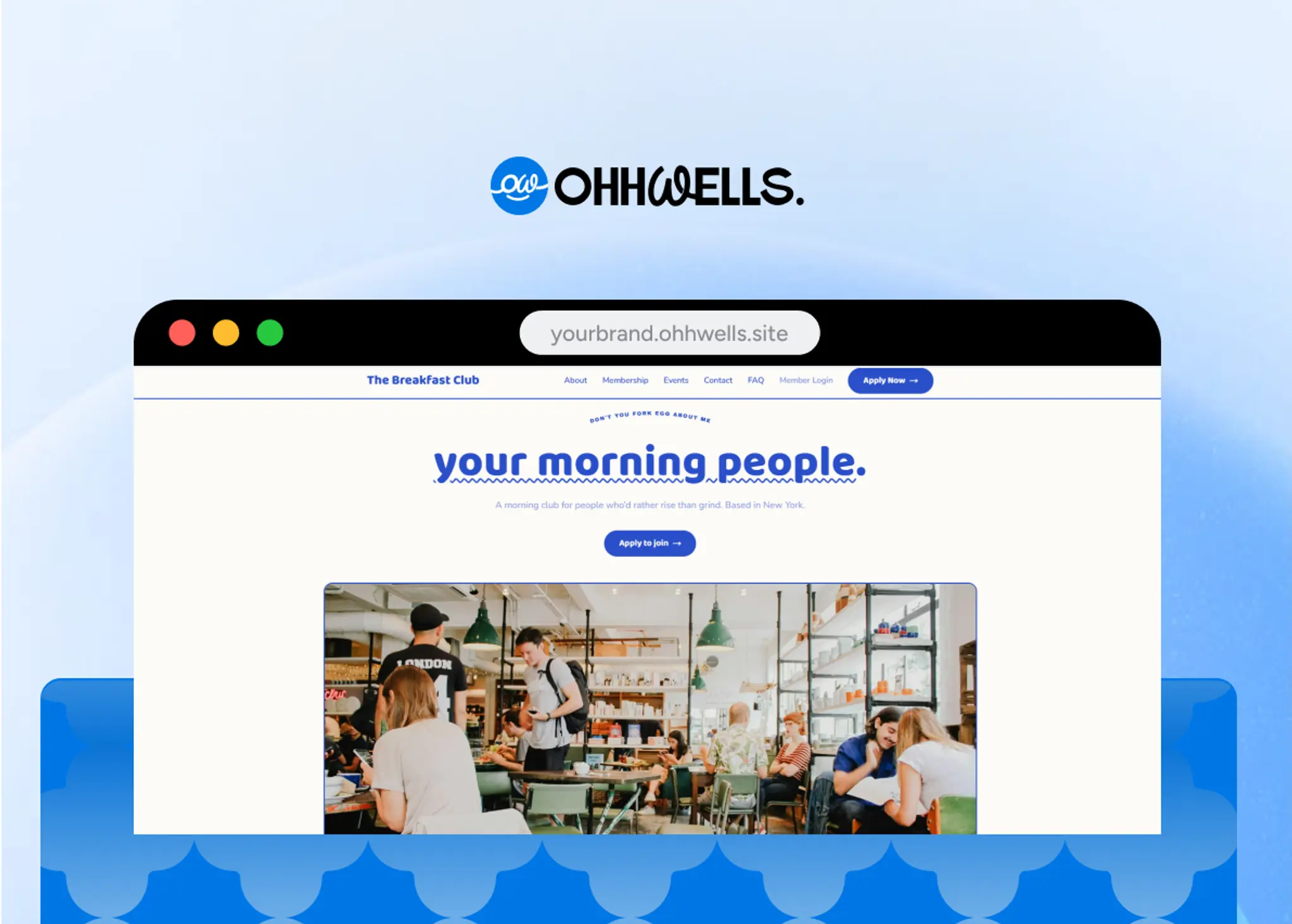
OhhWells was built for businesses that need their website to do two things at once: look exactly like their brand, and work as a 24/7 business operation. Most website builders force you to choose — beautiful design or real functionality. OhhWells is the only builder that refuses that trade-off.
The brand side: upload your brand guidelines (PDF, Figma file, or style doc) and our AI extracts your colours, typography, logo, and visual rules — then pre-populates your entire site design system before you edit a single page. No manual colour pickers. No font hunting. No templates that sort of look like you. The business side: built-in booking, lead capture, CRM integrations, and conversion tools that run while you’re not watching. Your website works around the clock, on brand, without you having to manage either half manually.
Best for: Businesses with an existing brand that run or want to run their operations through their website — bookings, leads, sales, service — without sacrificing how they look doing it
Not ideal: Developers wanting full code access or teams building highly custom interactive experiences
Pricing: Free tier available (with subdomain), or start from US$24/mo (billed yearly) to publish on own domain
Brand control ★★★★★
Ease of use ★★★★★
Professional output ★★★★★
SEO fundamentals ★★★★☆
Growth features ★★★★☆
2. Squarespace — Best for creative portfolios and service businesses
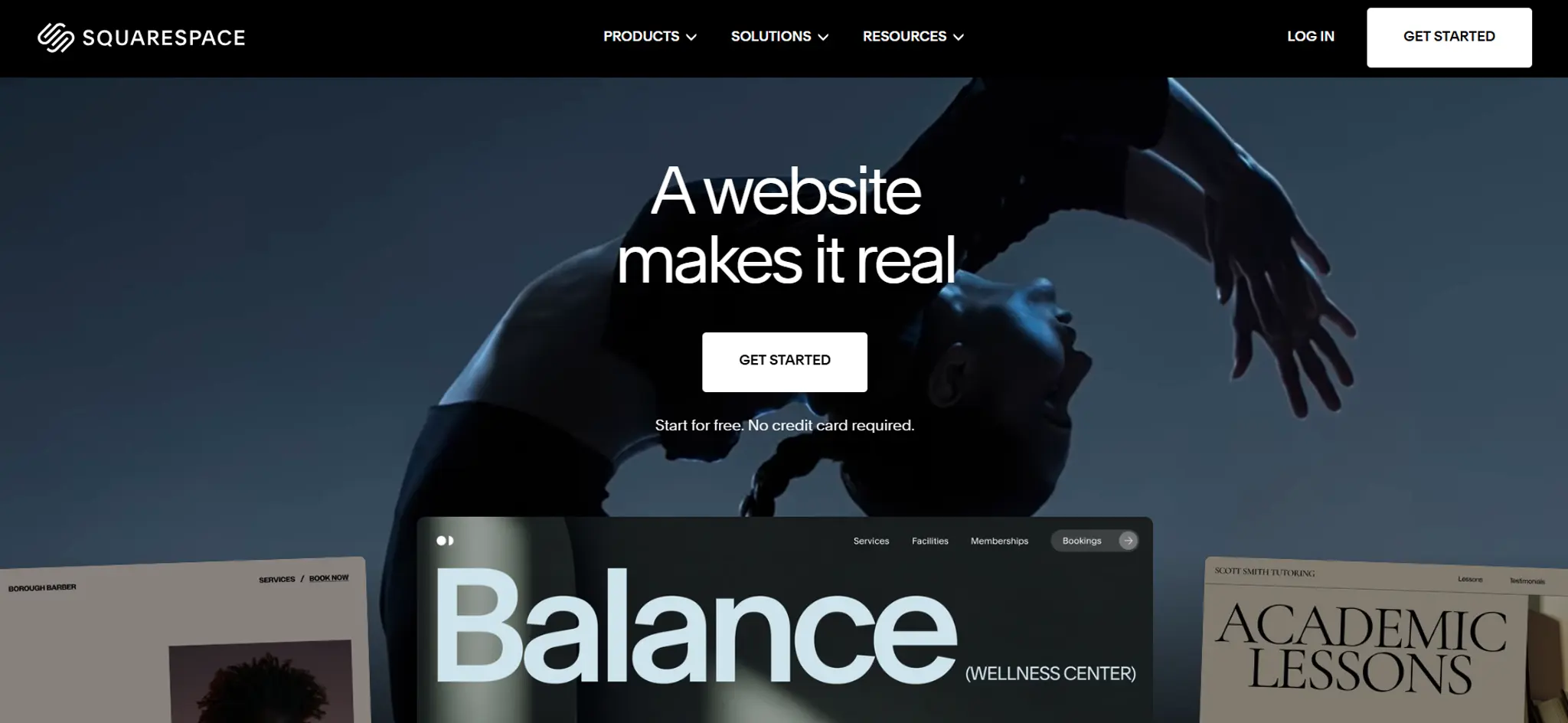
Squarespace has earned its reputation for beautiful templates, and if you're a photographer, designer, or service business with strong visual content, it's a credible step up from Google Sites.
What it does well: Award-winning template design, built-in e-commerce, solid blogging, and reliable hosting. Everything is in one place.
Where it falls short: Brand customisation is template-constrained. You pick a template and work within its structure — if your brand doesn't match the template's DNA, you're fighting the tool. There's also no autosave, and templates can't be switched after you've built on them.
Best for: Photographers, designers, restaurants, and service businesses with strong visual content
Not ideal: Businesses that need to deviate significantly from their chosen template
Pricing: From US$19/month (billed annually)
Brand control ★★★☆☆
Ease of use ★★★★☆
Professional output ★★★★★
SEO fundamentals ★★★☆☆
Growth features ★★★★☆
3. Wix — Best for beginners who want maximum layout flexibility
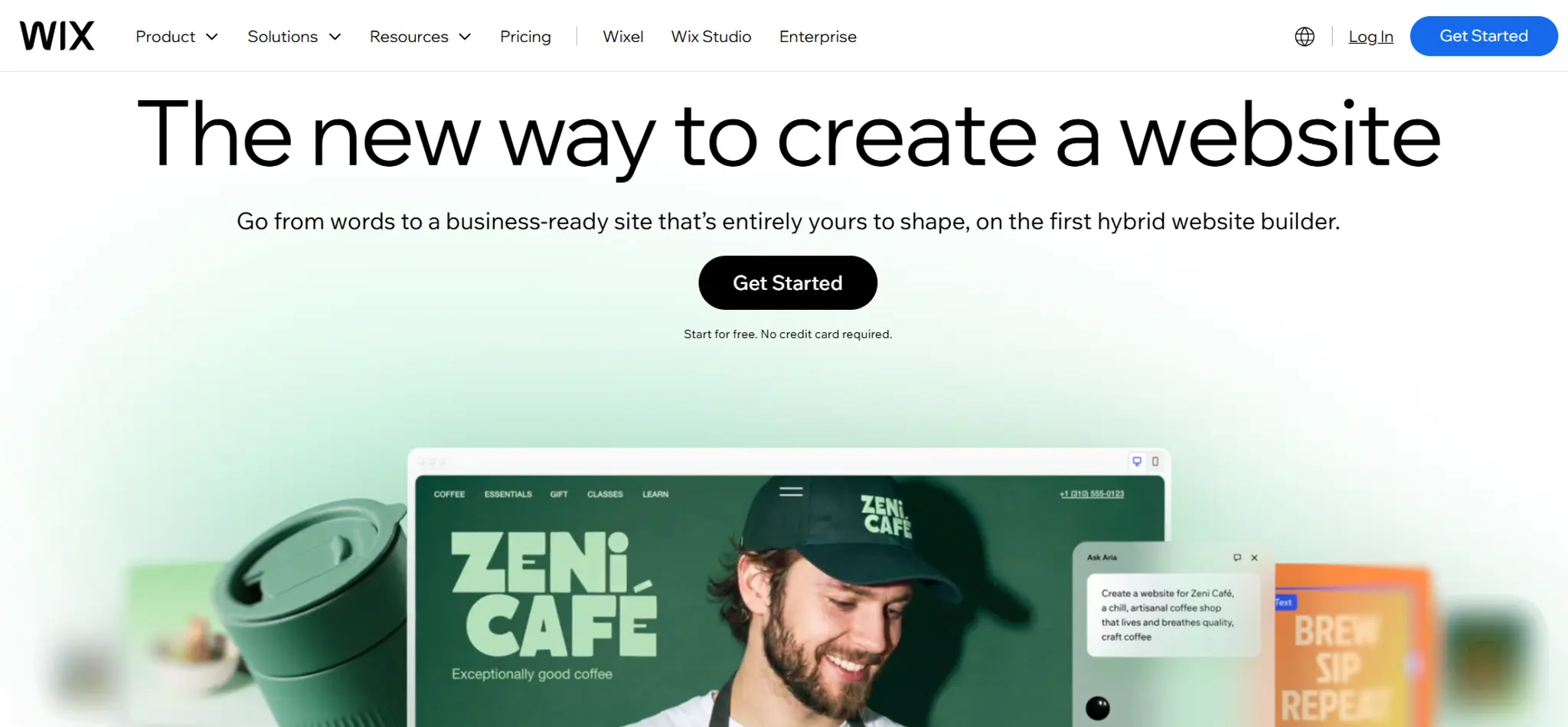
Wix is the most feature-rich beginner-friendly builder available. If you want total drag-and-drop freedom with hundreds of app integrations, Wix delivers.
What it does well: Genuinely unlimited layout freedom, a massive app market, and a low learning curve. Wix AI can also generate an initial site from a prompt.
Where it falls short: That same freedom creates a common trap — sites that look inconsistent because nothing enforces visual discipline. Wix is also known for slower page speeds on complex sites, and brand guidelines are applied manually.
Best for: Beginners and small businesses that want to experiment without technical barriers
Not ideal: Brand-sensitive businesses that need to maintain visual consistency at scale
Pricing: Free tier available (with subdomain, ads and branding), or start from US$17/mo (billed yearly) to publish on own domain
Brand control ★★☆☆☆
Ease of use ★★★★★
Professional output ★★★☆☆
SEO fundamentals ★★★☆☆
Growth features ★★★★☆
4. Webflow — Best for designers and teams with technical resources
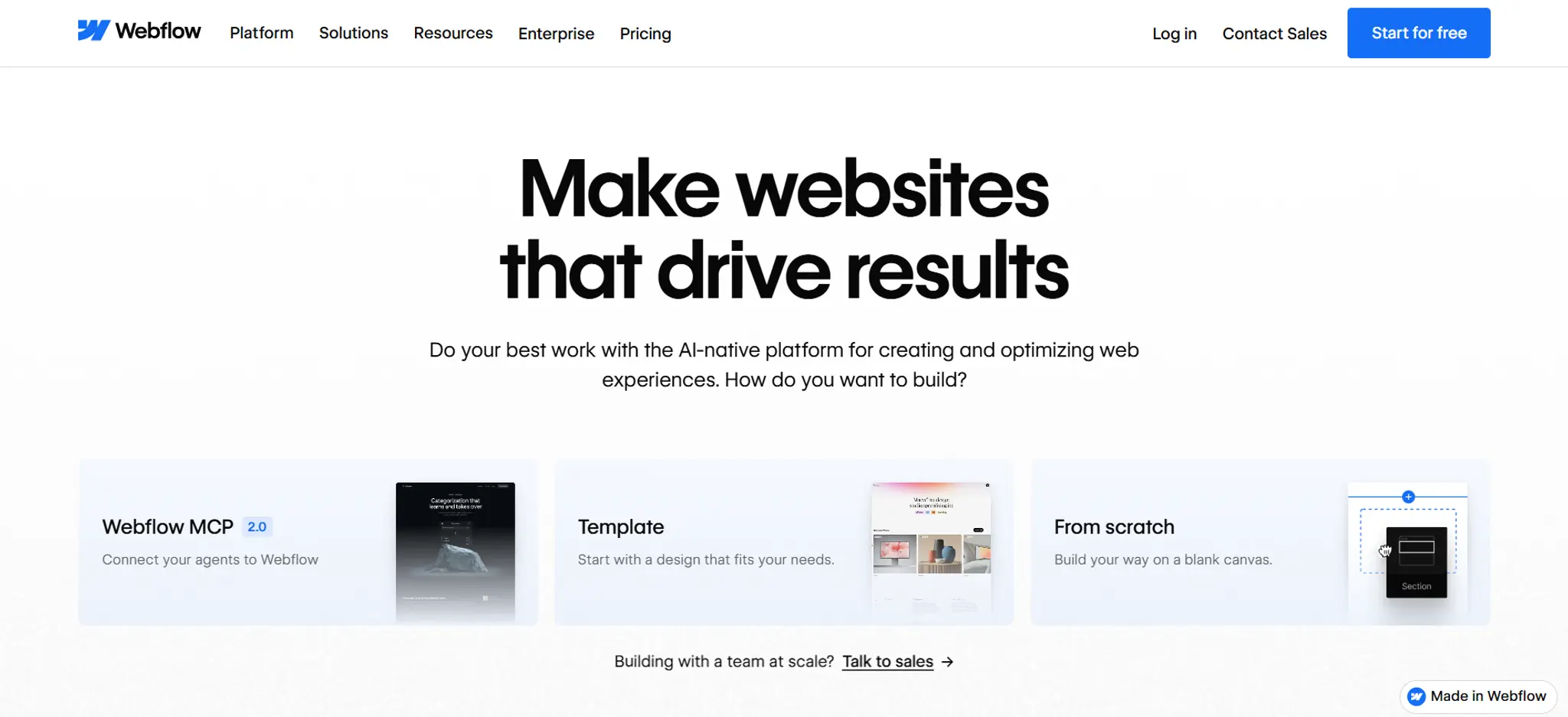
Webflow occupies the space between no-code builders and custom development. For teams with design capability or developers comfortable with CSS logic, it produces exceptional results.
What it does well: Near-unlimited design freedom within a visual interface, powerful CMS for content-heavy sites, strong SEO controls, and clean code output.
Where it falls short: The learning curve is steep — Webflow University exists for a reason. If you're a non-designer, expect to invest significant time before producing anything polished.
Best for: Agencies, freelance designers, and in-house teams with dedicated design resources
Not ideal: Non-designers or businesses that need to launch fast without a design background
Pricing: Free tier available (with subdomain), or start from US$15/mo (billed yearly) to publish on own domain
Brand control ★★★★☆
Ease of use ★★☆☆☆
Professional output ★★★★★
SEO fundamentals ★★★★★
Growth features ★★★★☆
5. WordPress.com — Best for content-driven and SEO-heavy sites
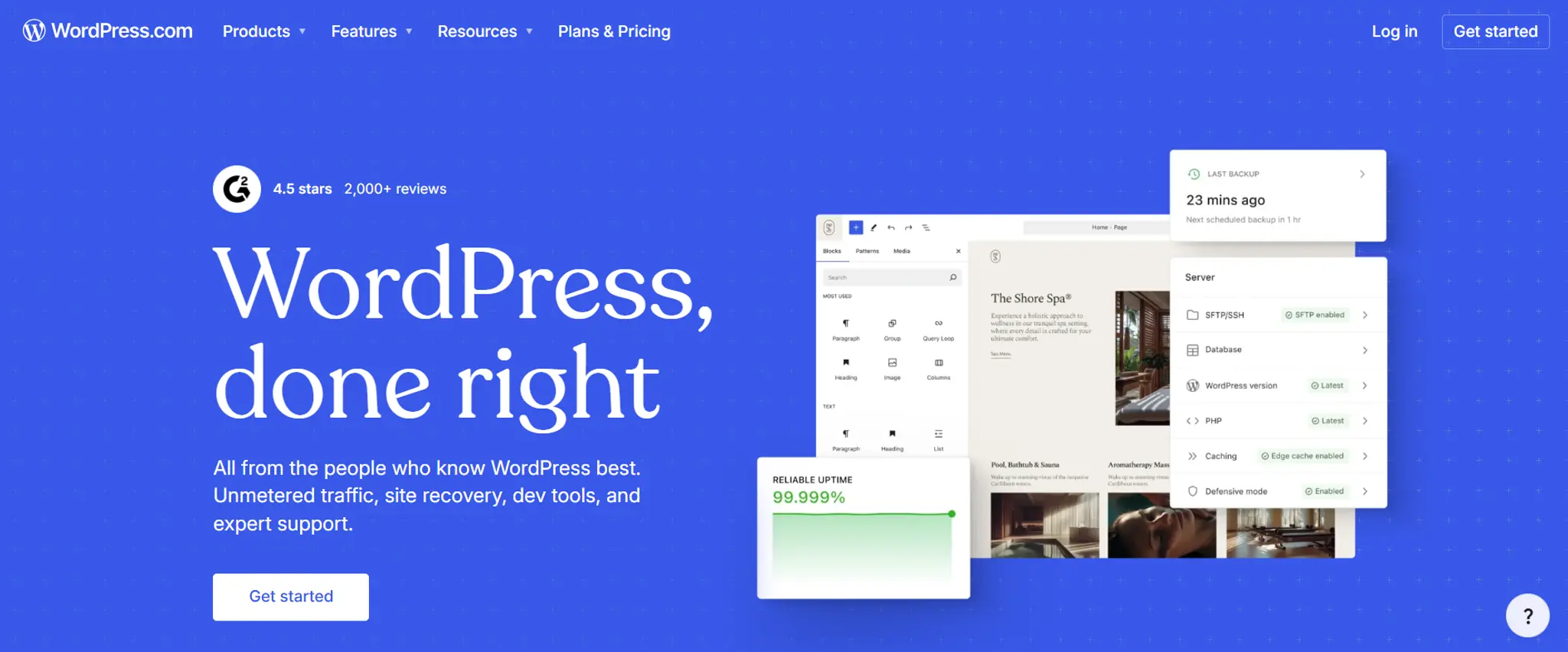
WordPress.com powers a significant portion of the internet's content. For blogs, publications, and businesses where content is the product, it's a serious option.
What it does well: Unmatched plugin ecosystem, deep SEO tooling, strong content management, and a huge community for support.
Where it falls short: WordPress was built for publishing, not brand-forward business websites. The visual editor experience lags behind modern builders, and setup complexity is underestimated by first-time users.
Best for: Content-heavy businesses, blogs, news sites, and SEO-focused publishers
Not ideal: Non-technical users wanting a brand-forward business site with minimal maintenance overhead
Pricing: Free tier available (with subdomain and ads), or start from US$4/mo (billed yearly) to publish on own domain
Brand control ★★★☆☆
Ease of use ★★☆☆☆
Professional output ★★★☆☆
SEO fundamentals ★★★★★
Growth features ★★★★★
Which alternative is right for you?
Your business runs 24/7. Your website should too — and it should look the part.
Upload your brand guidelines. OhhWells builds your design system and your business engine. Look great. Work hard. Never choose between them.