
Prompts for your hero section
Copy one of these three ready-to-use AI prompts to build a hero section for your website. Just swap in your headline and paste.
Last updated July 30, 2026
Prompts for your hero section
🔲 Select the section you want this to appear near, then paste
Your hero is the first thing people see. Pick one of the three layouts below, swap in your headline, and paste.
You don't need to write the whole thing yourself — just the one line that says what you do. Everything else is already written.
Split — heading left, one image right
Good for most businesses — clean, simple, easy to scan.
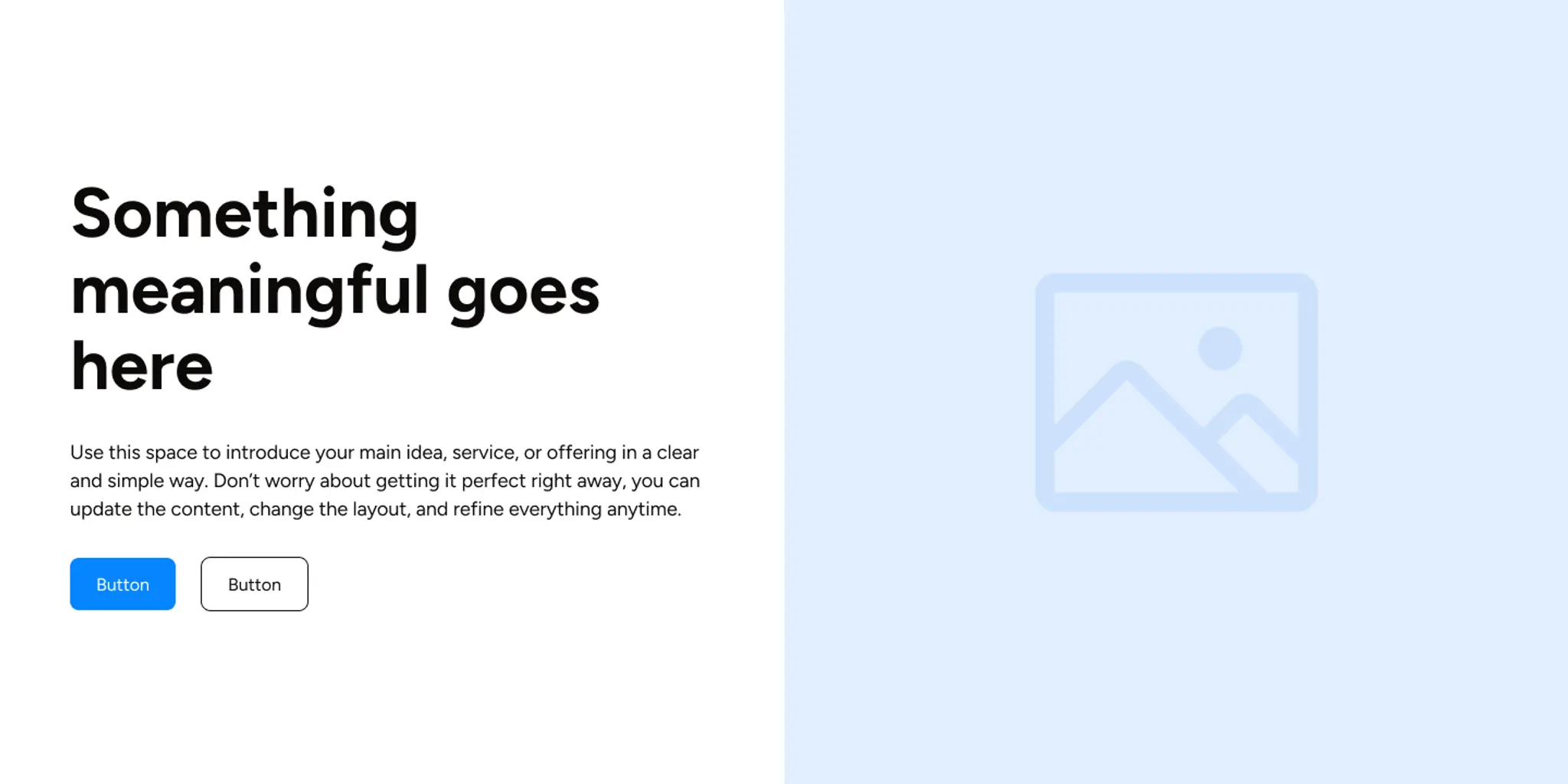
Create a hero section with the heading on the left
and one large image on the right.
Headline: "[your headline]" Add a short paragraph
introducing the business below it, then two buttons
— a primary "Get started" and a secondary "Learn
more." Keep the text dark on a light background.
Split with image cluster — heading left, three images right
Good if you want to show more of your space or your work at a glance — a studio, a salon interior, a gallery of finished work.
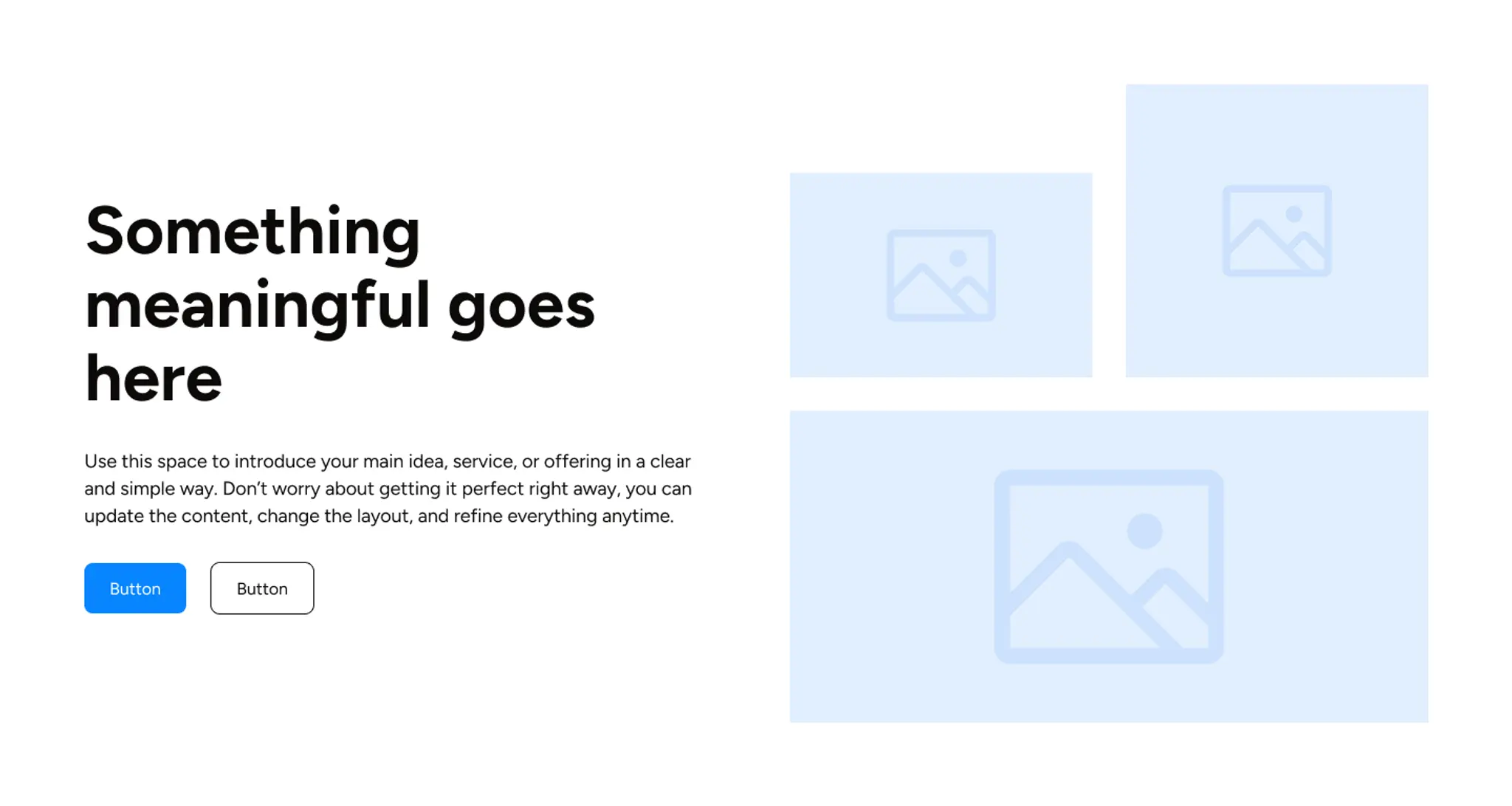
Create a hero section with the heading and text
on the left, and a cluster of three images of
different sizes arranged on the right.
Headline: "[your headline]," a short intro paragraph
beneath it, and two buttons — "Get started" and
"Learn more." Dark text on a light background.
Overlay — heading centred over a full photo
Good when you have one striking photo you want front and centre. Works best with a photo that isn't too busy — the text sits directly on top of it.
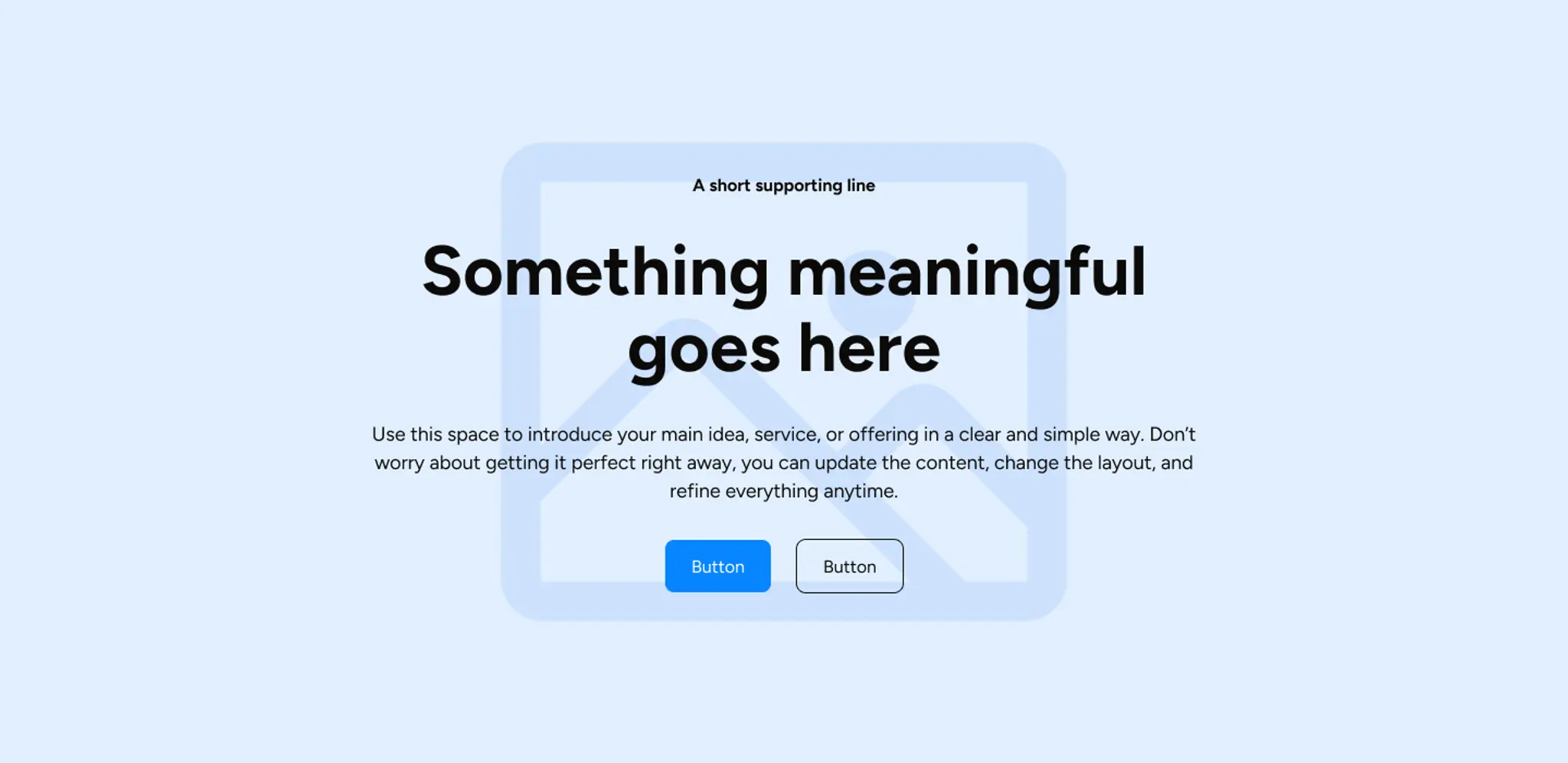
Create a hero section with a full-width background
image and all the content centered on top. Start
with a small eyebrow line "A short supporting line,"
then a large headline "[your headline]" a short
paragraph, and two centered buttons — "Get started"
and "Learn more." Make sure the text stays readable
over the image.
Change this bit
[your headline]to The one line that tells someone what you do, in plain language — "Book a reformer pilates class in Bangsar", "Where Bangsar comes to breathe", "Skincare that actually listens to your skin"
A tip. Keep it to one sentence. The buttons and supporting paragraph are already written for you — the headline is the only thing carrying your voice, so it's worth spending the most time on.
Where to use it
🔲 Click the section you want this new hero to appear next to first. If you're starting a brand new page, select the top section (or leave nothing selected, if your page is empty) — then paste your prompt.
If nothing on the page is selected and there's already content there, the AI may add this to the end of the page rather than the top.
What you'll get
A complete hero section with your headline, a short intro paragraph, and two buttons — one primary, one secondary — already styled to match your site's theme.
What won't change: anything else already on your page. This only adds the new section; it doesn't touch existing ones.
Didn't work the way you expected?
Press Cmd + Z (Mac) or Ctrl + Z (Windows) and the section disappears, exactly as if you'd never pasted it.
If the new hero landed in the wrong place, it's almost always because of what was selected before you pasted. Click the section you want it next to and try again.
If the layout feels crowded or empty, try one of the other two layouts above instead — same headline, different arrangement.